The children have been extremely thoughtful for this challenge, writing messages, poems and pictures for people who they think are doing a great job at the moment. Well done everyone!
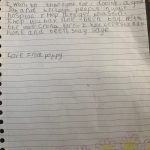
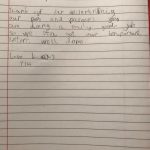

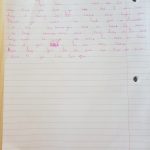
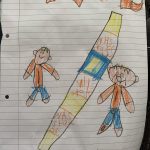
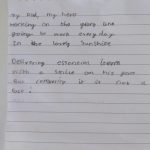
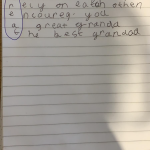

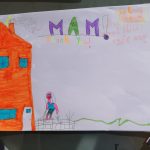
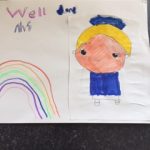
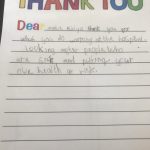
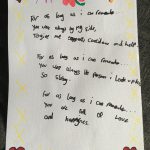

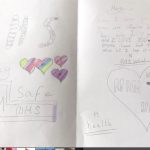
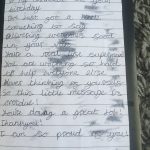

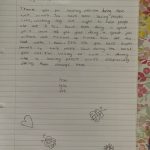
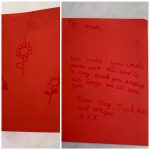


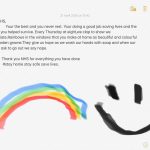
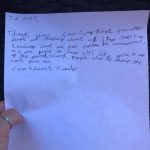



The children have been extremely thoughtful for this challenge, writing messages, poems and pictures for people who they think are doing a great job at the moment. Well done everyone!
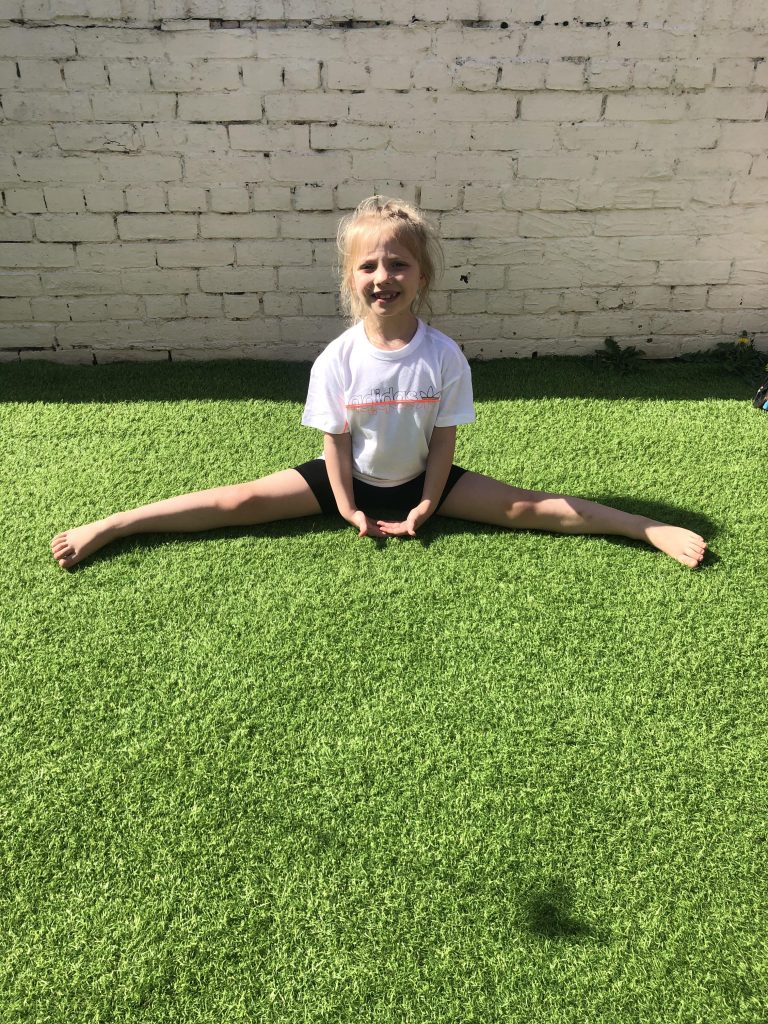
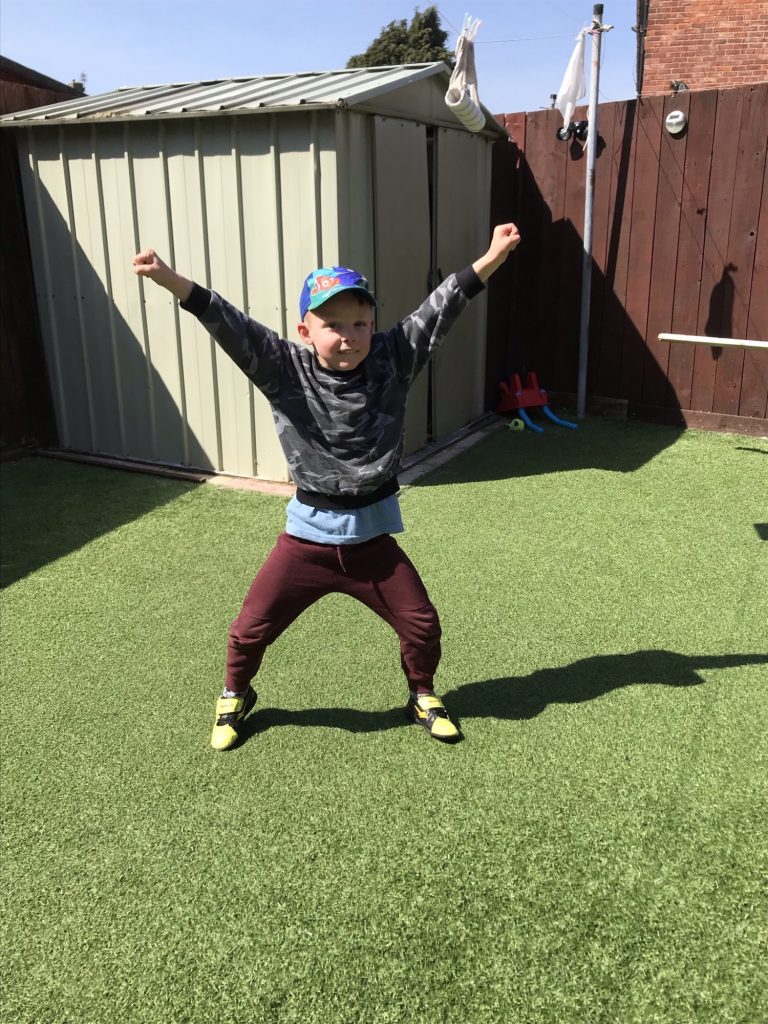
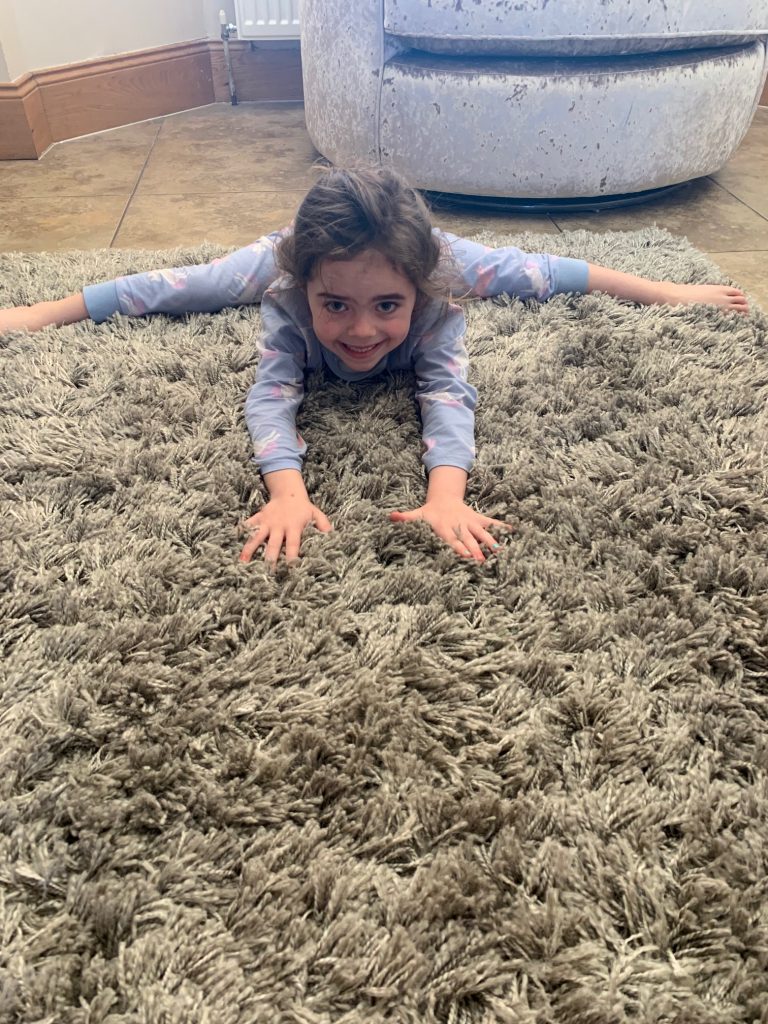
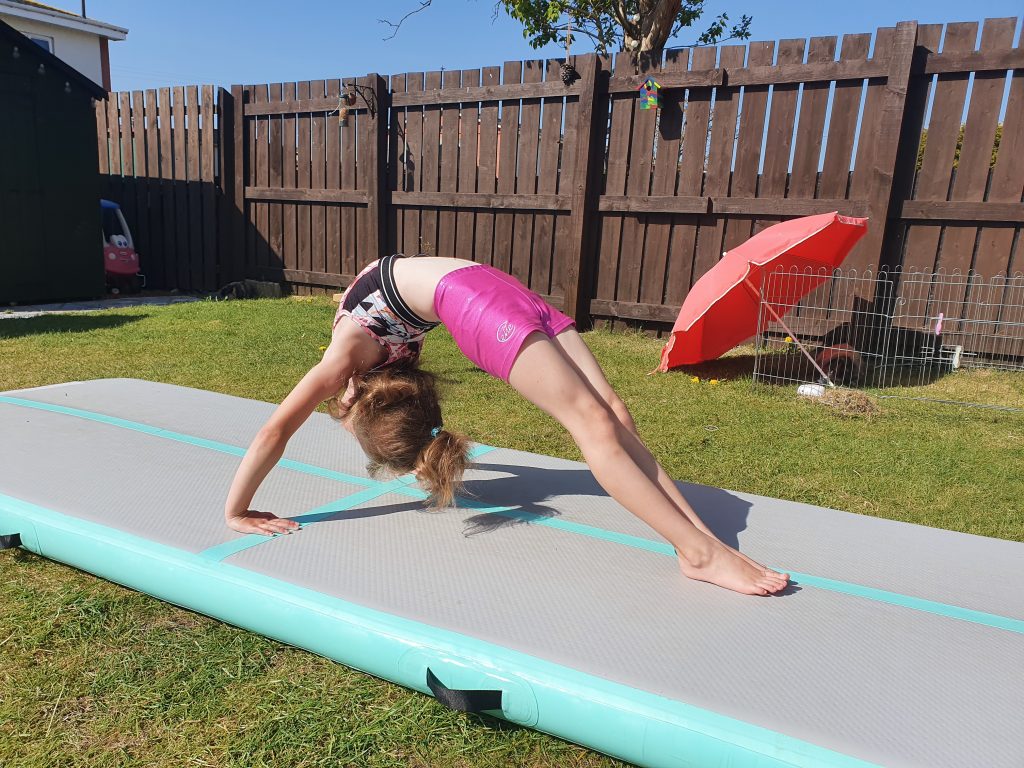
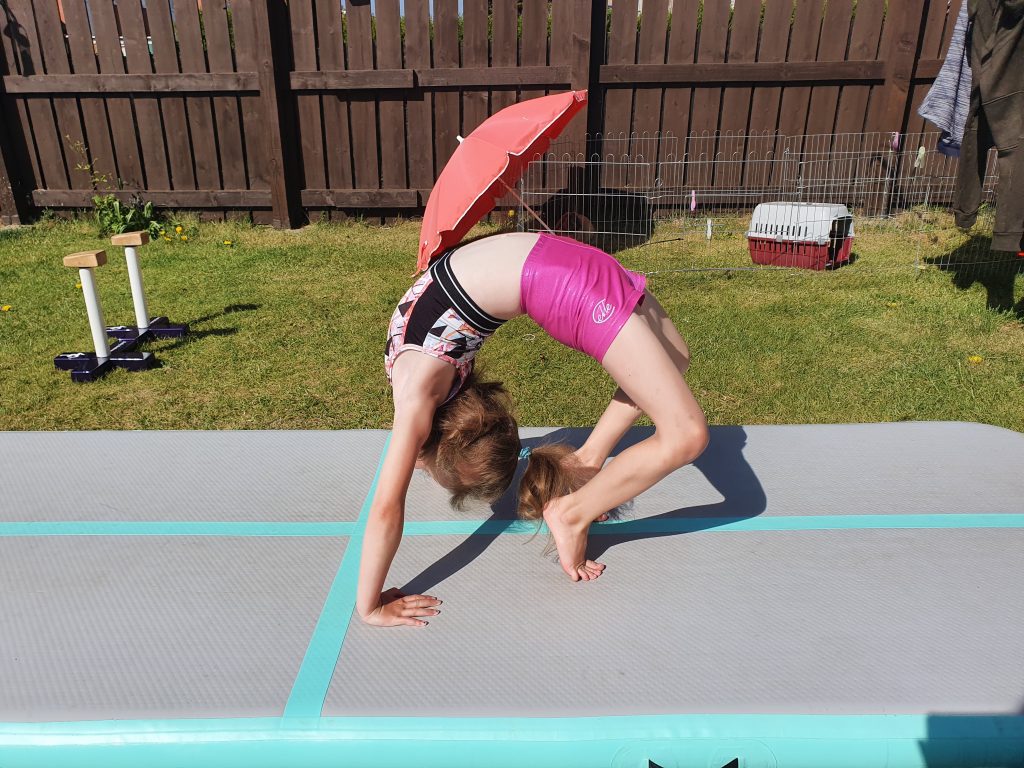
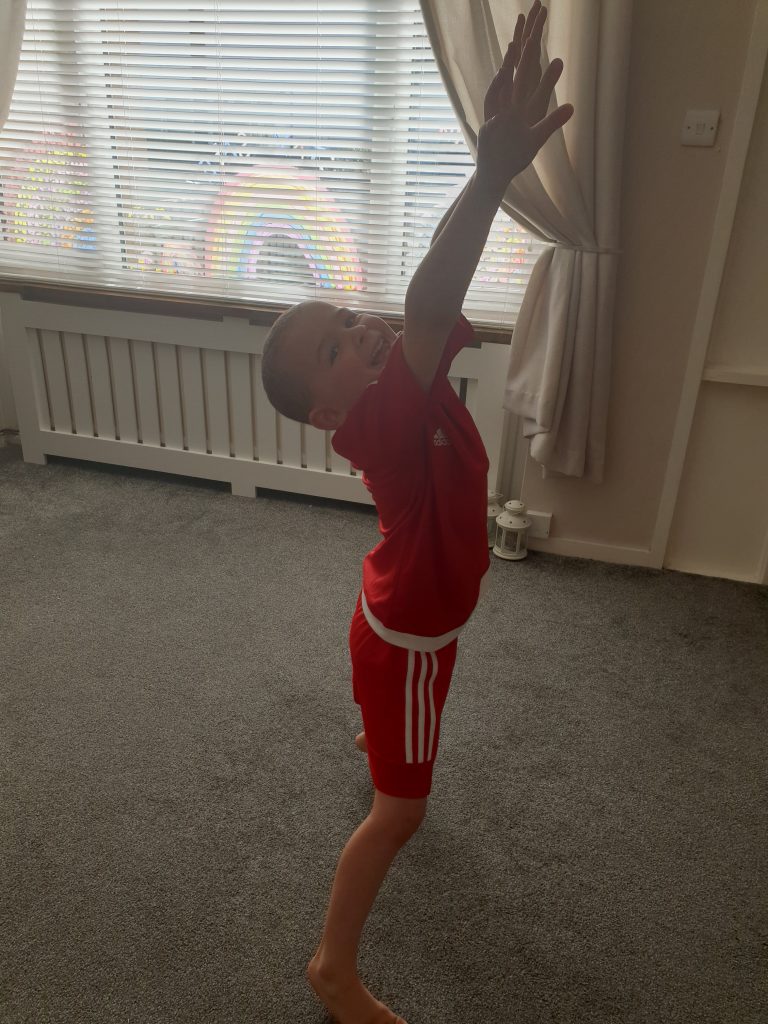
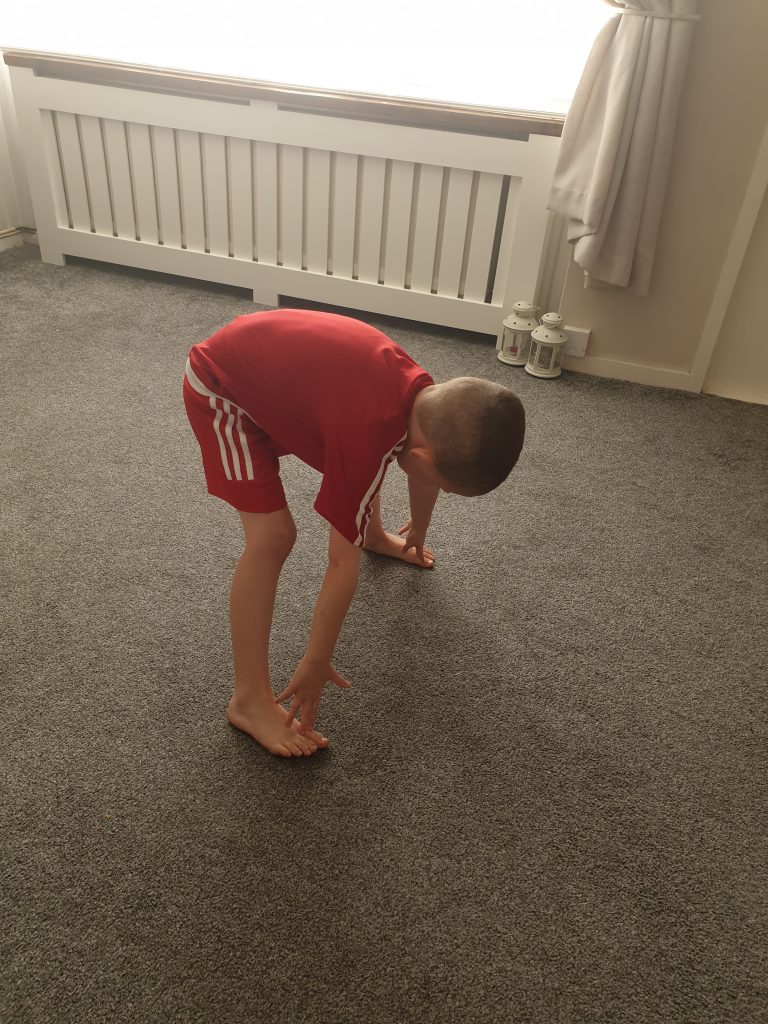
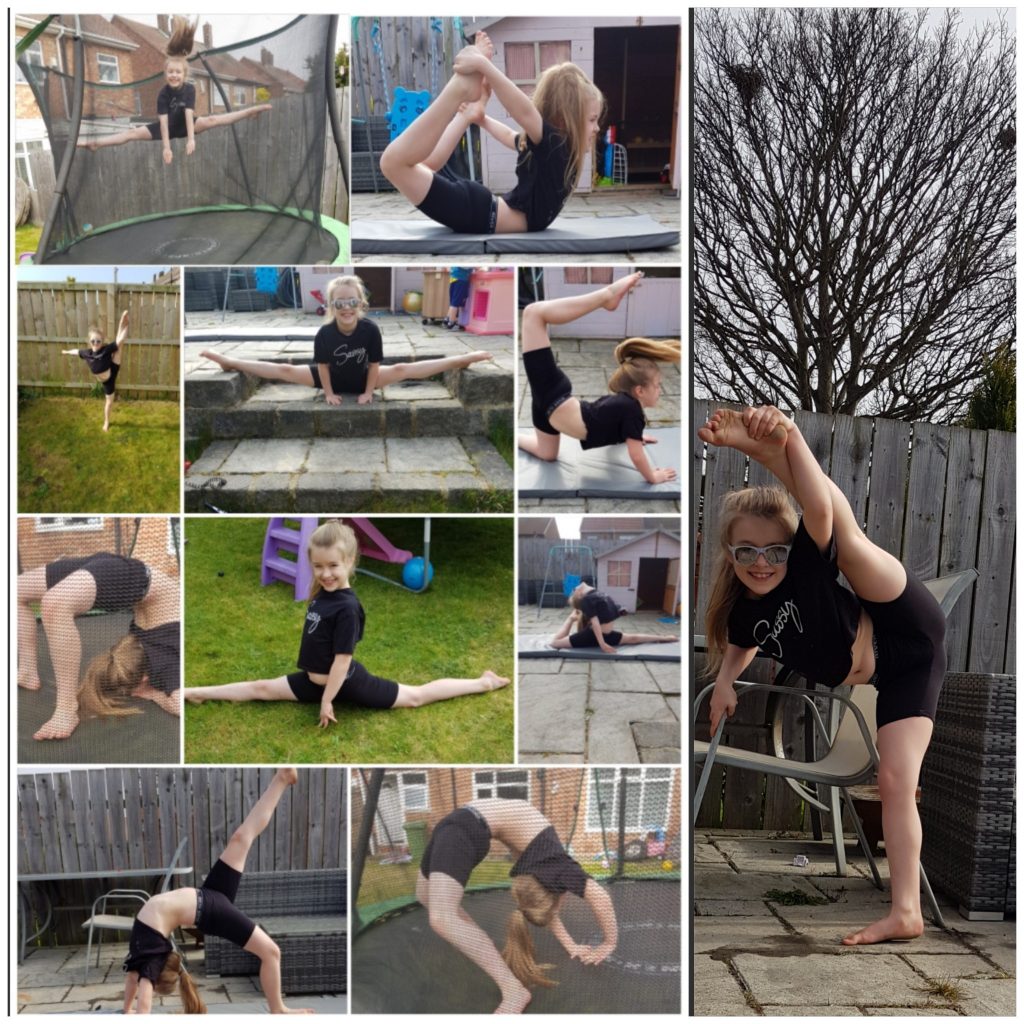
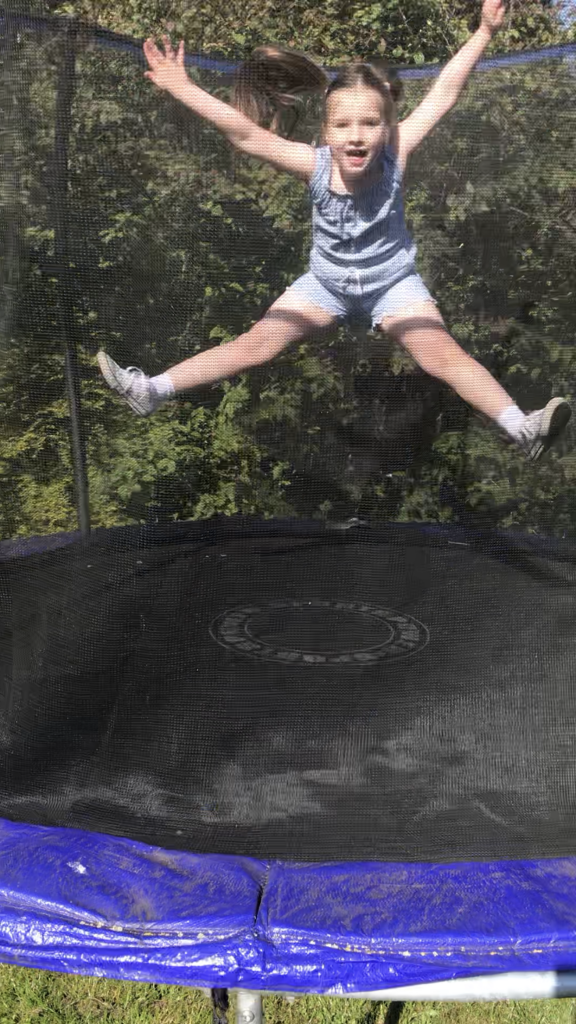
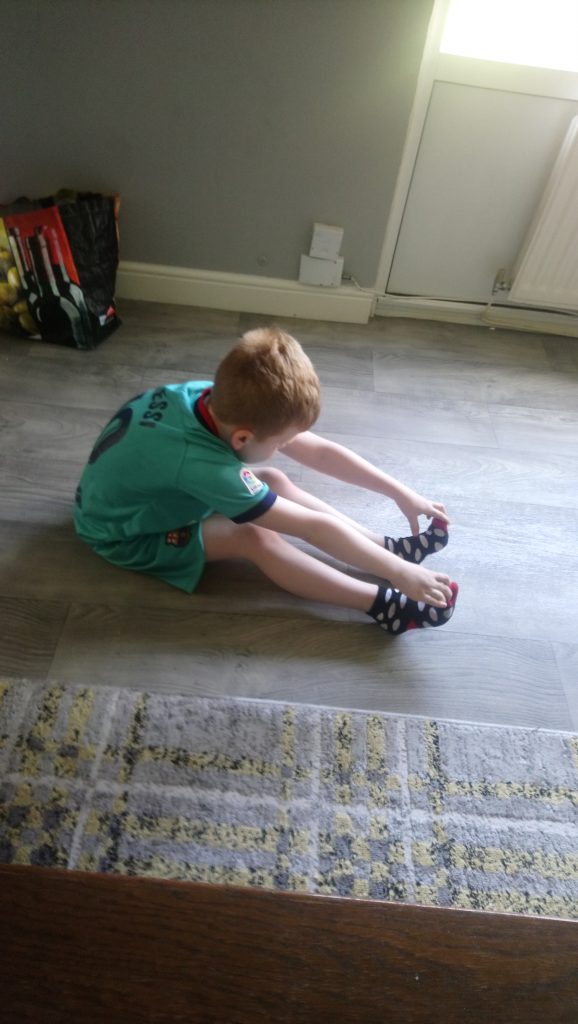
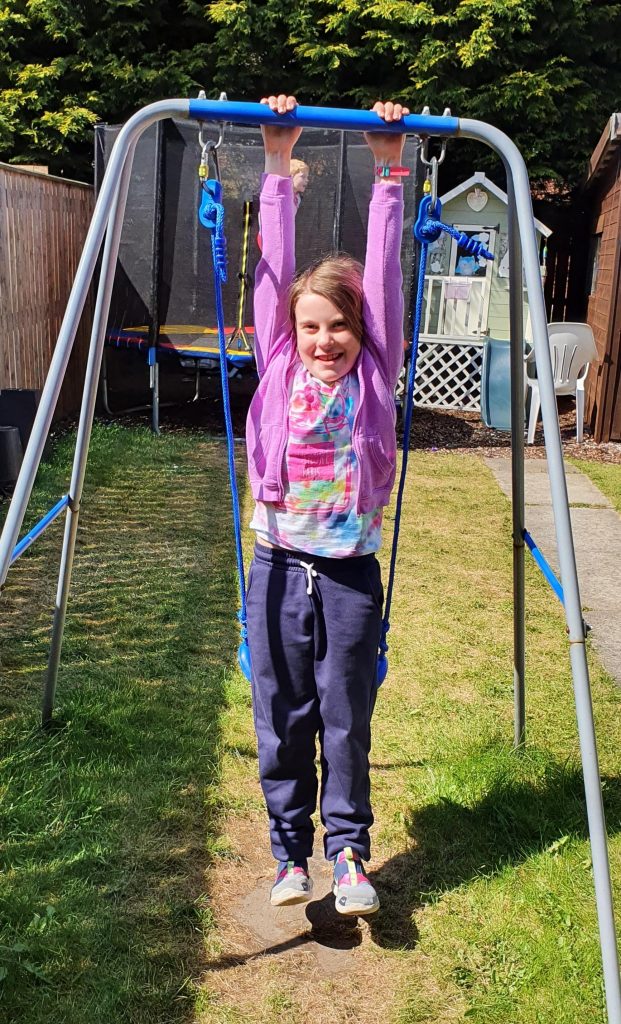
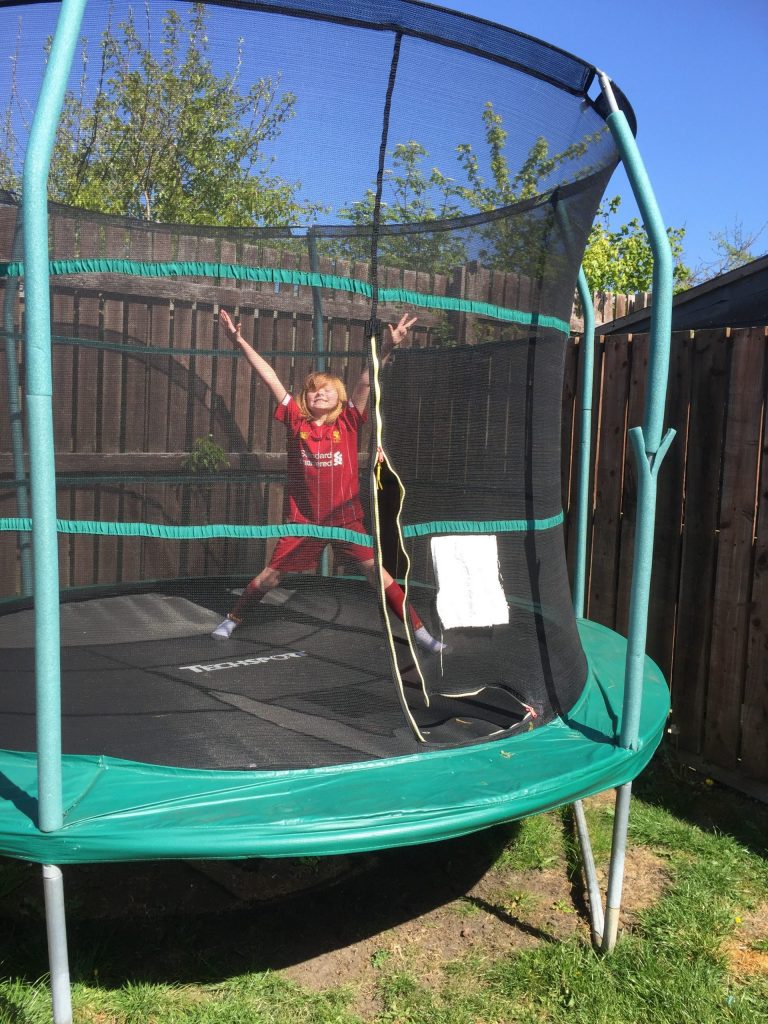
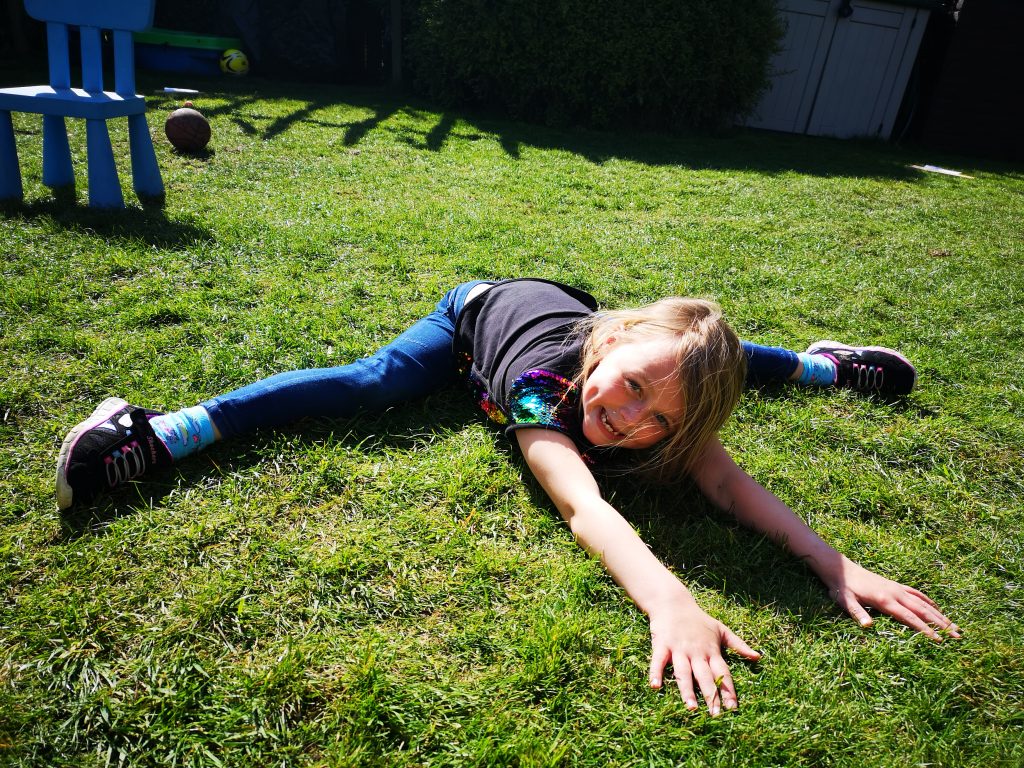
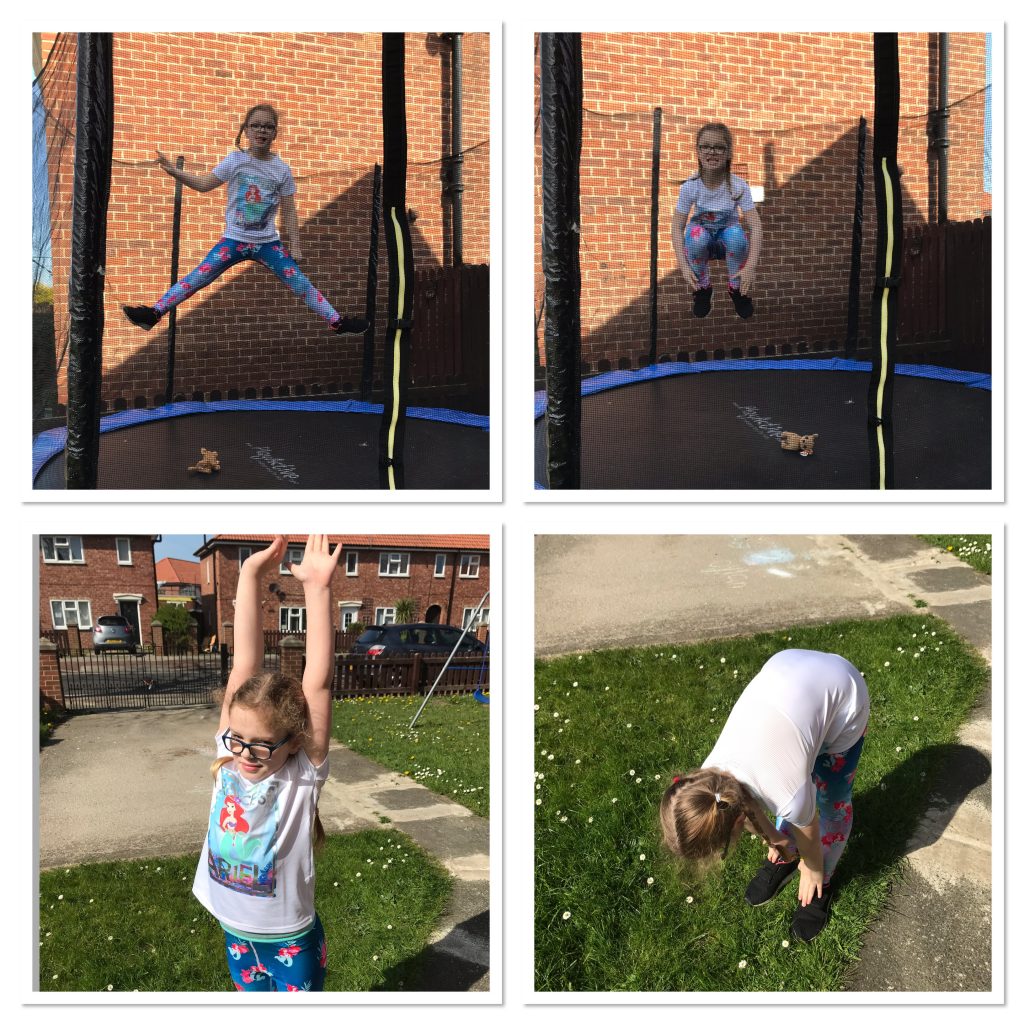
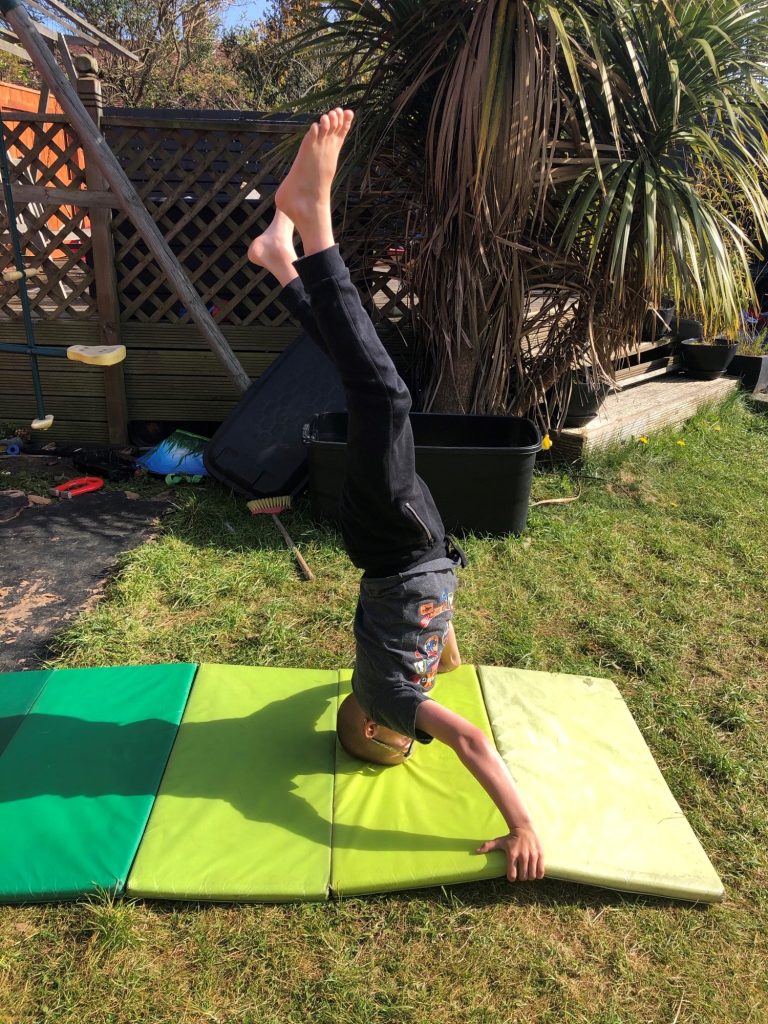
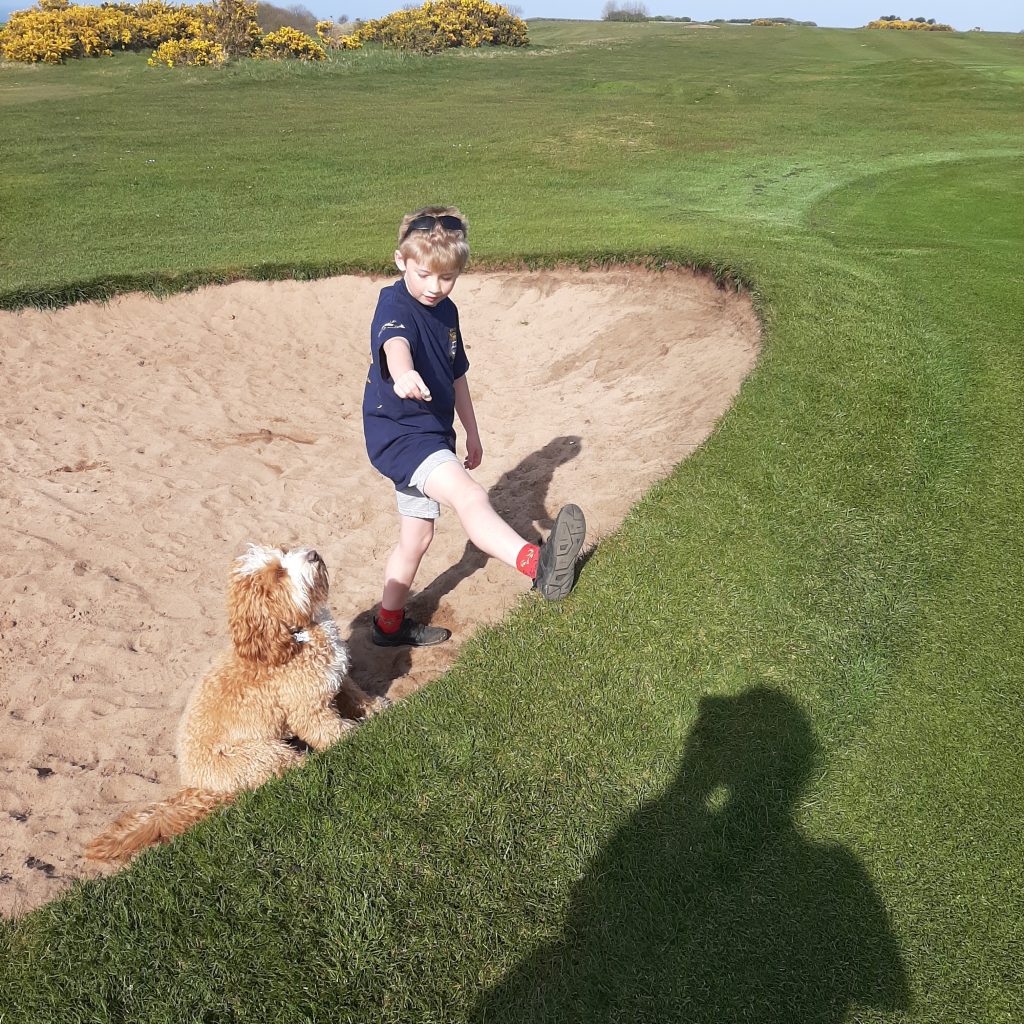
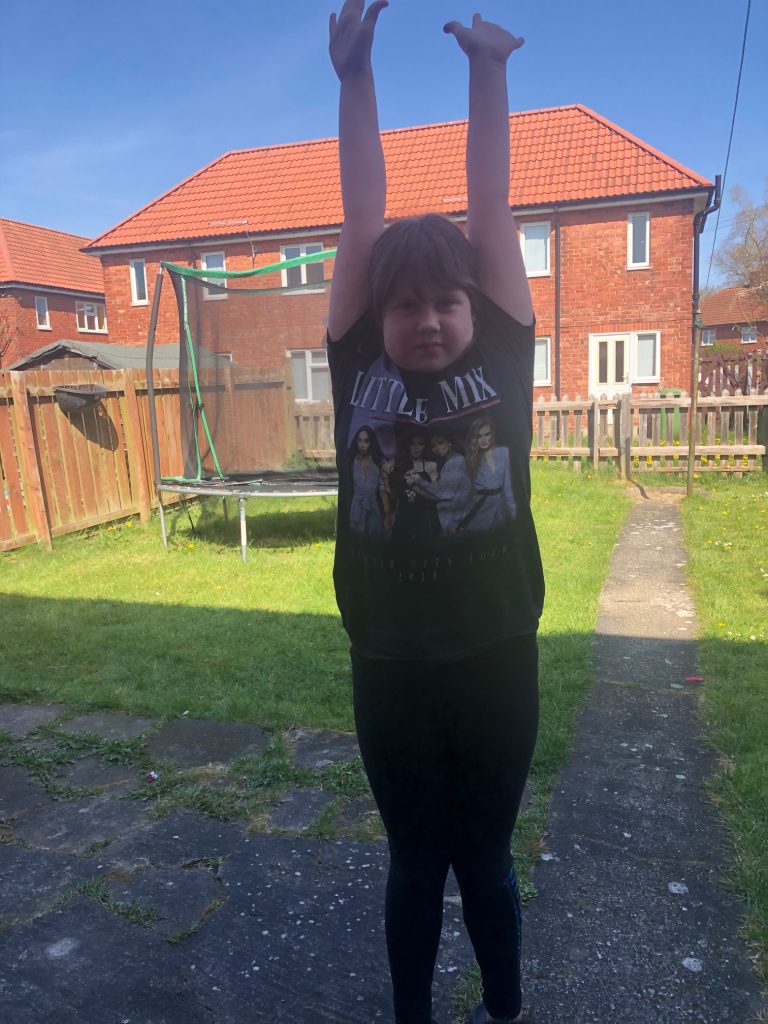
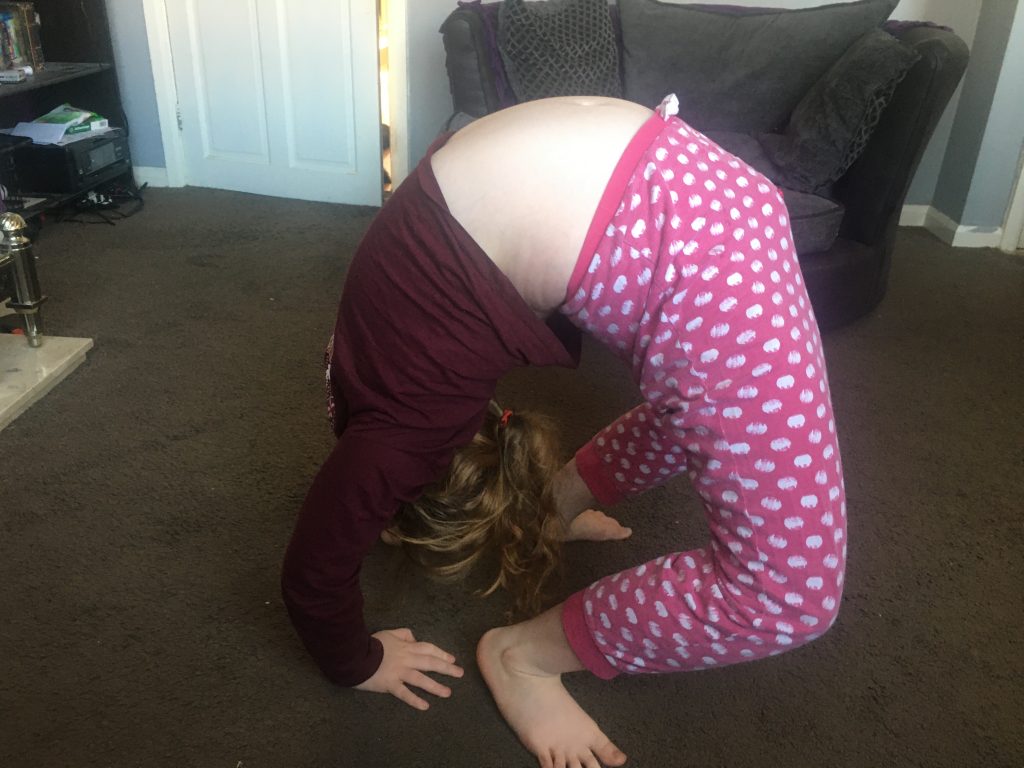
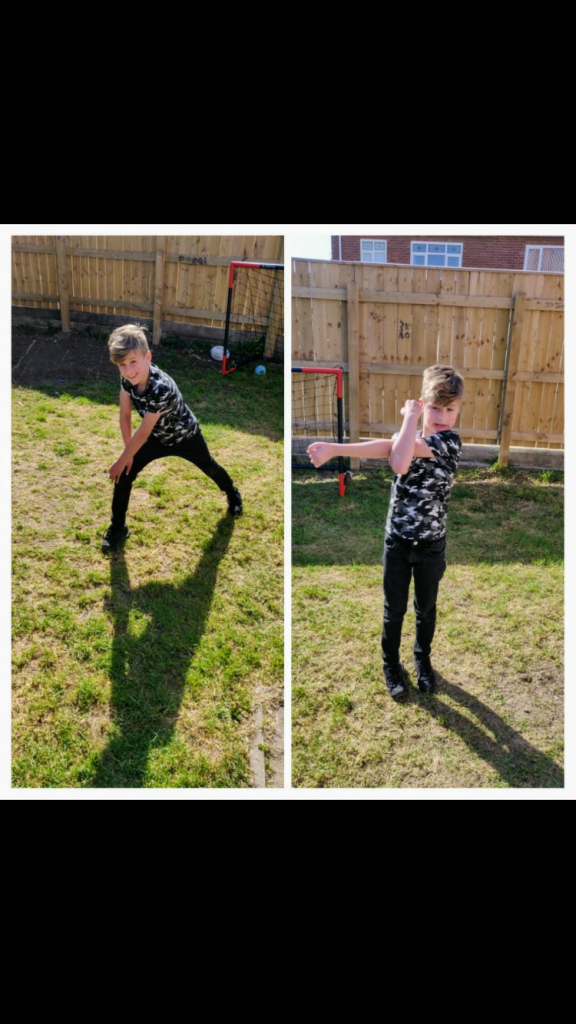
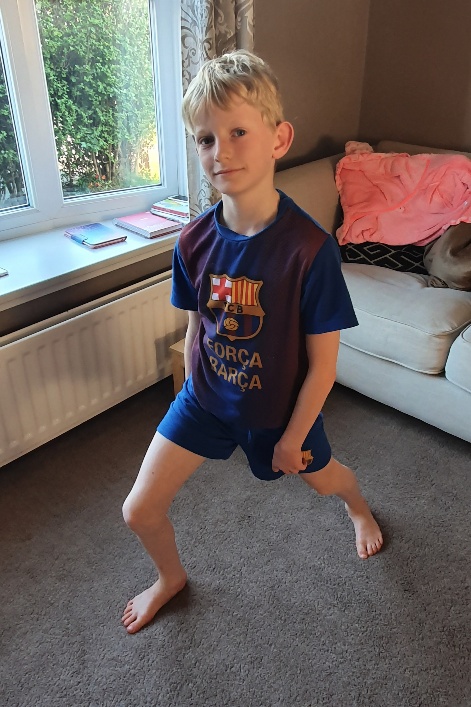
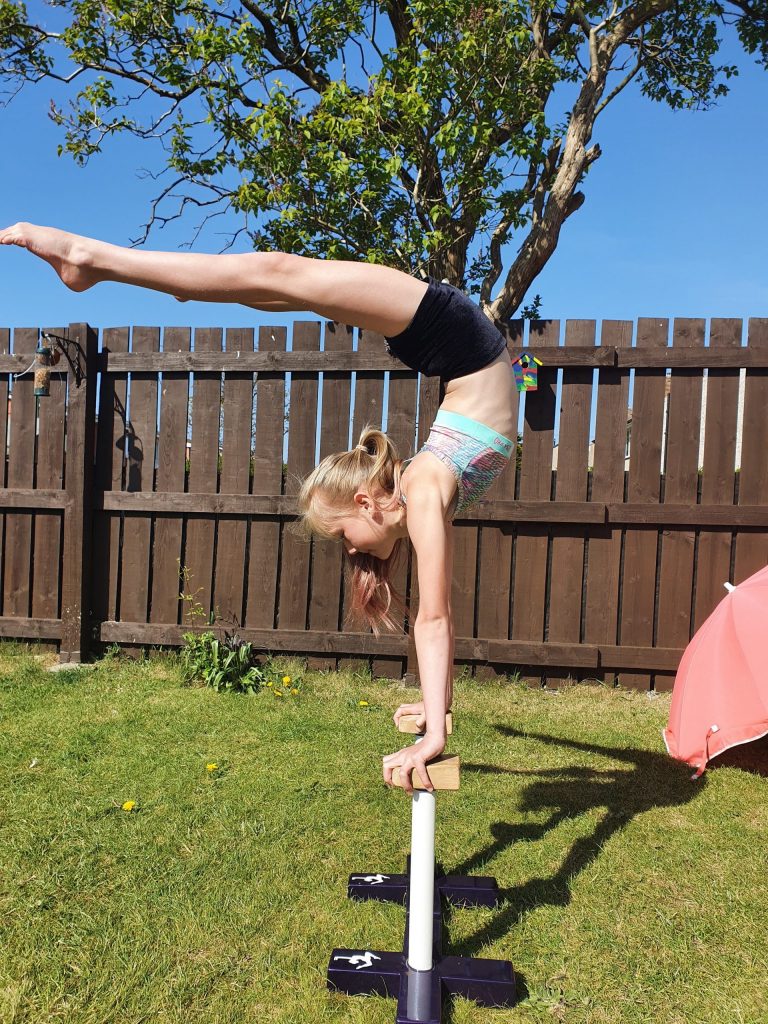
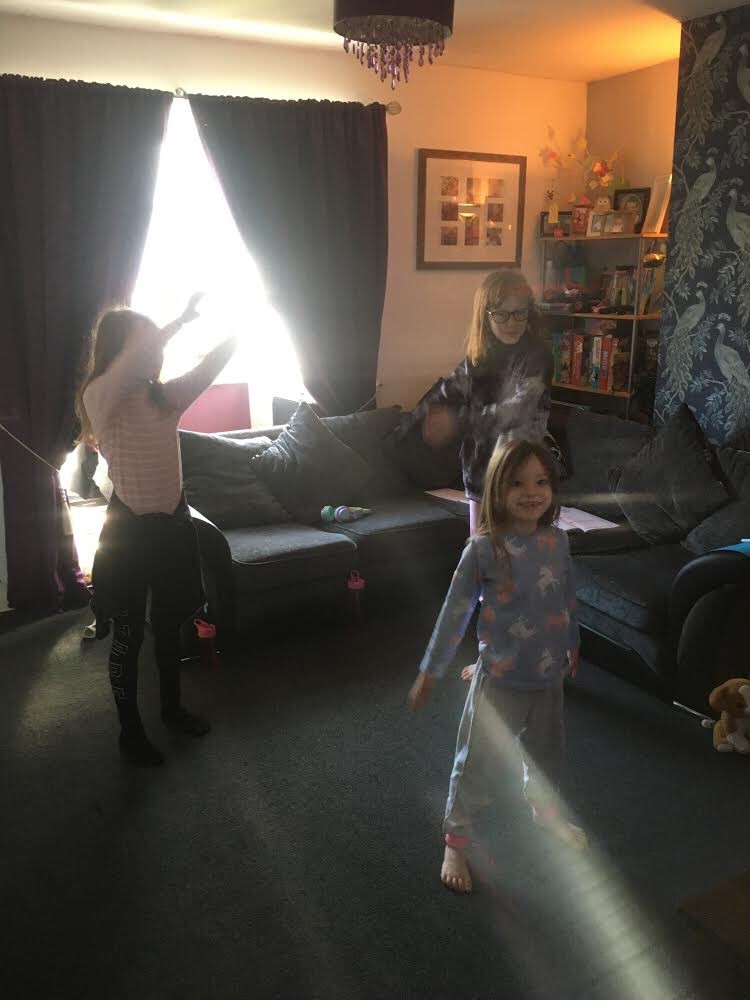
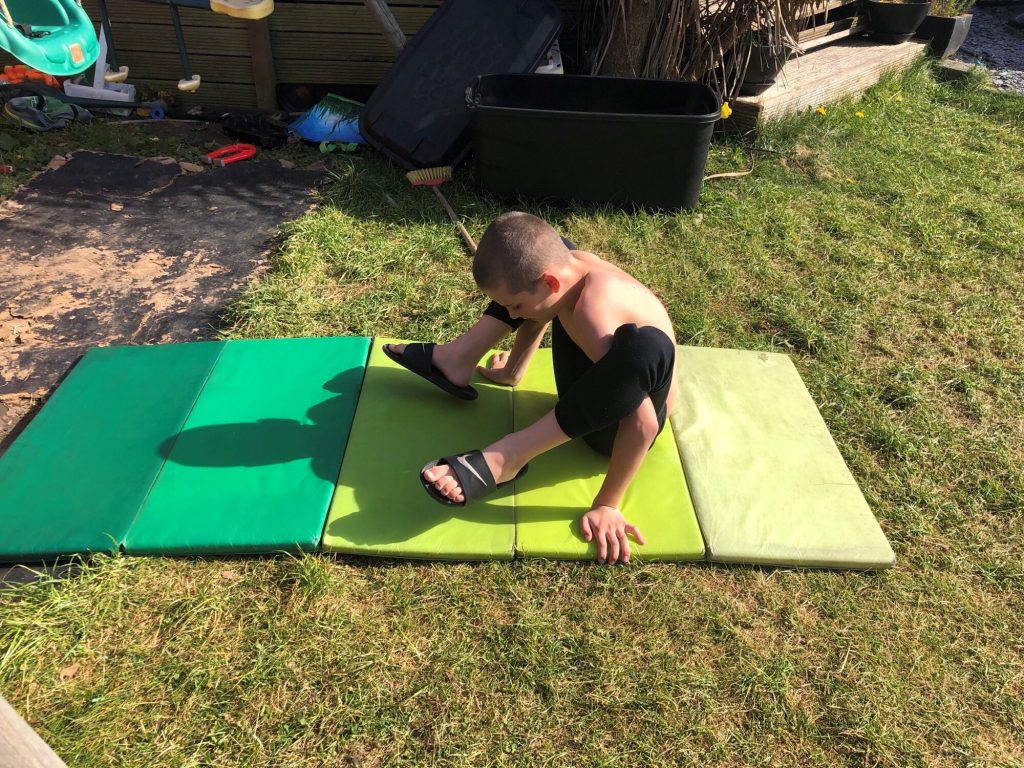
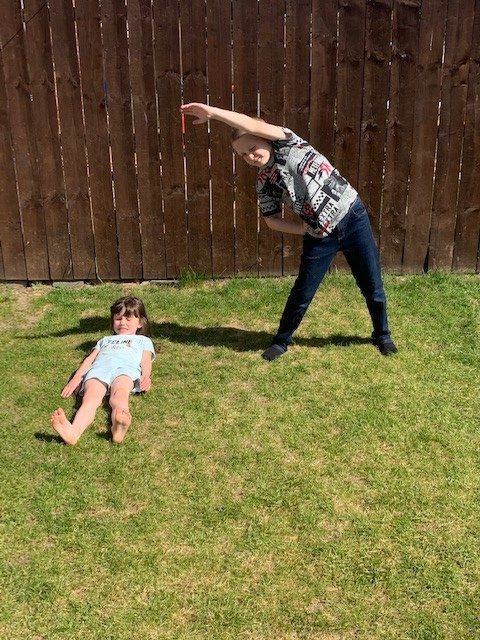
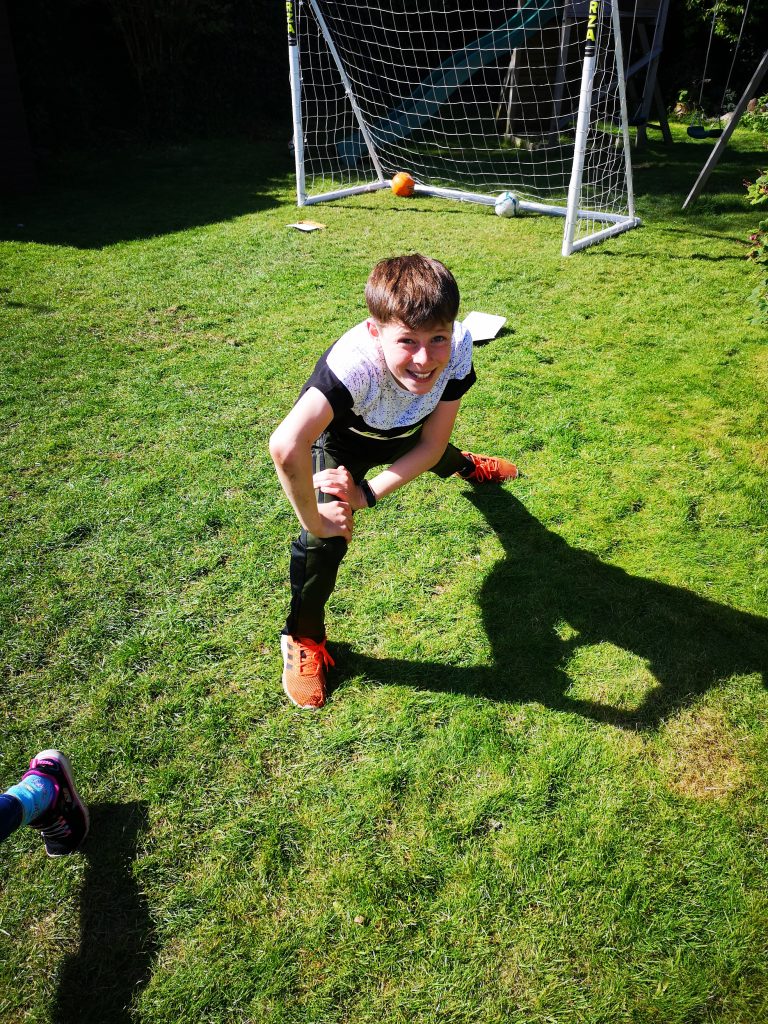
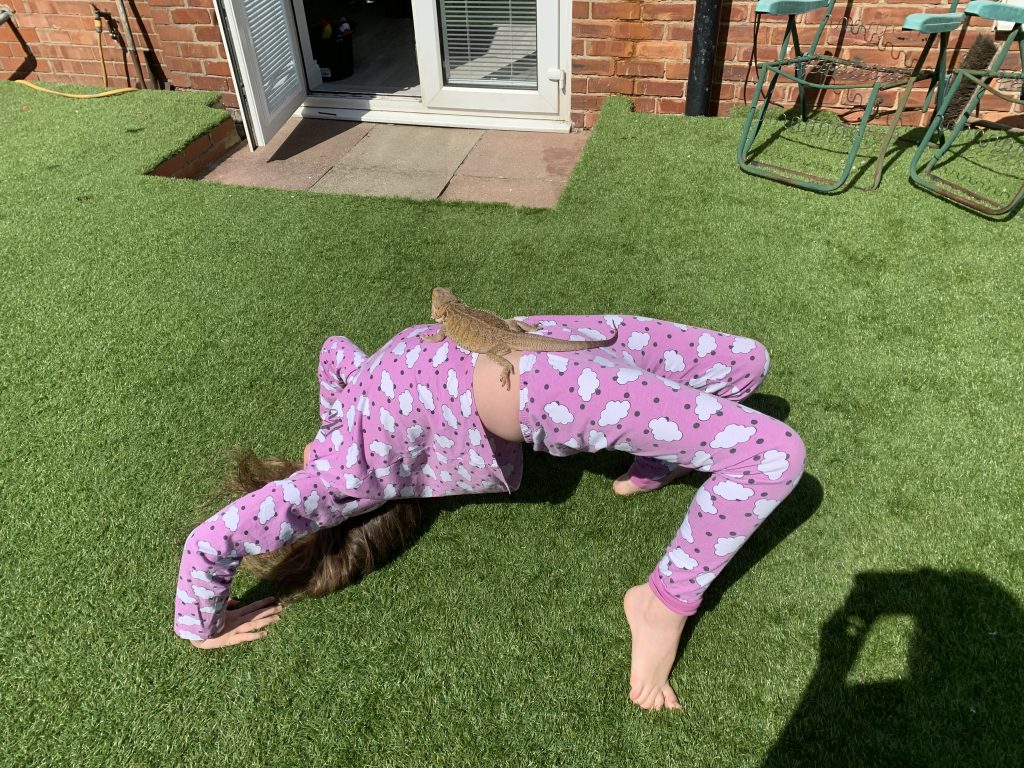
Look at our wonderful stretch poses for the daily challenge! We all know that stretching is extremely important to keep our muscles healthy, strong and flexible.


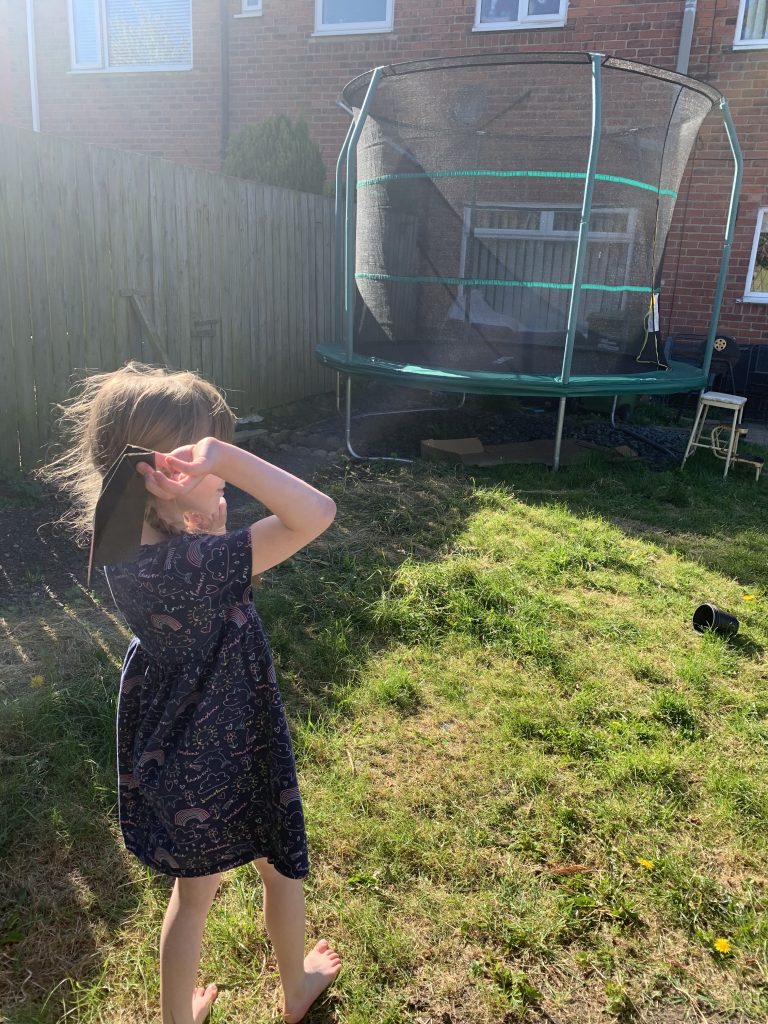
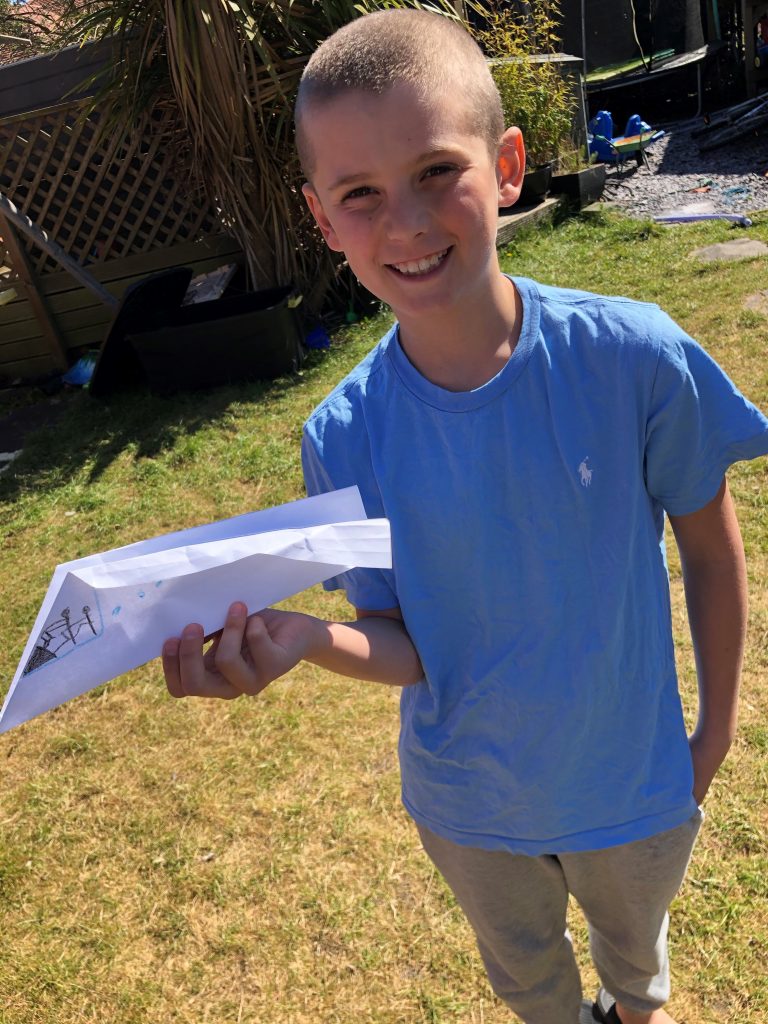
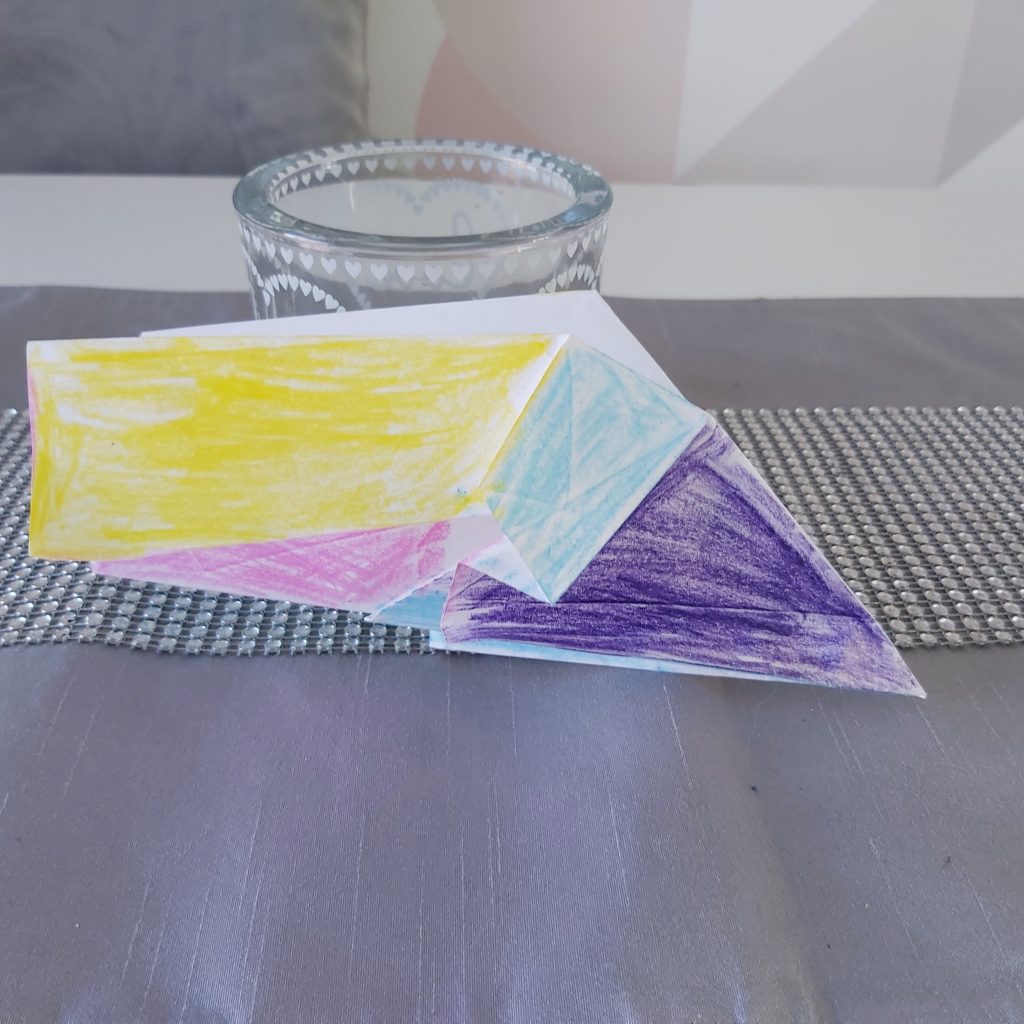
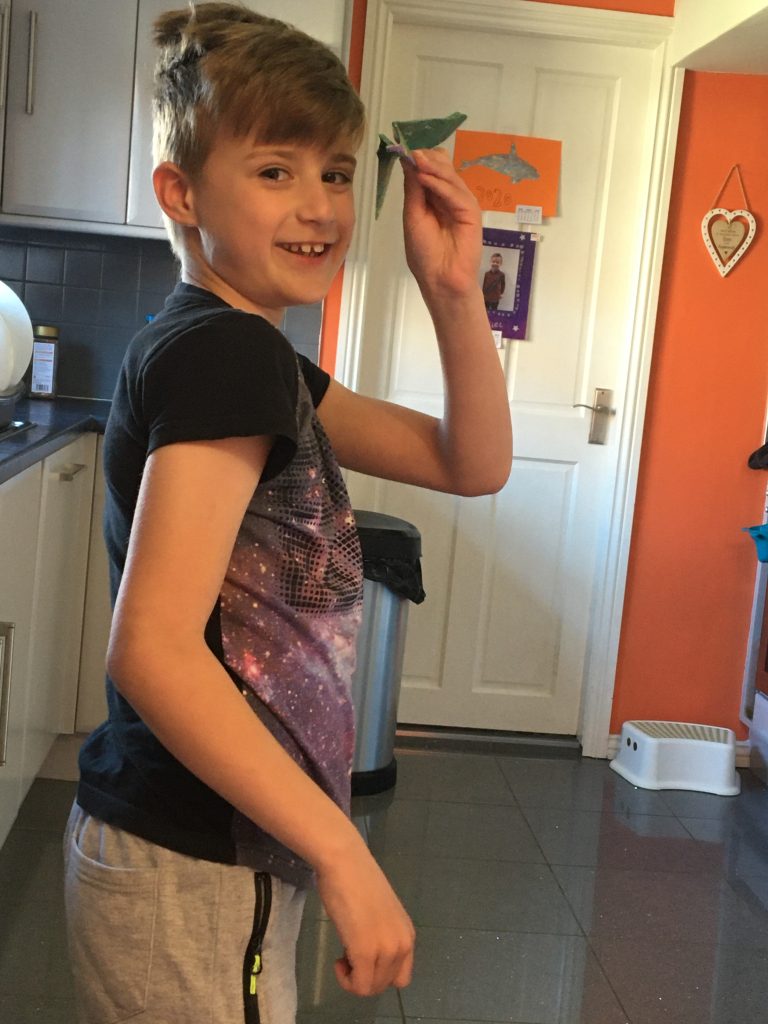
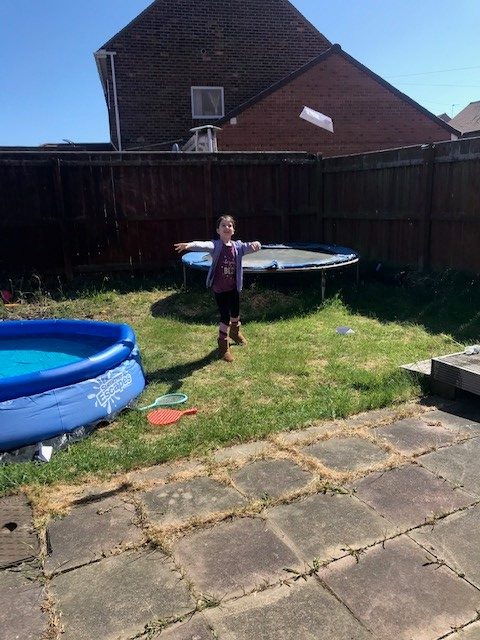
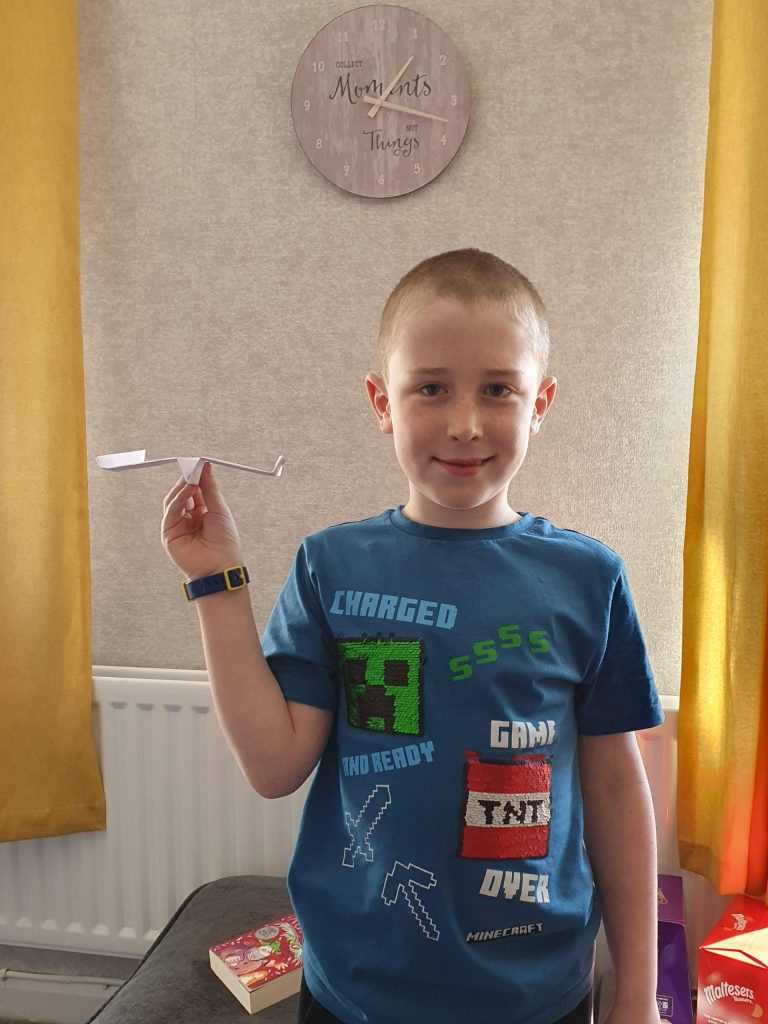
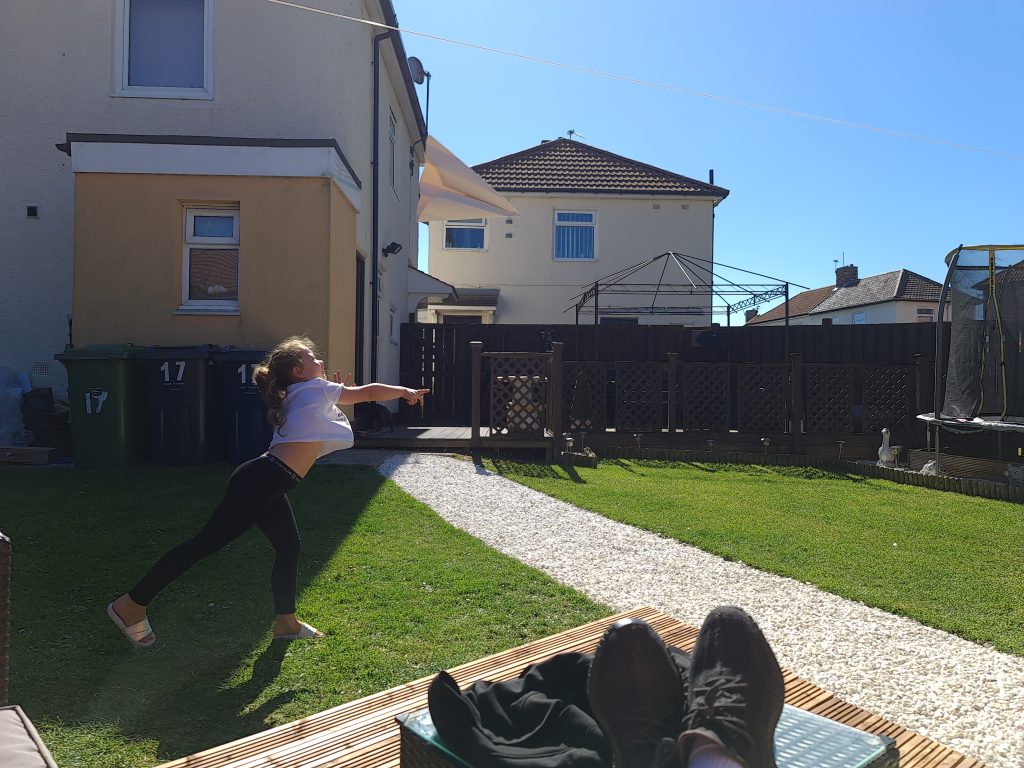
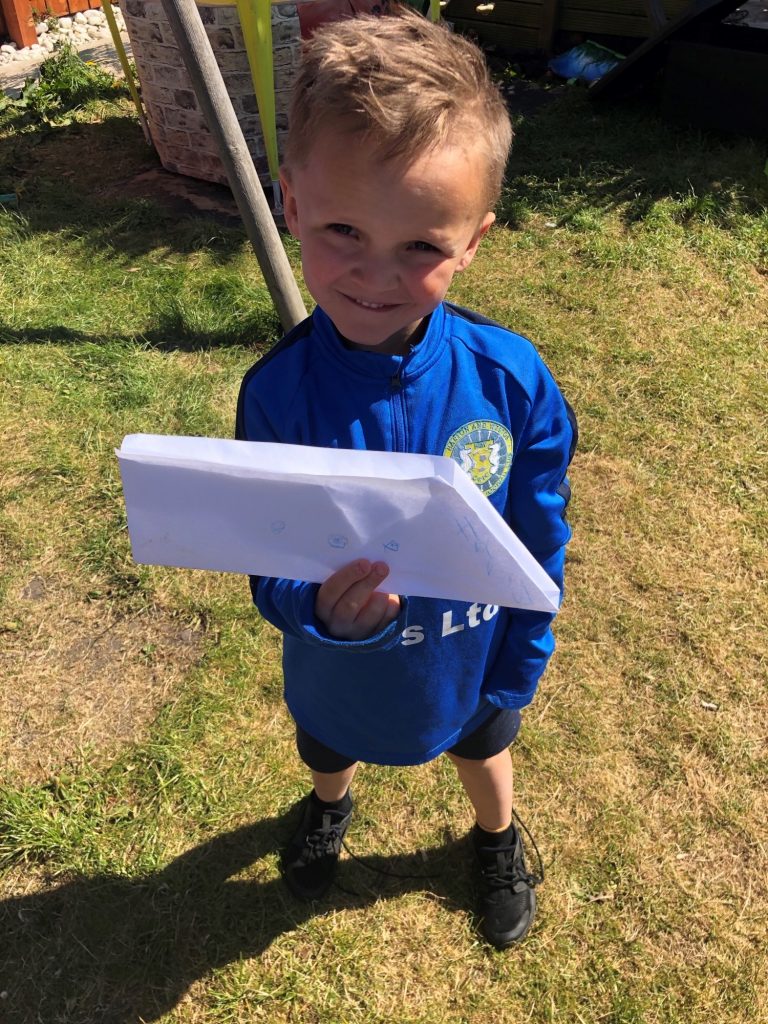
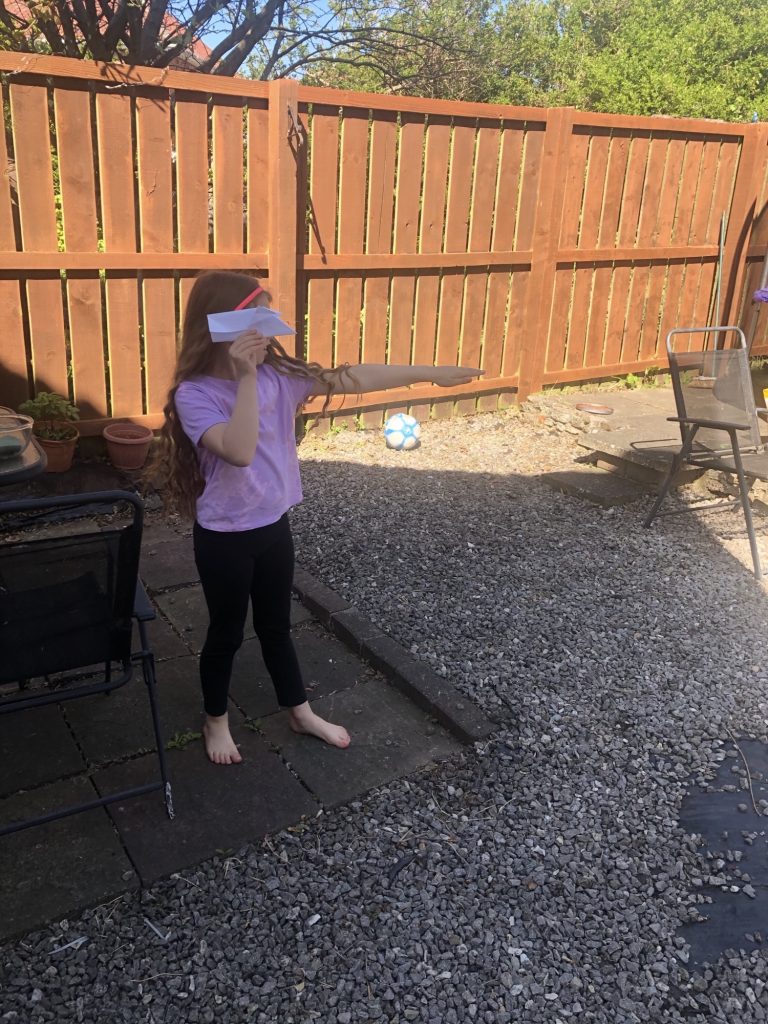
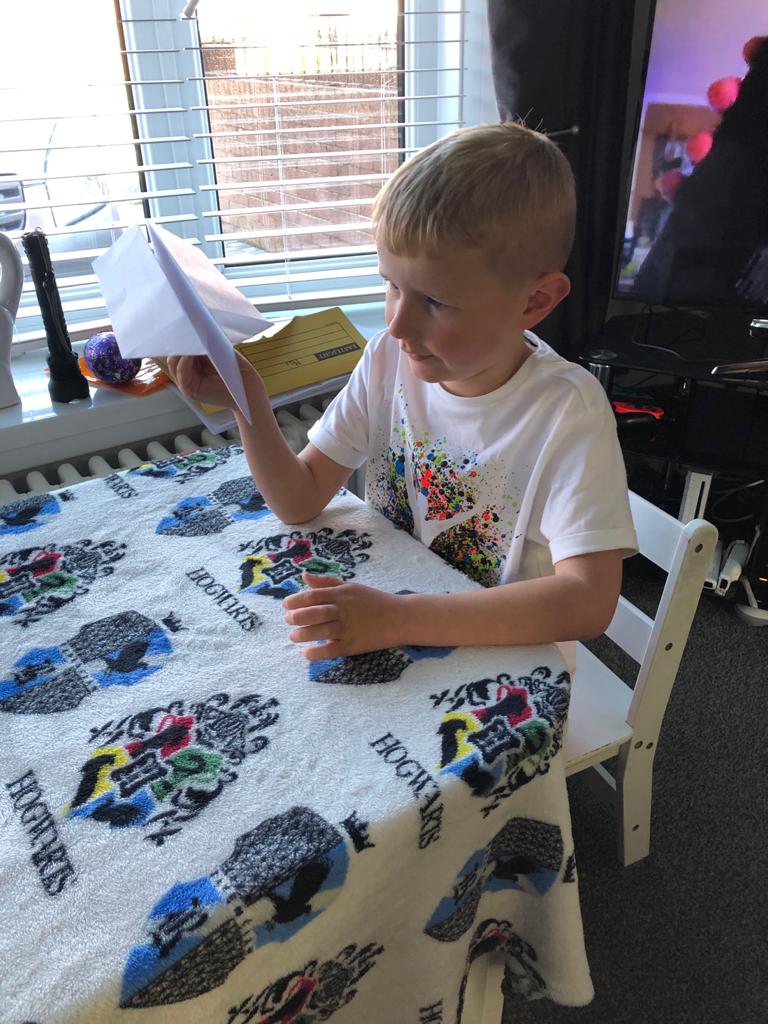
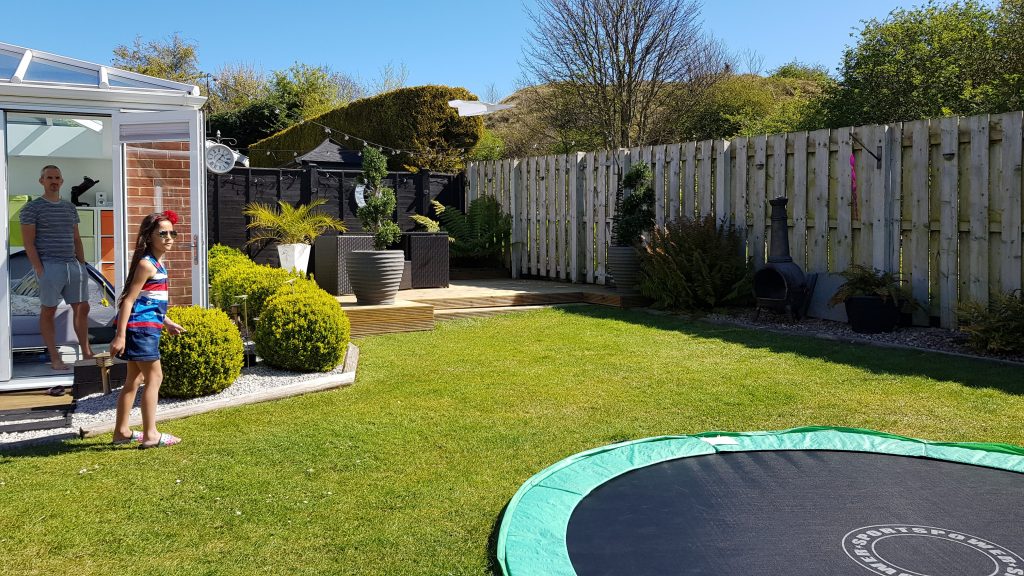
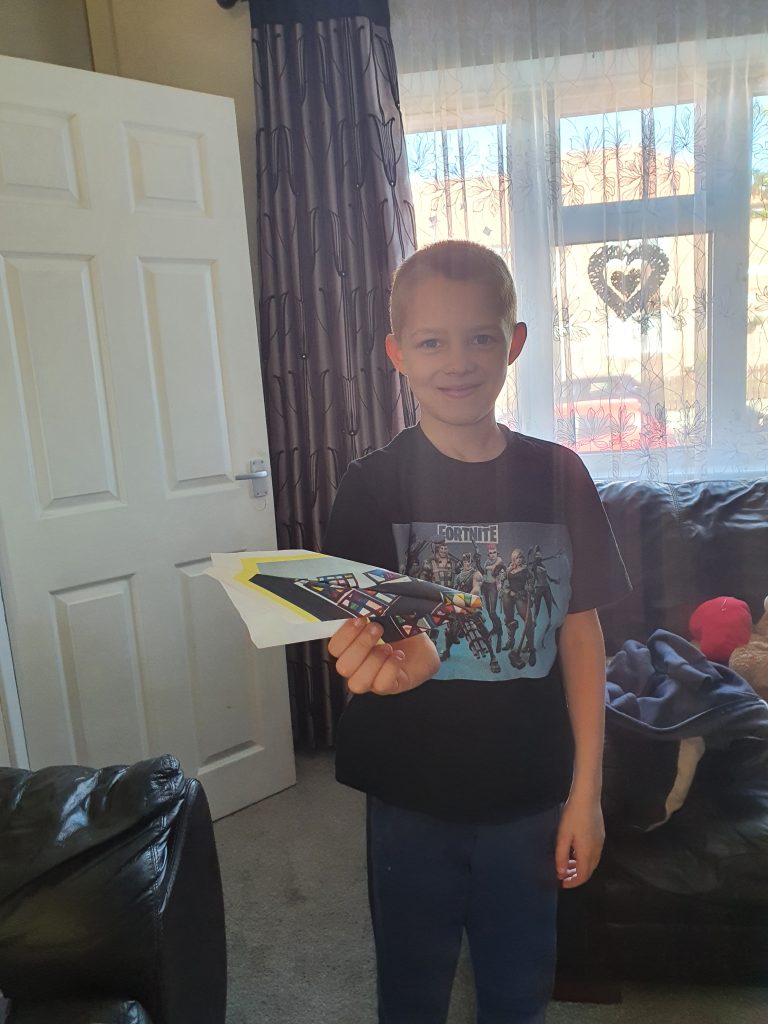
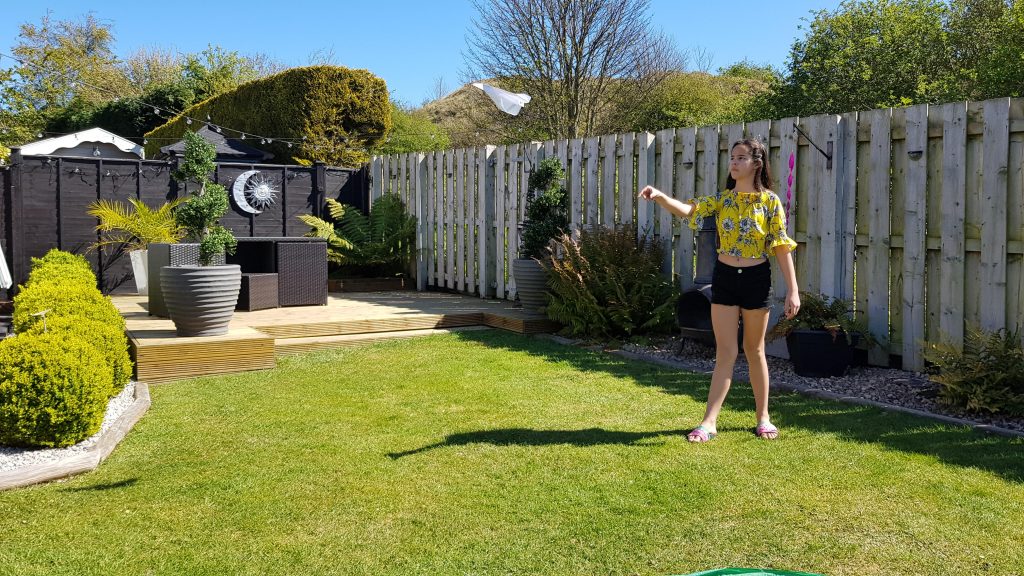
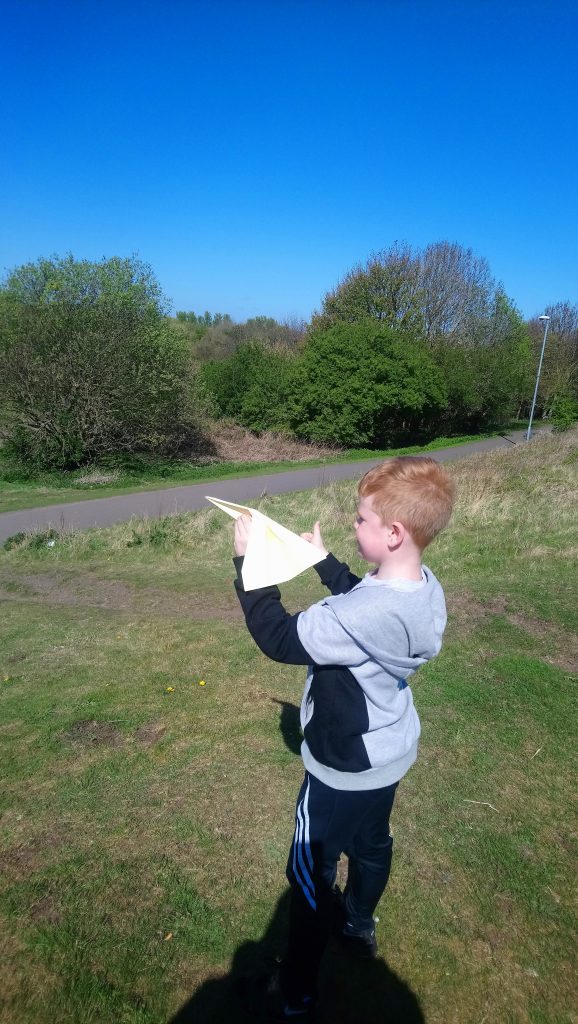
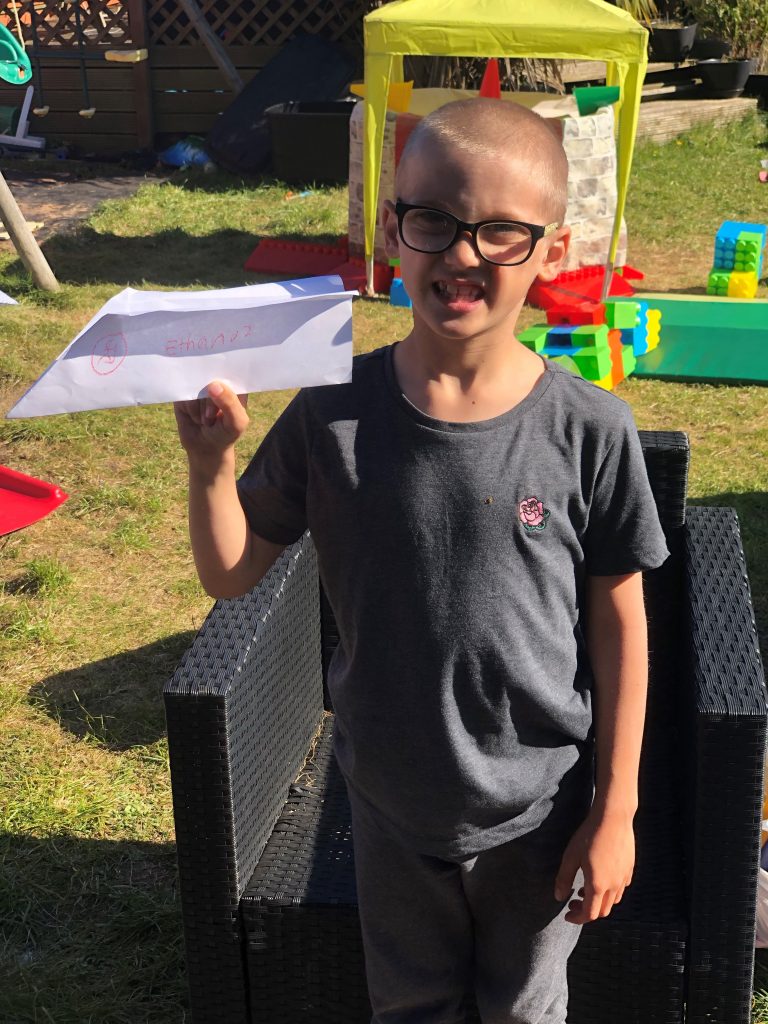
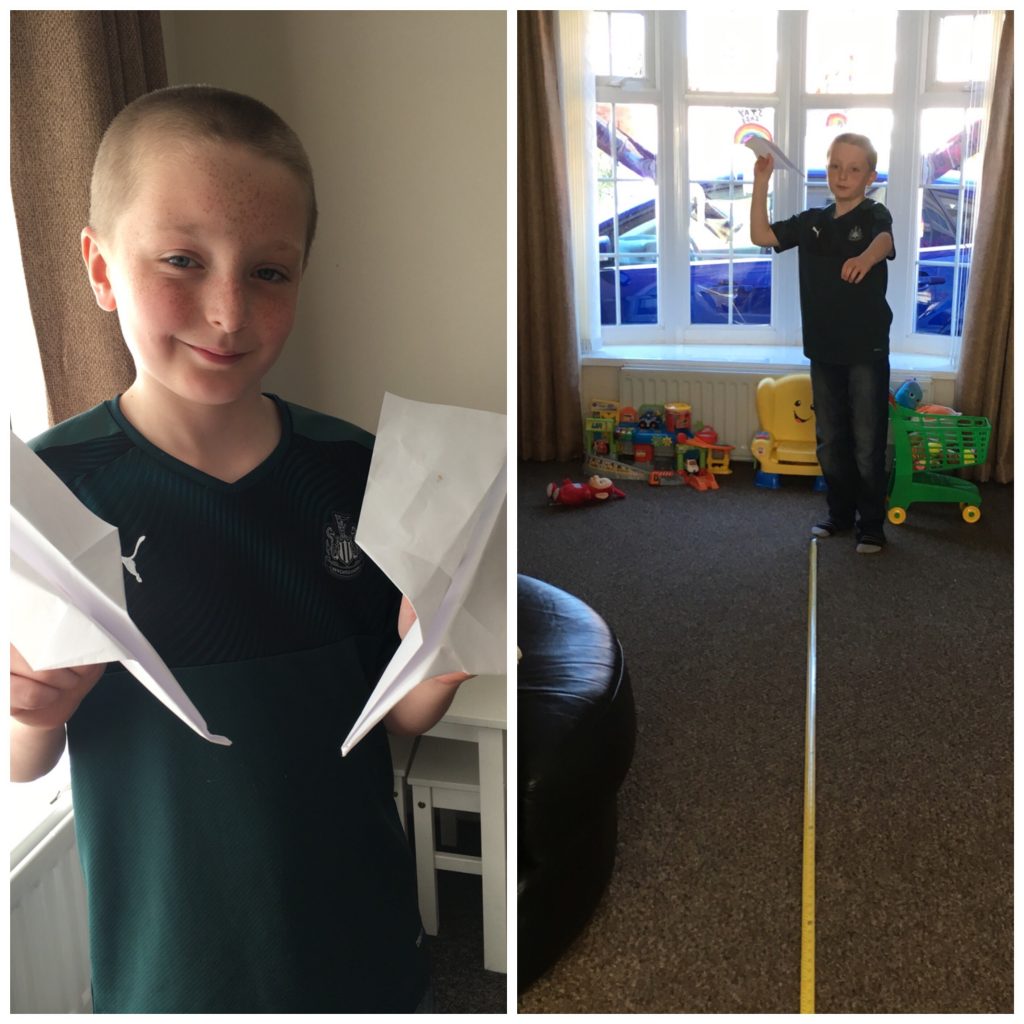
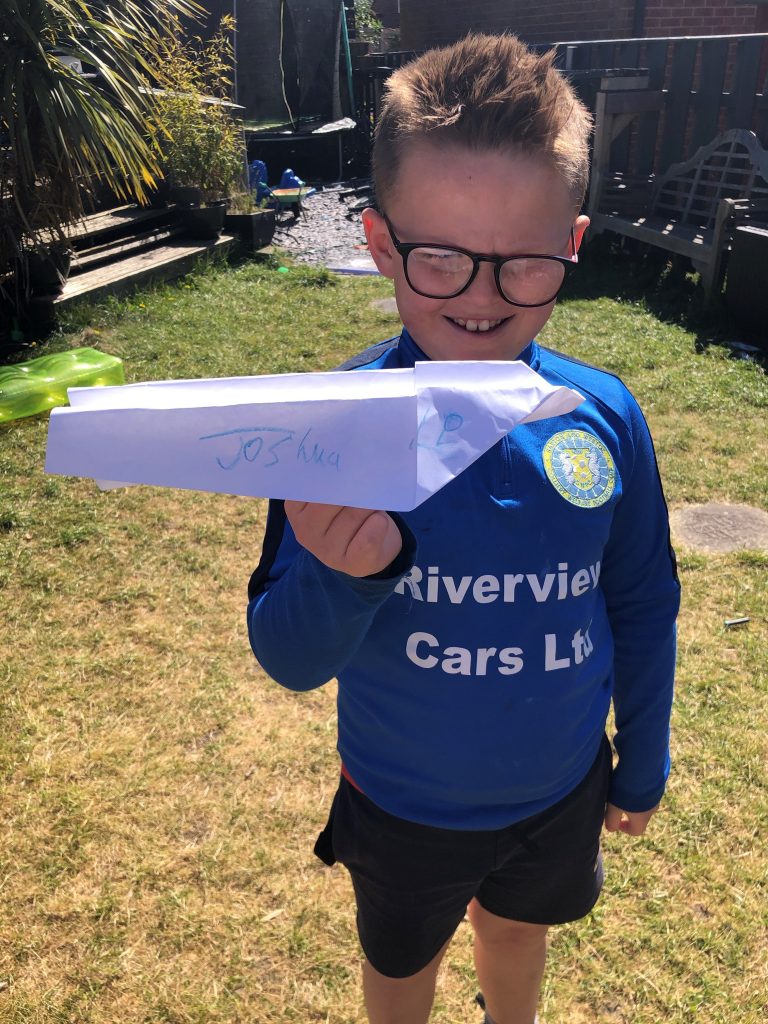
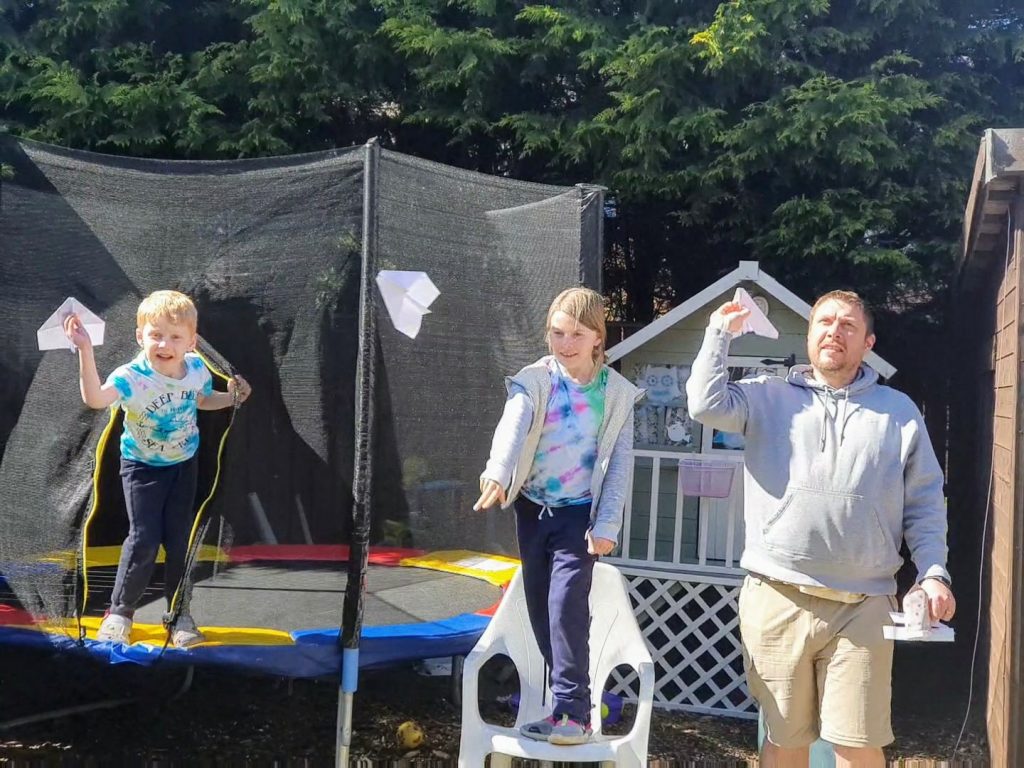
The children had lots of fun making paper aeroplanes as part of the daily challenge and seeing how far they could travel. Which design do you think was the most successful?

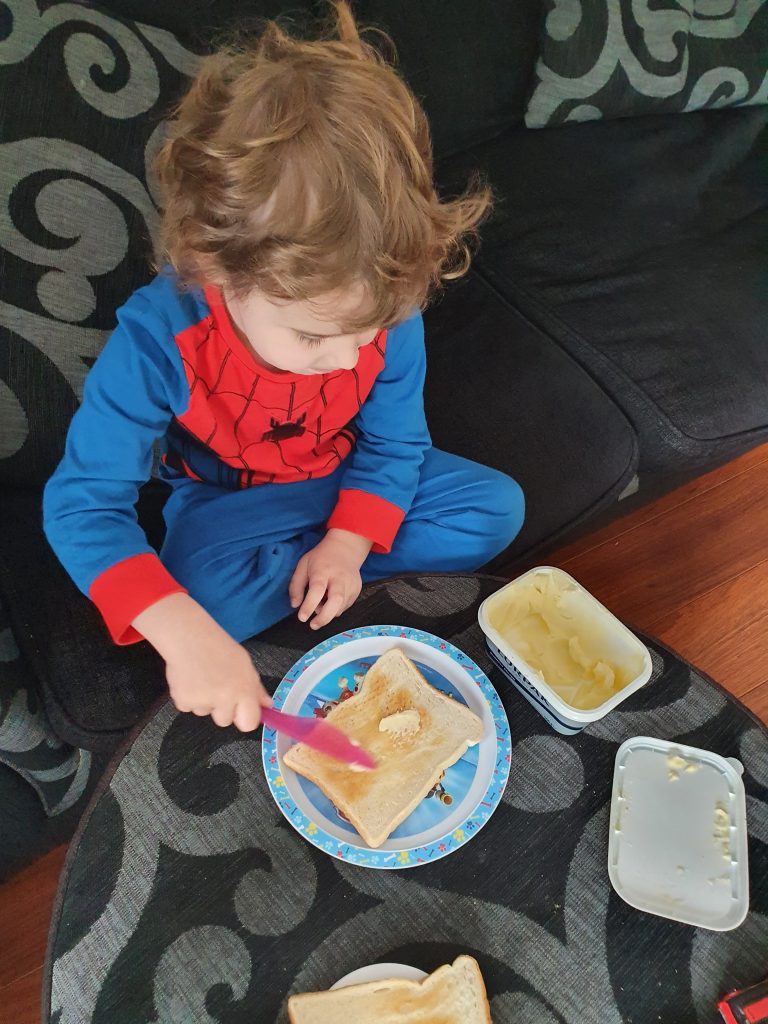
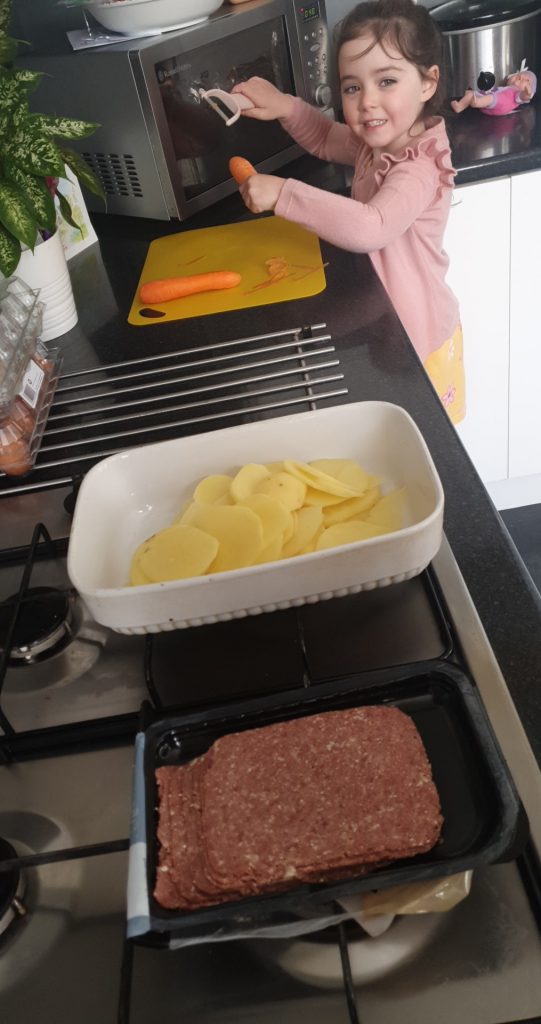
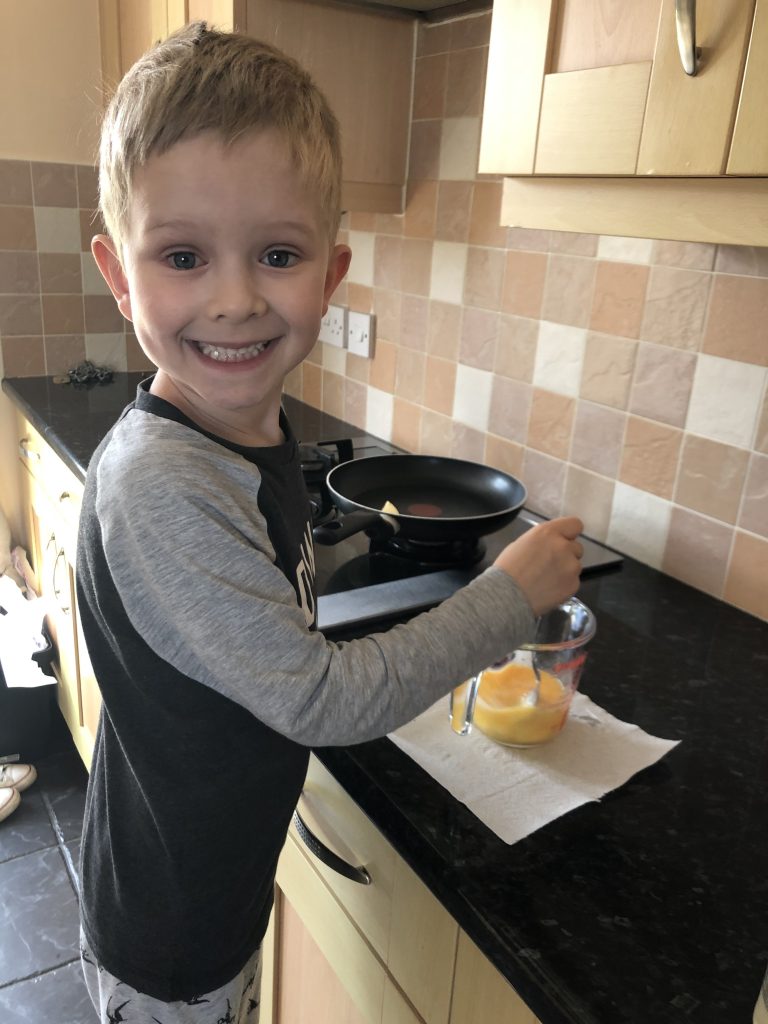
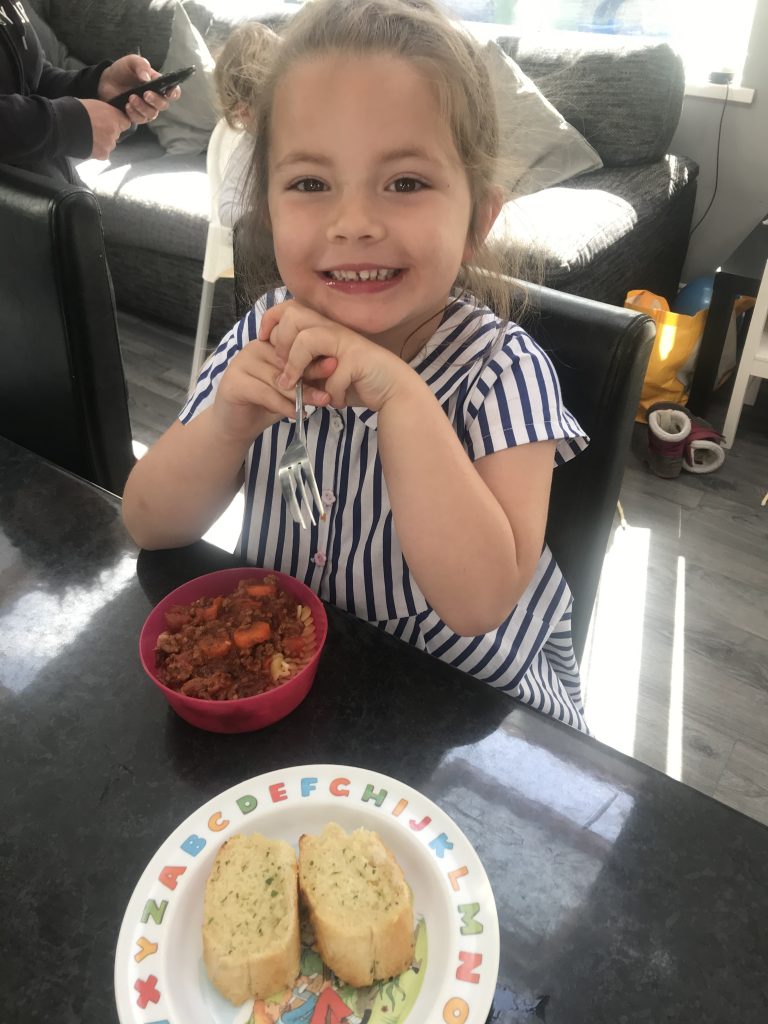
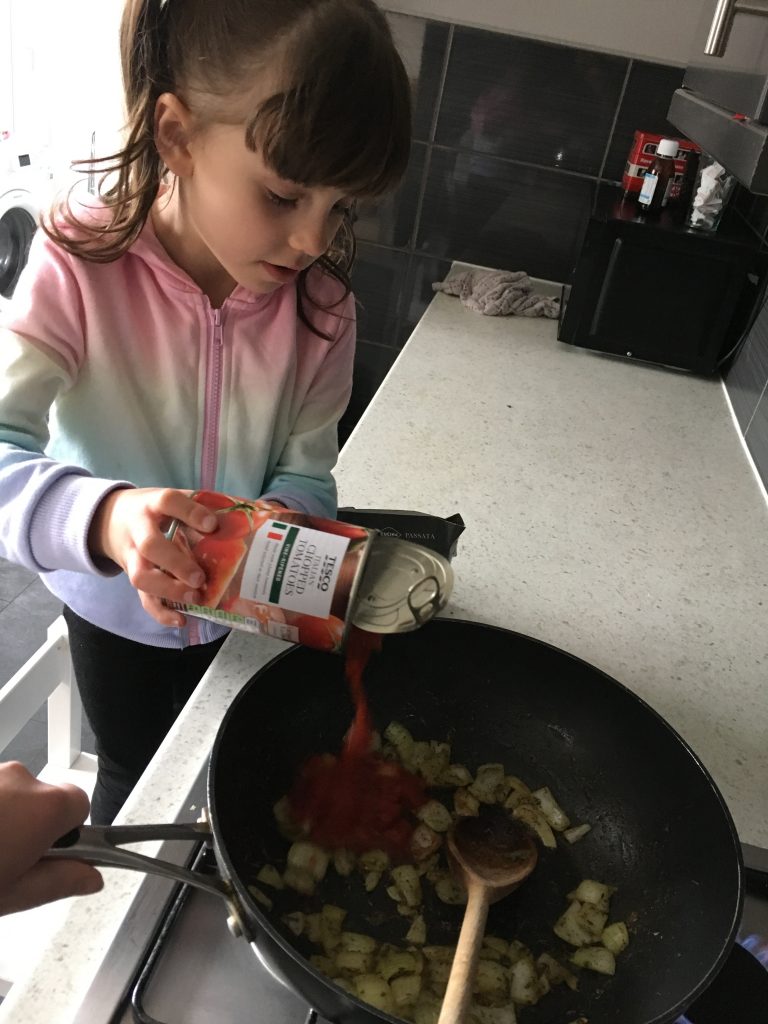
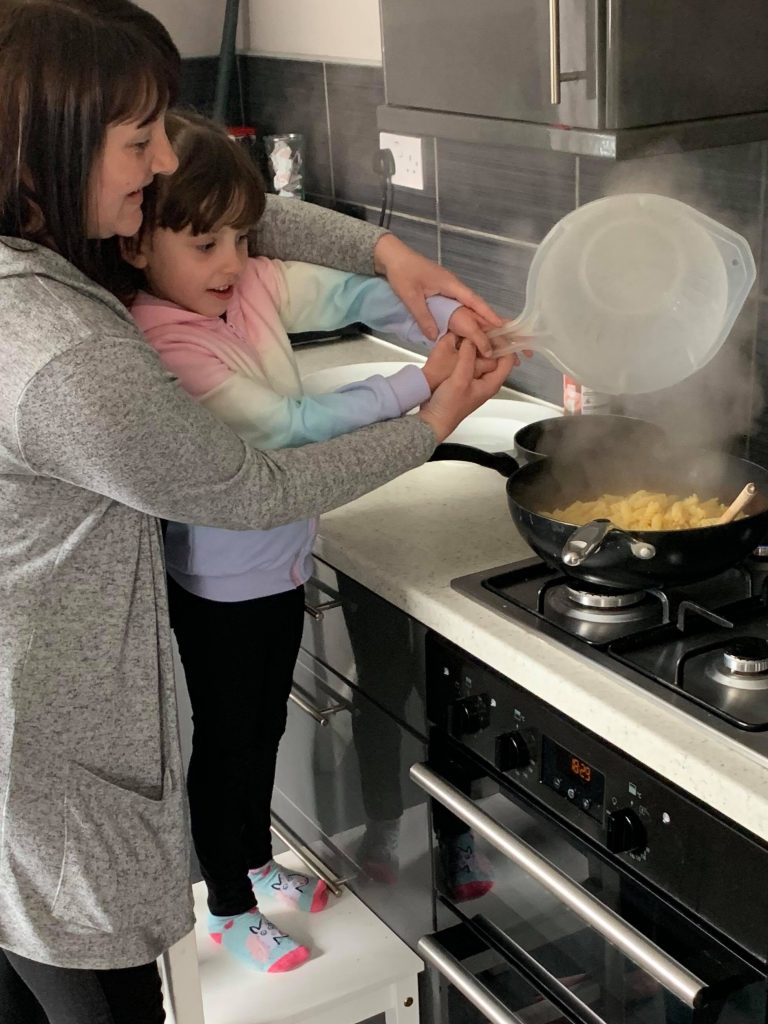
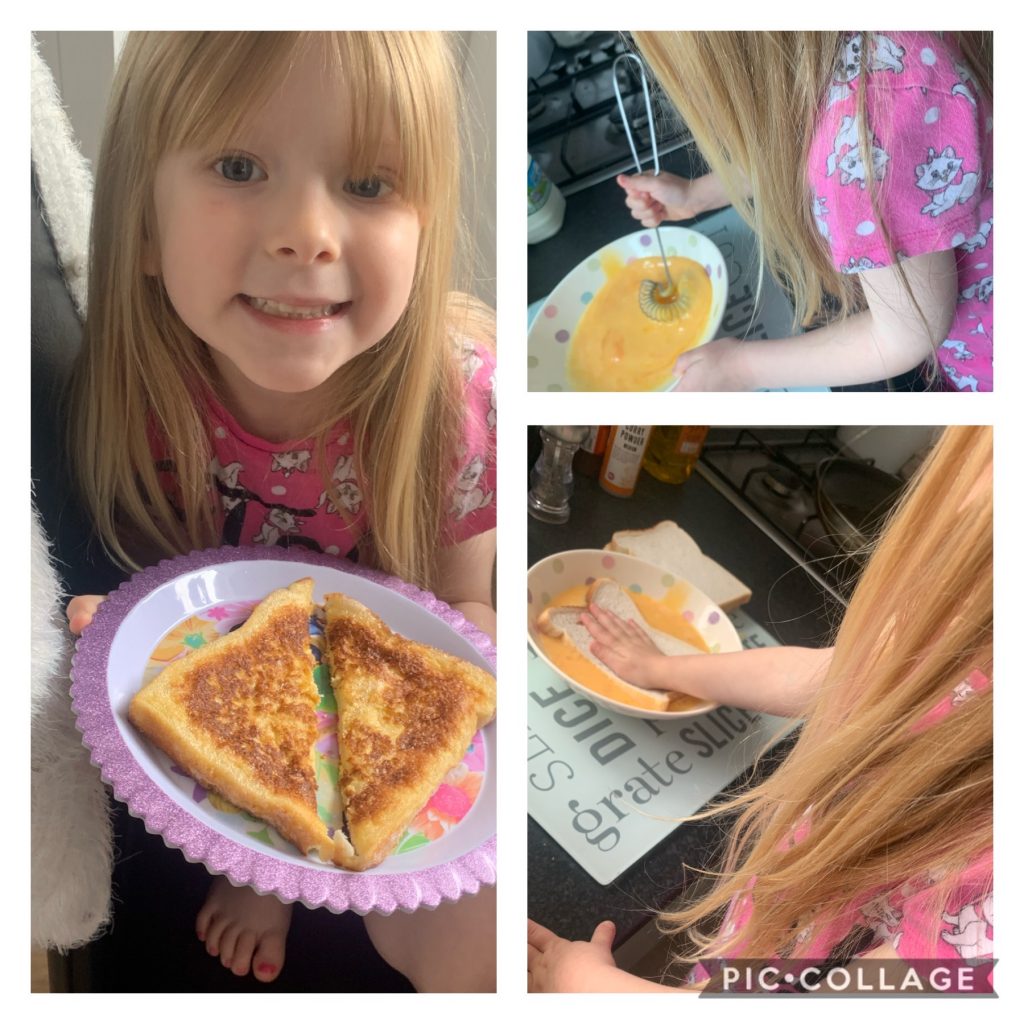
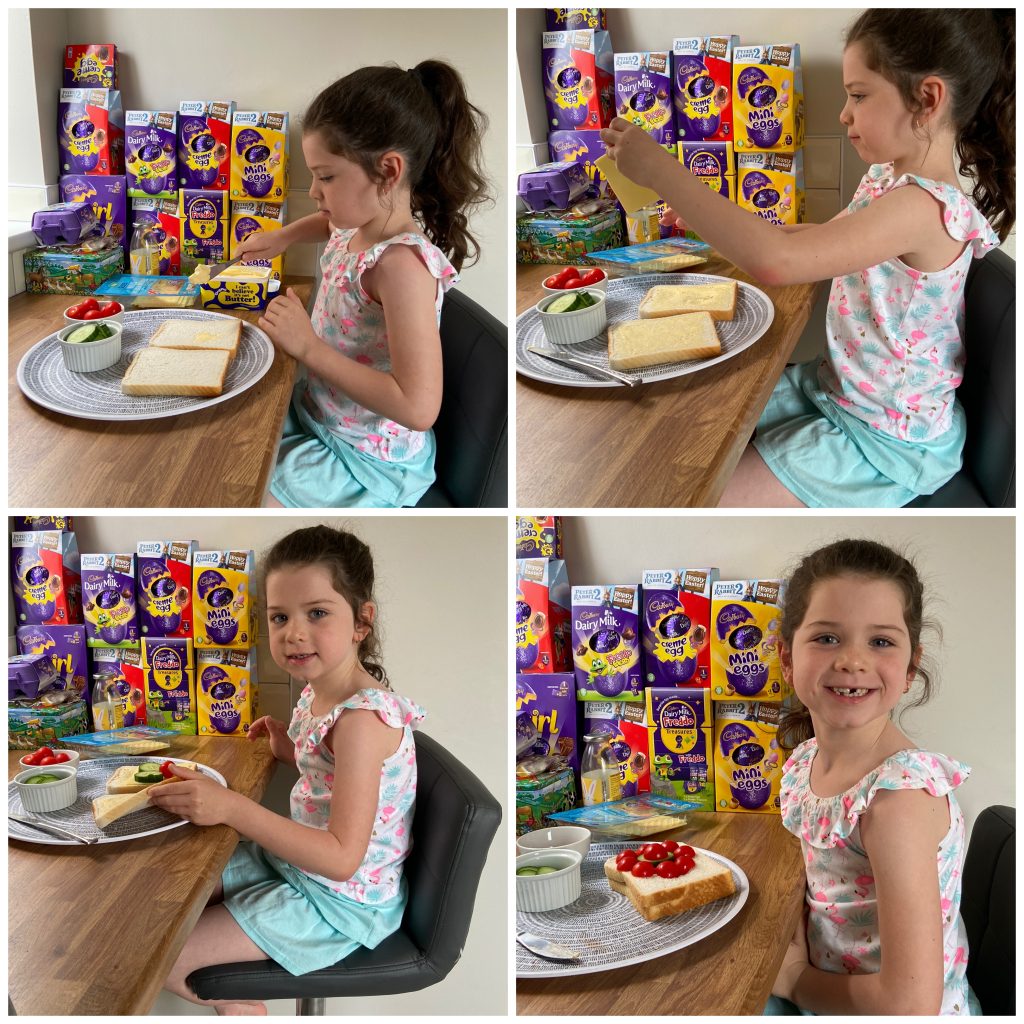
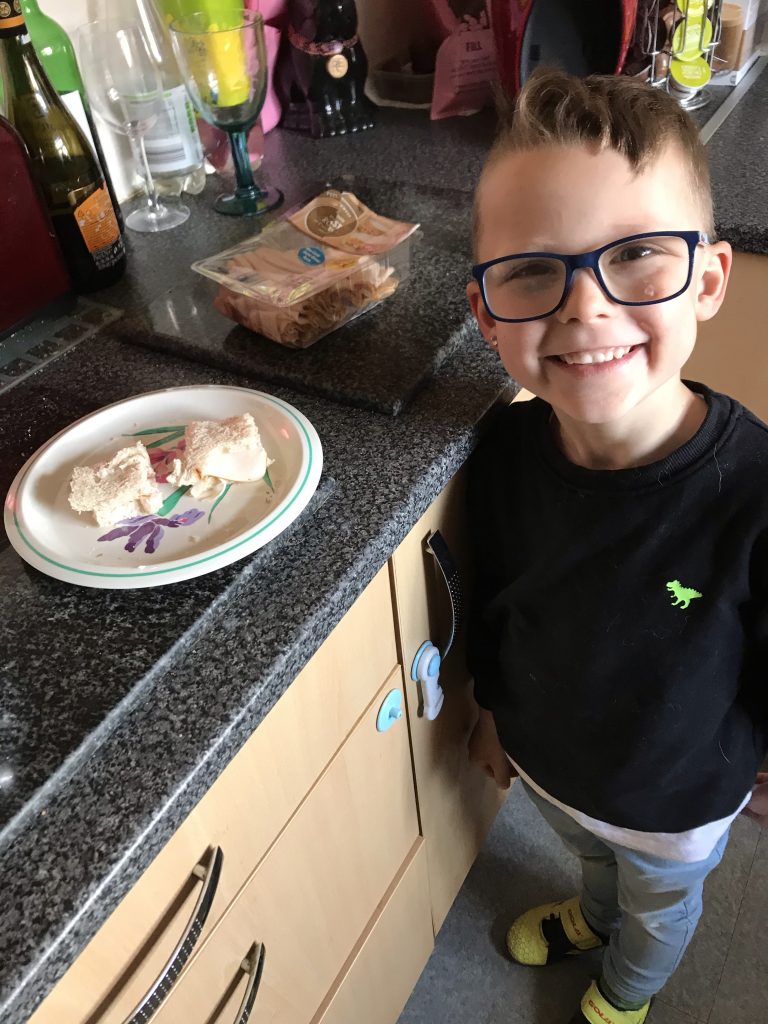
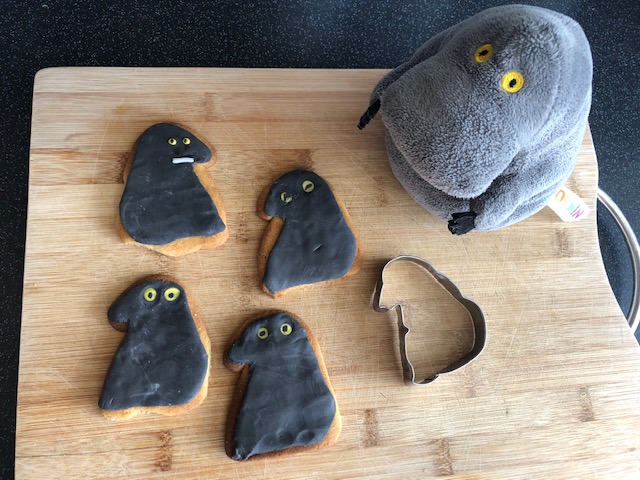
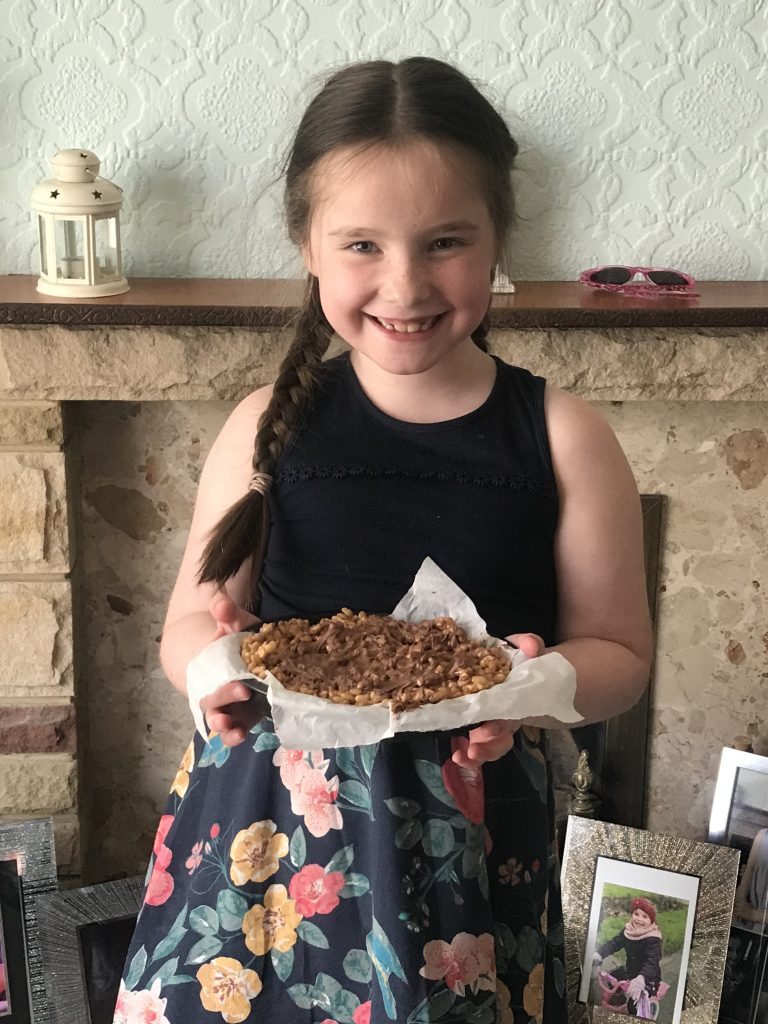
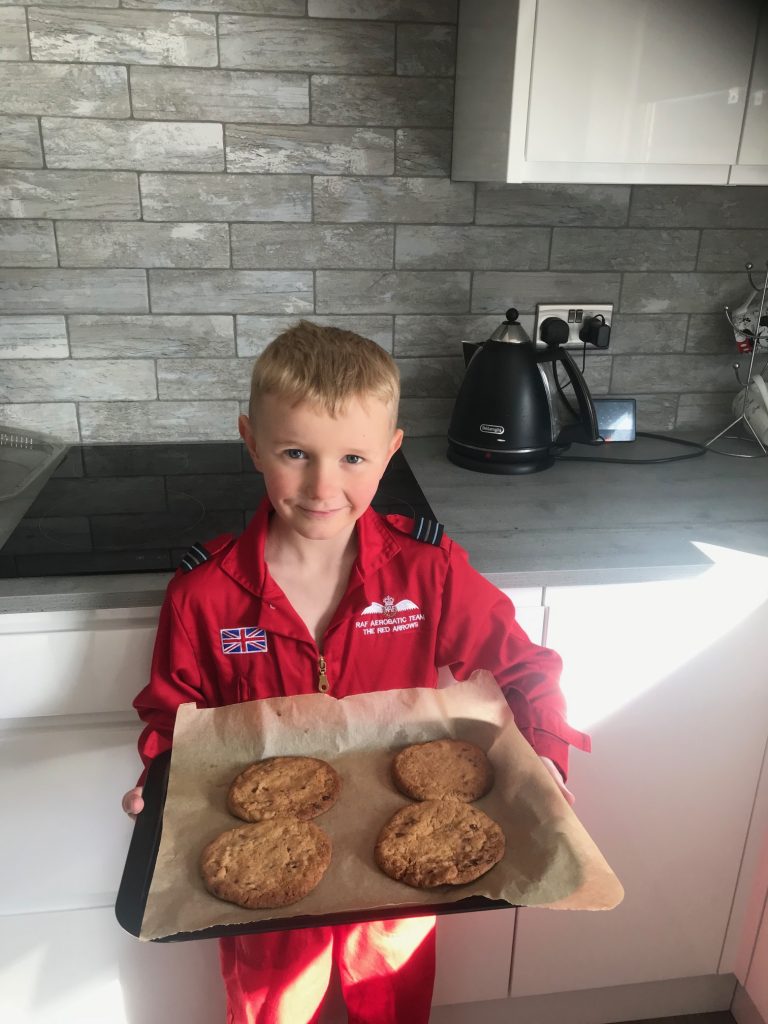
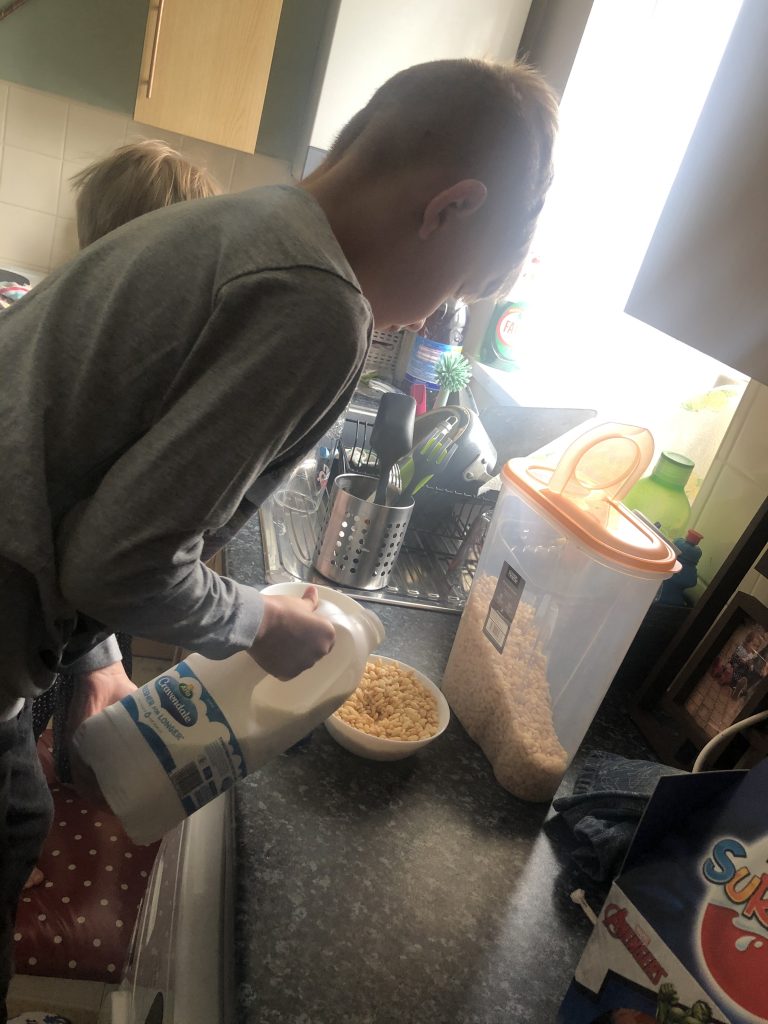
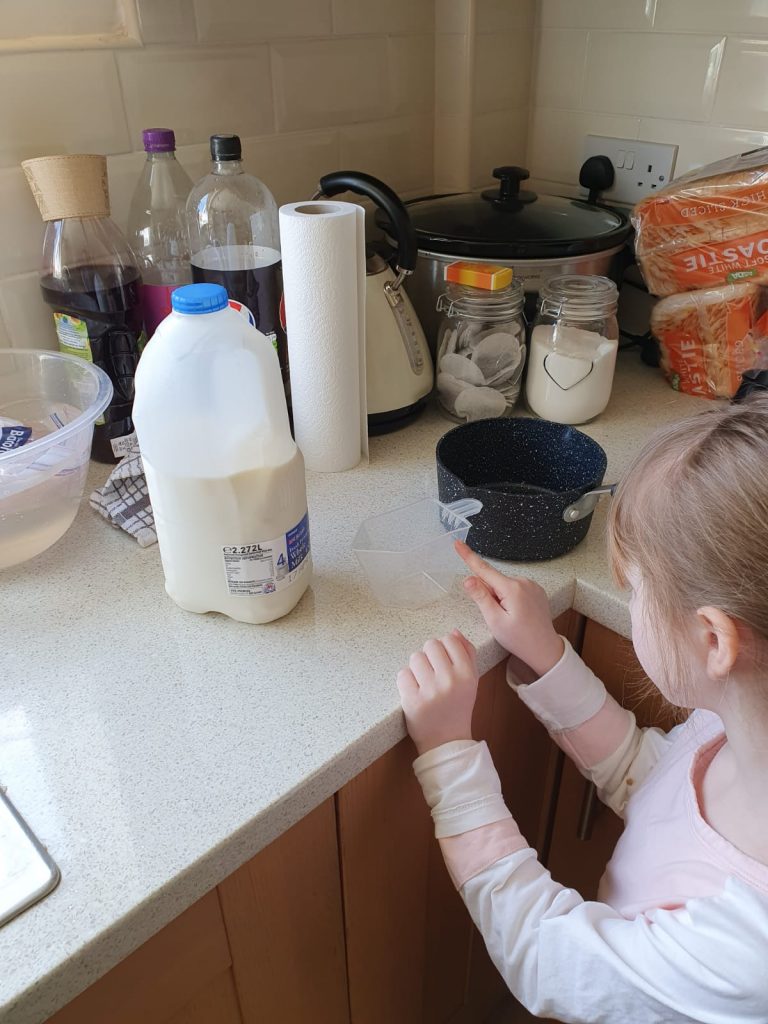
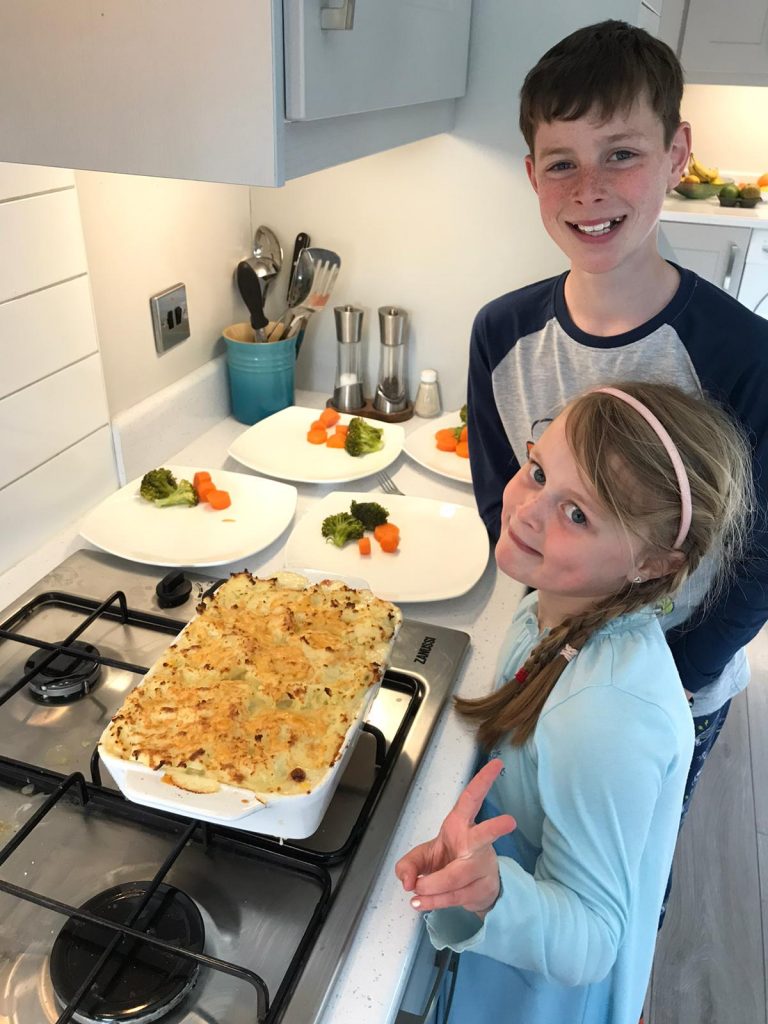
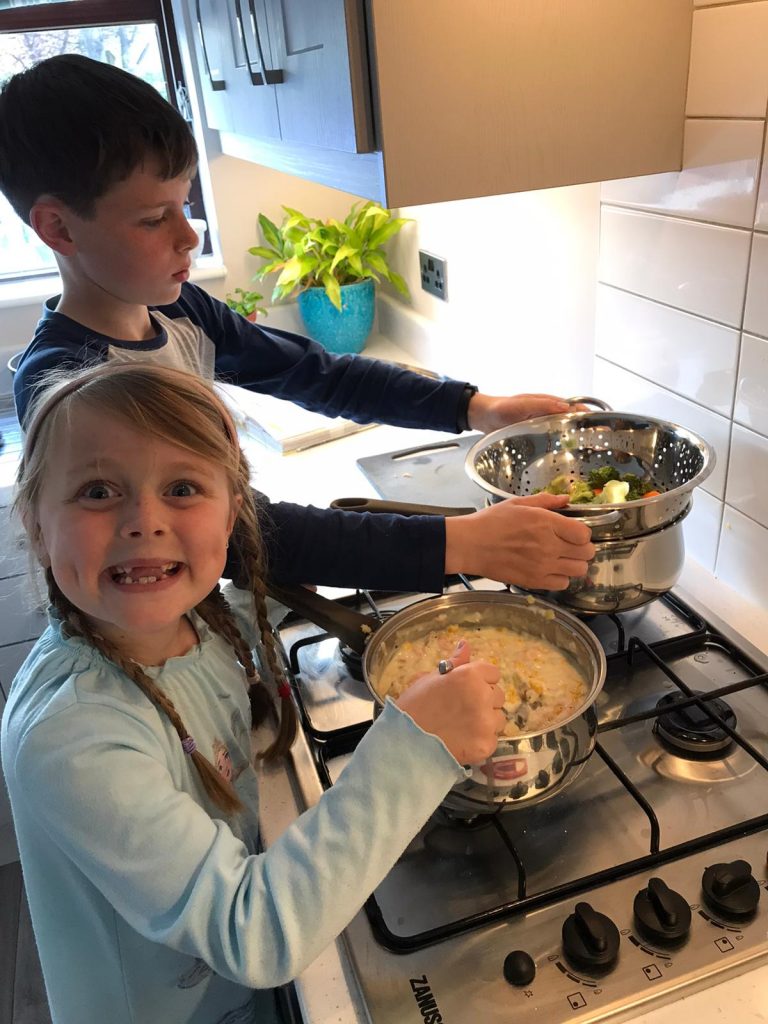
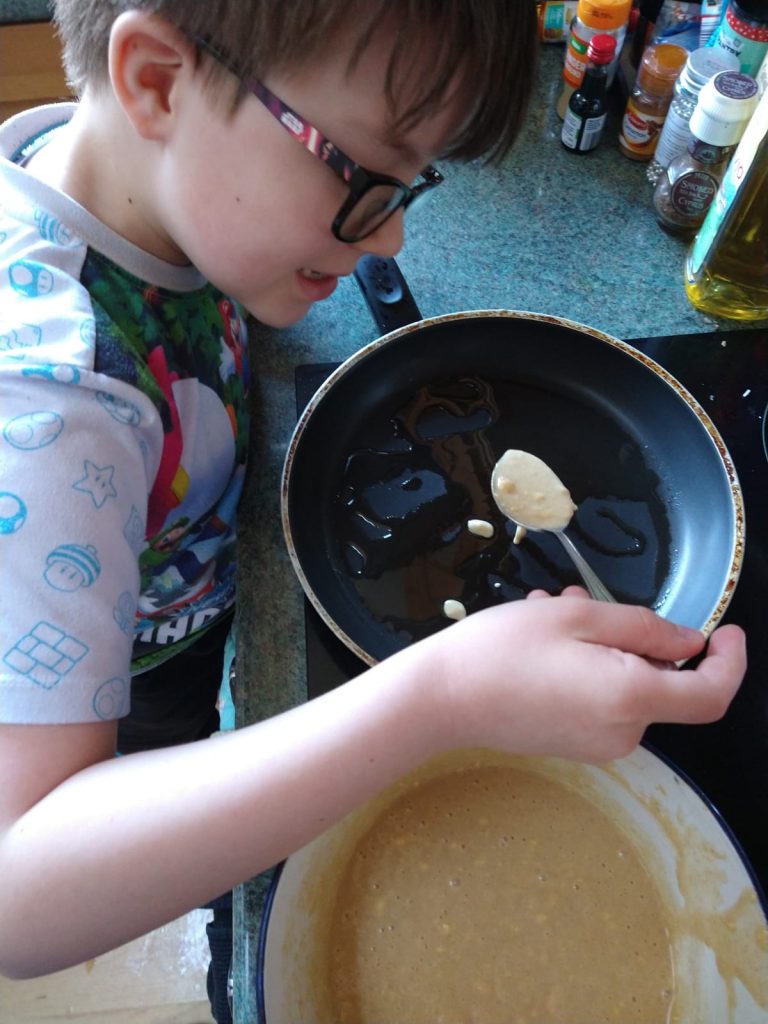
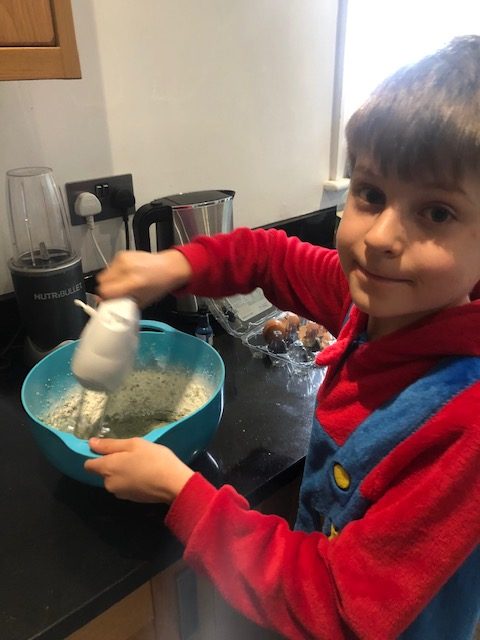
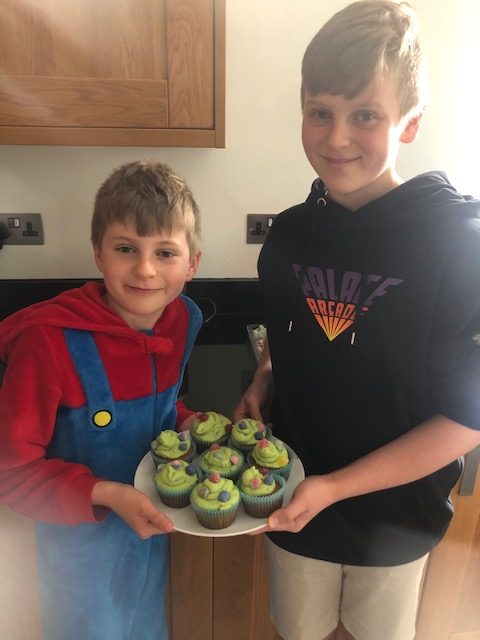
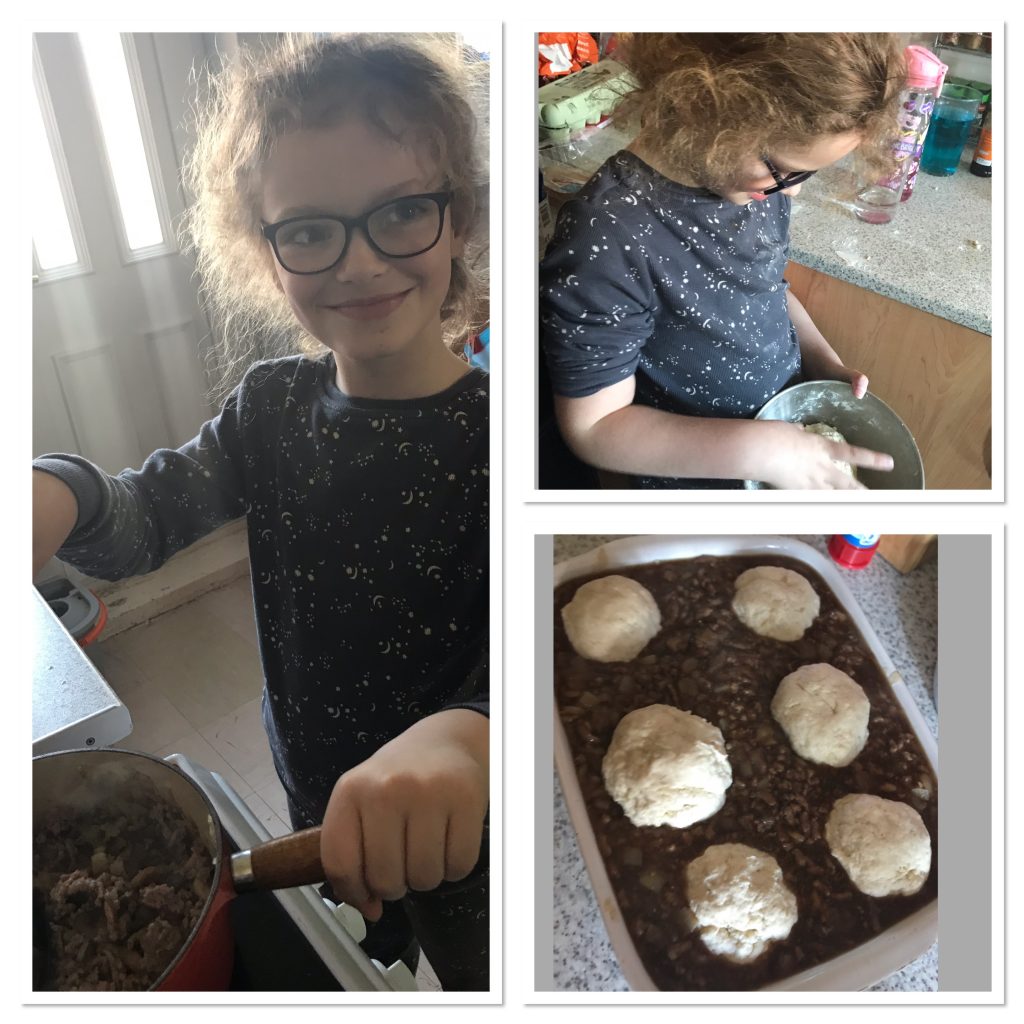
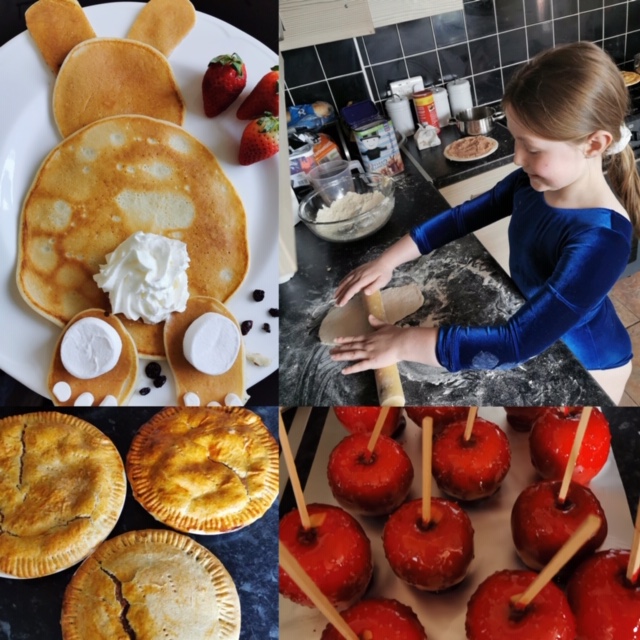
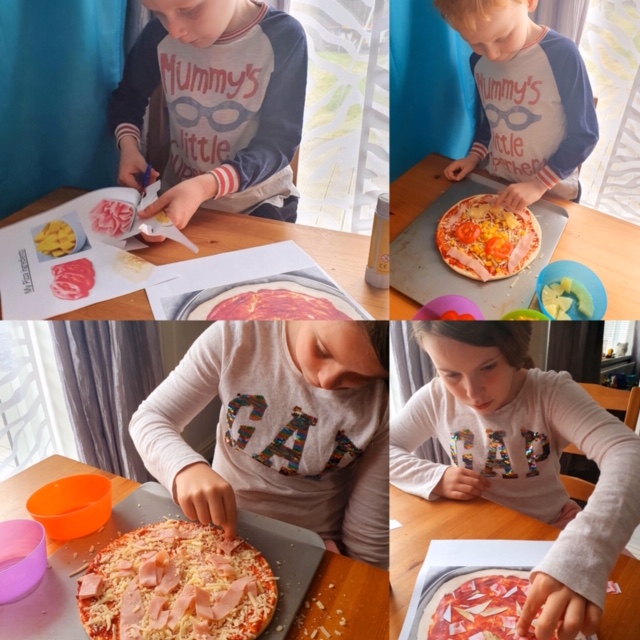
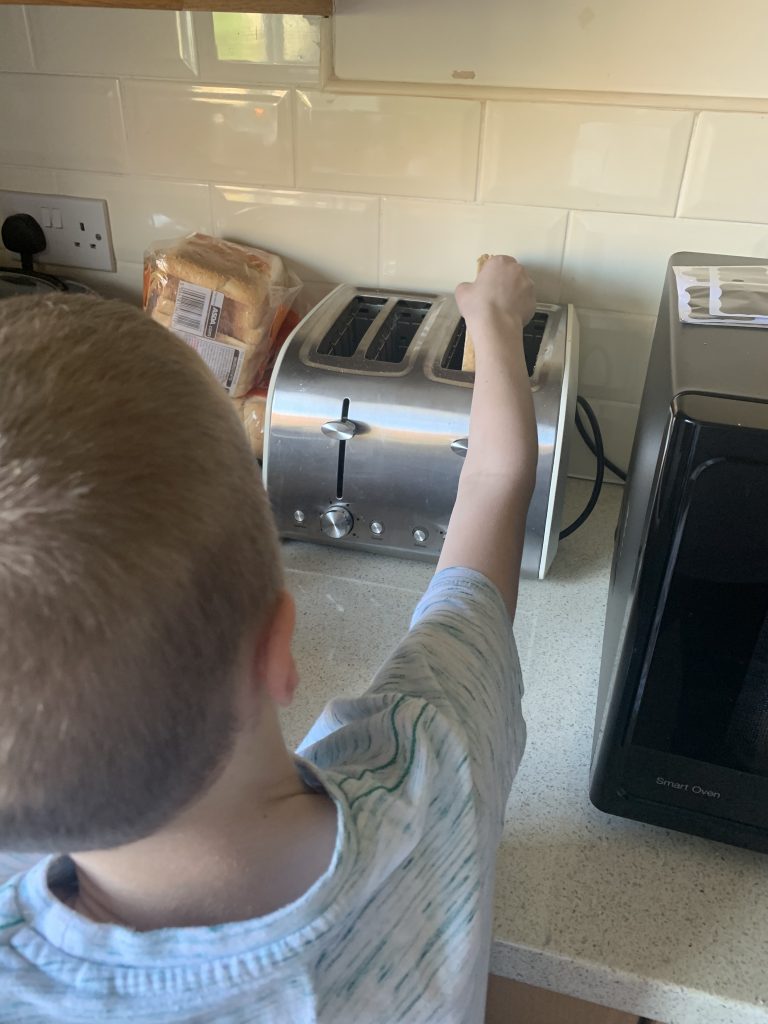
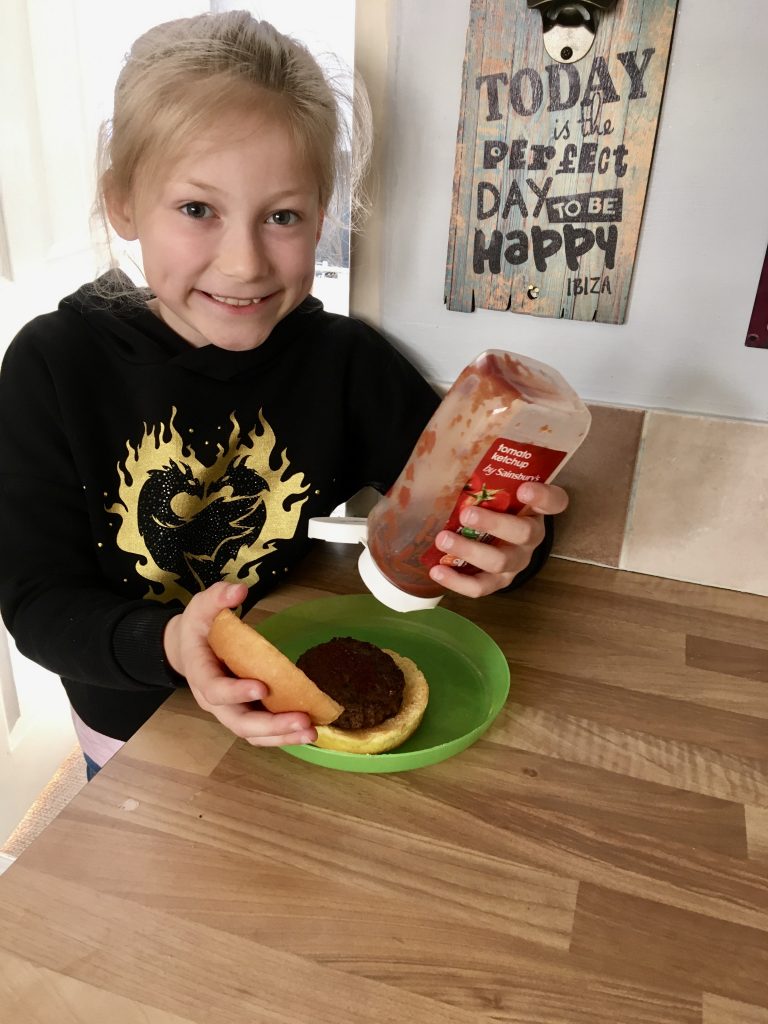
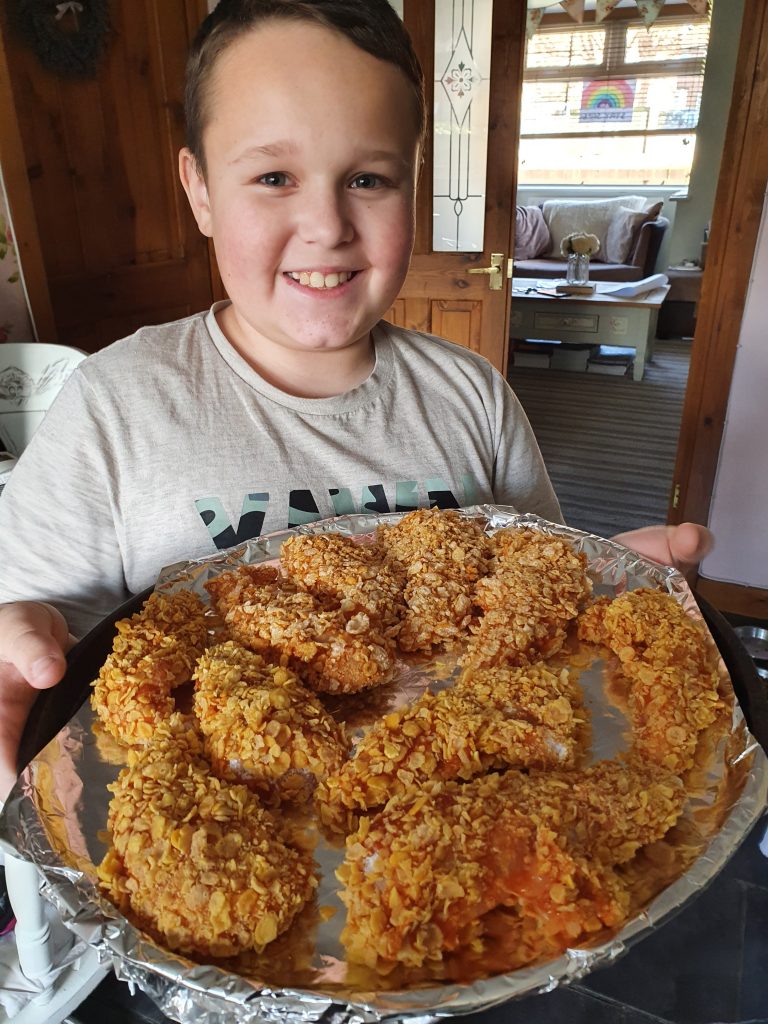
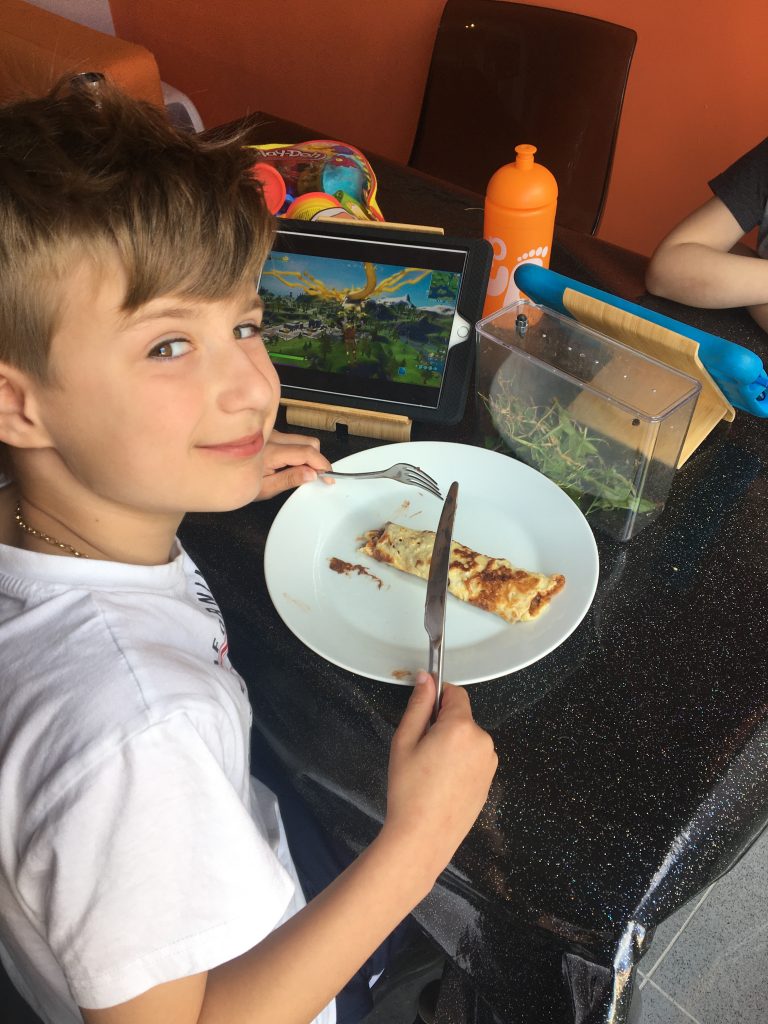
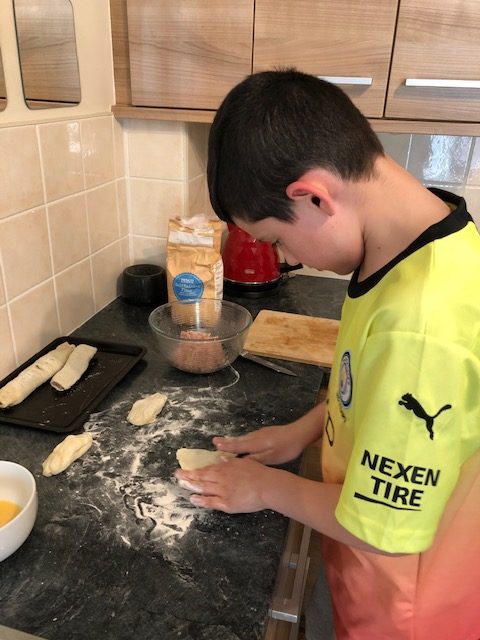
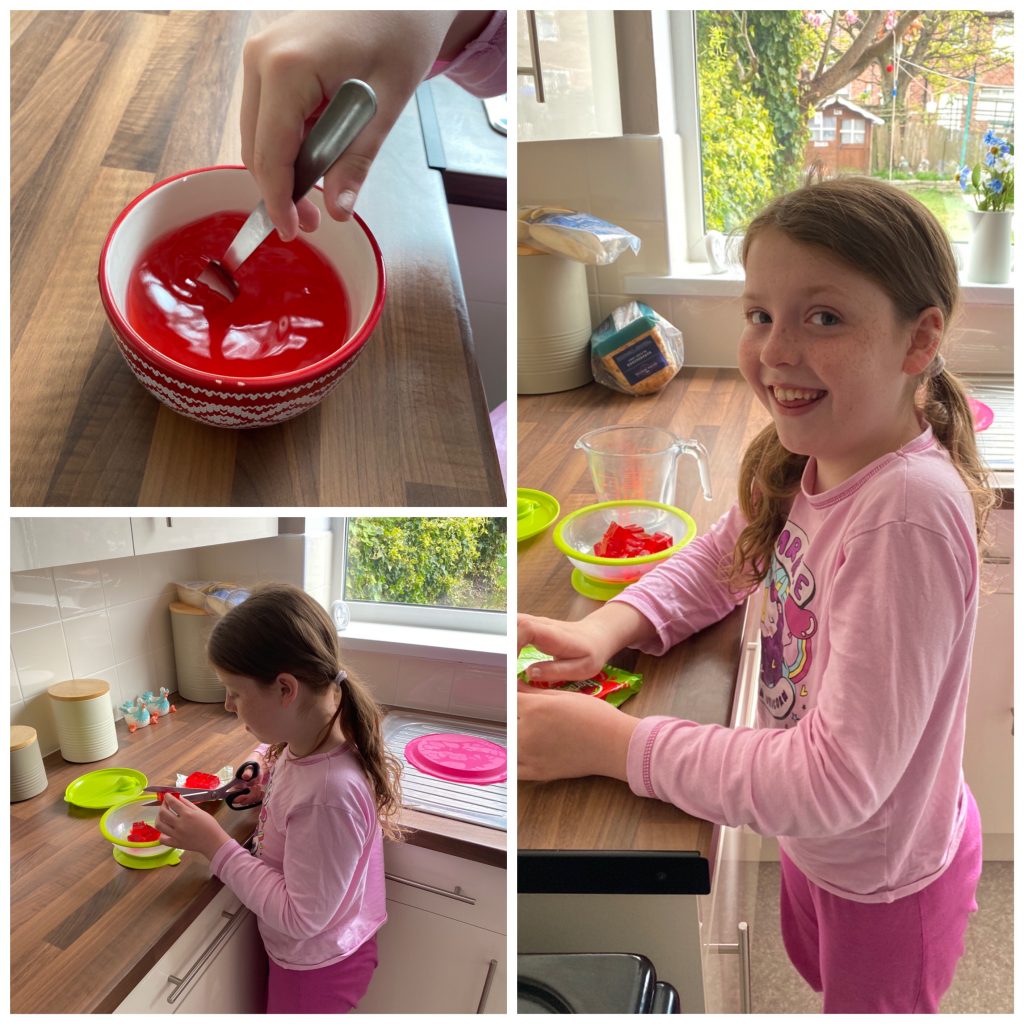
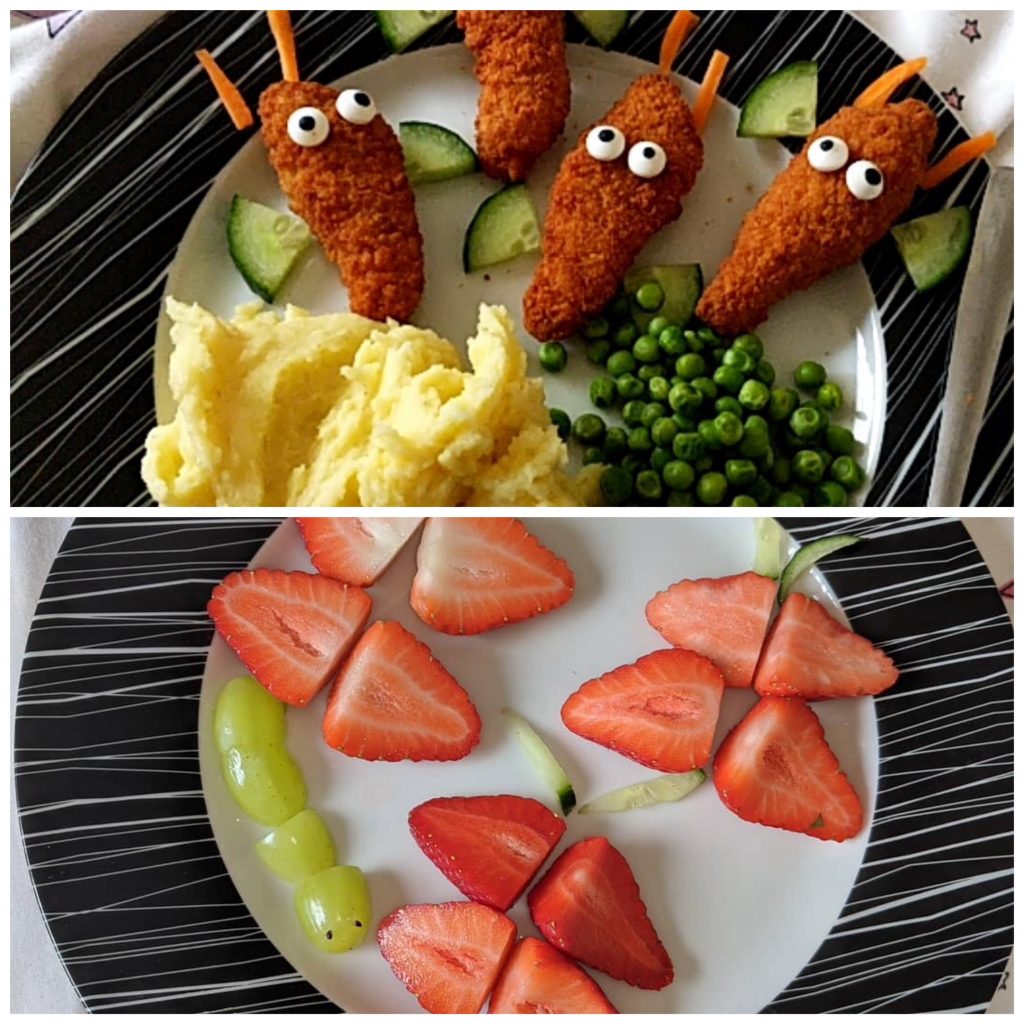
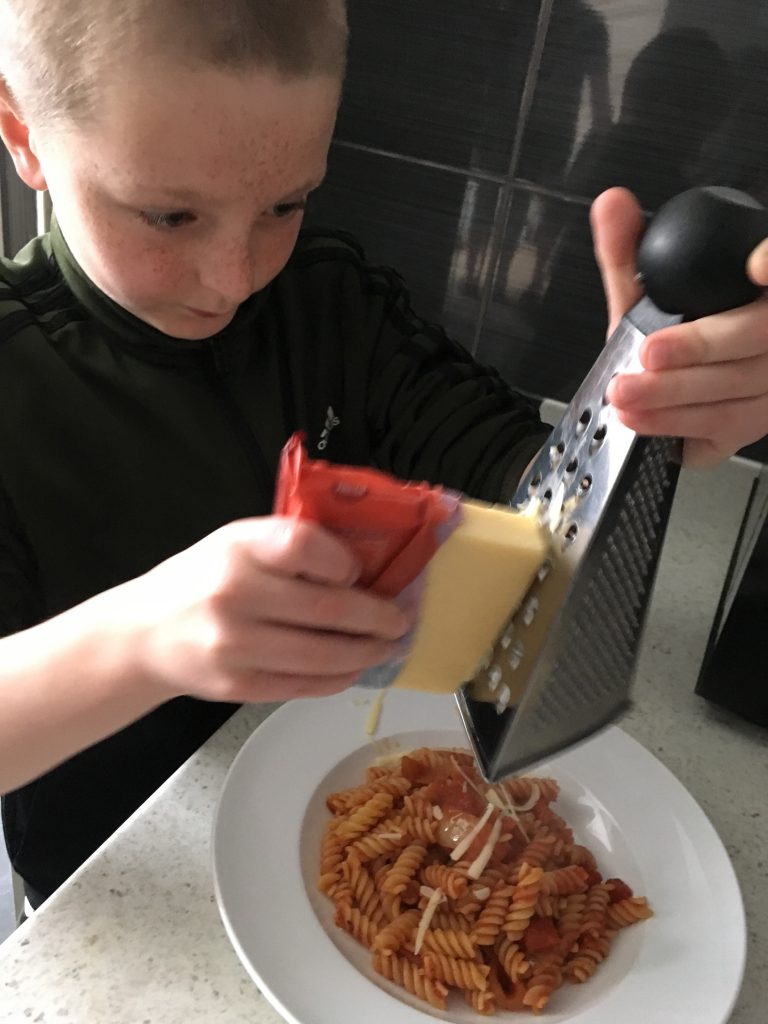
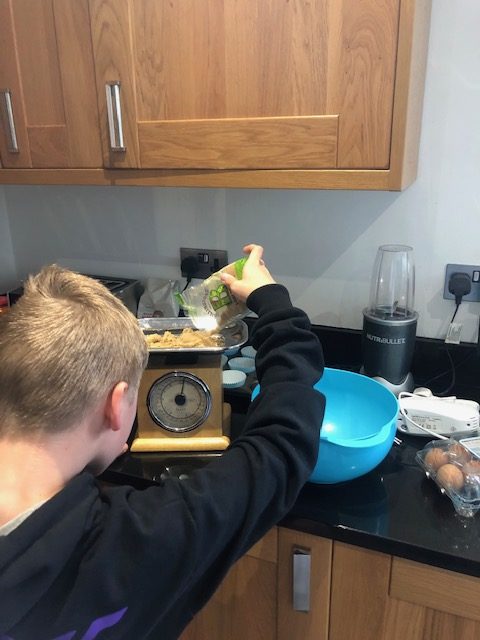
Our challenge today was to make a snack or meal with a grown up. The children have worked very hard (and carefully) to make some delicious looking food!
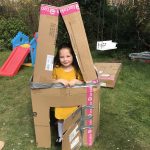
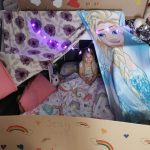
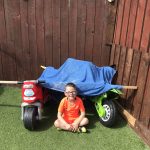
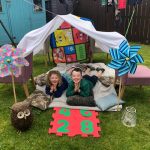
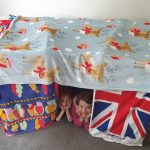
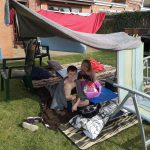
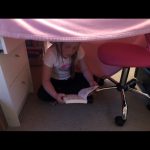
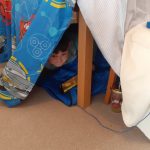
The children made some pretty awesome dens for the daily challenge!













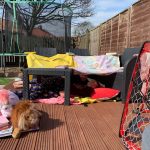


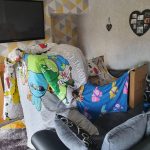

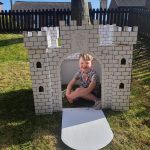
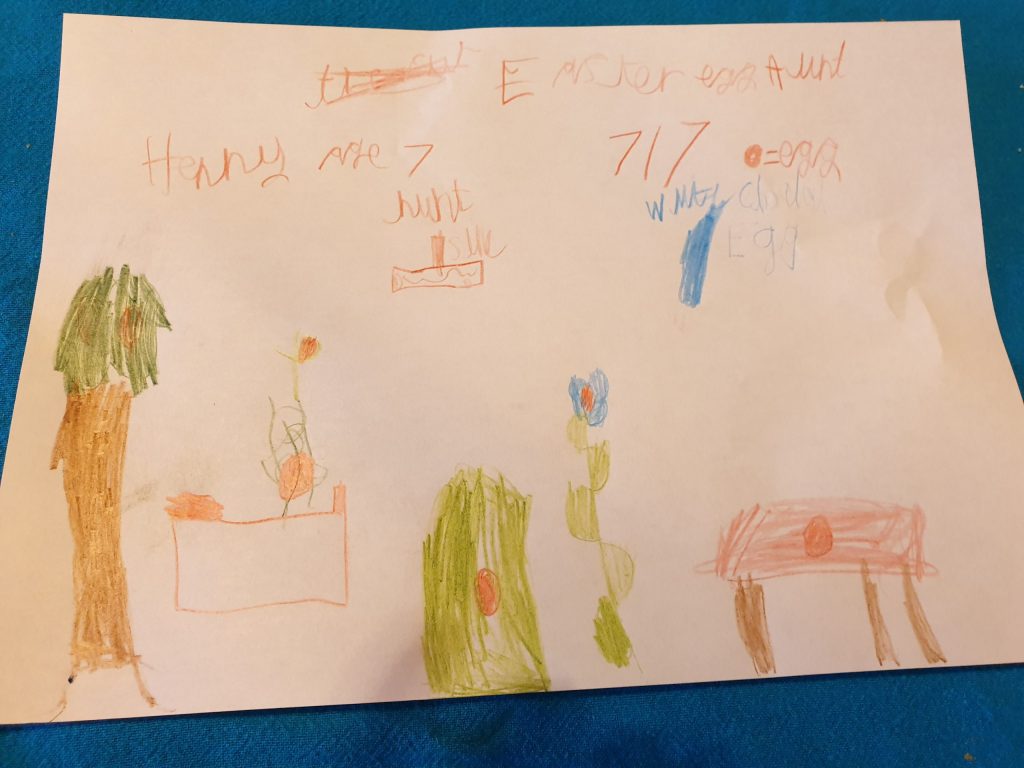
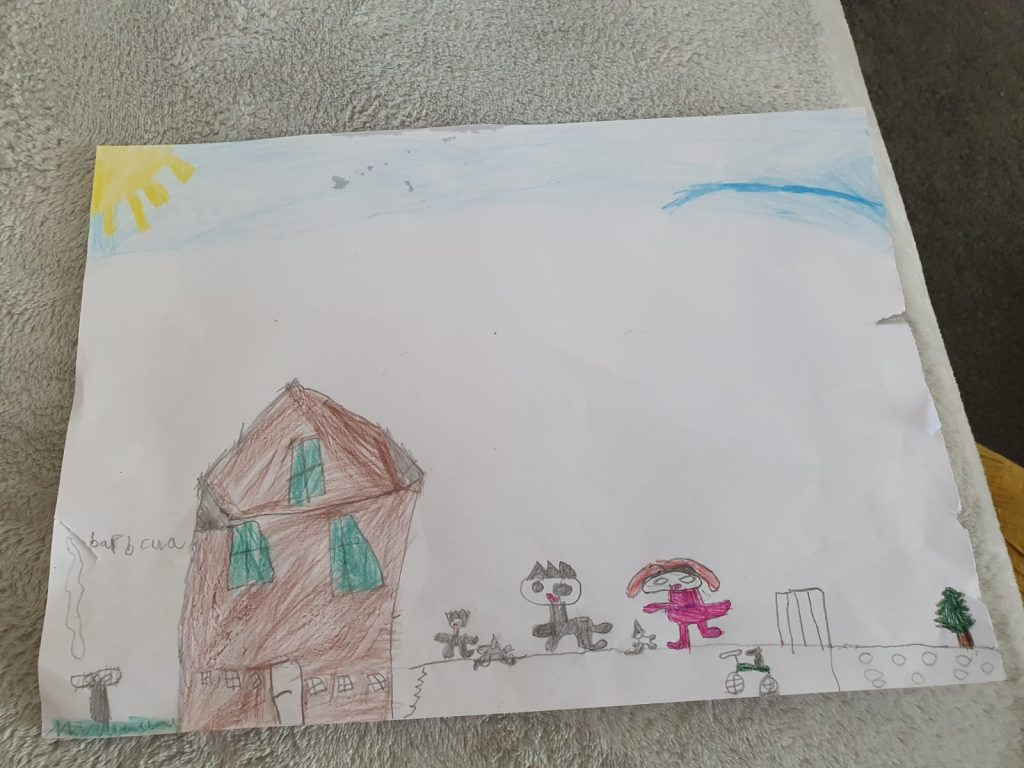
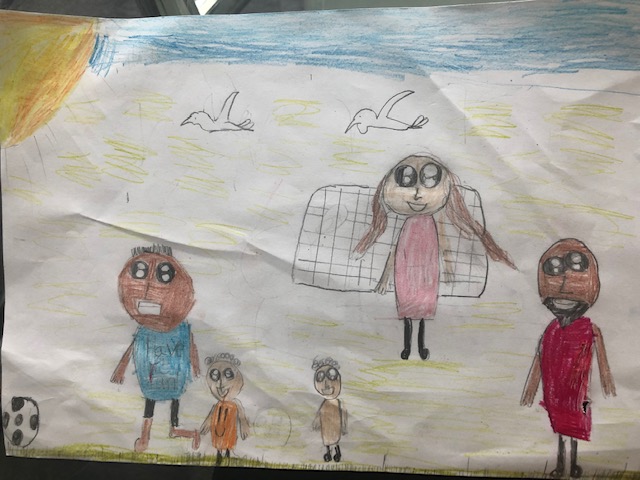
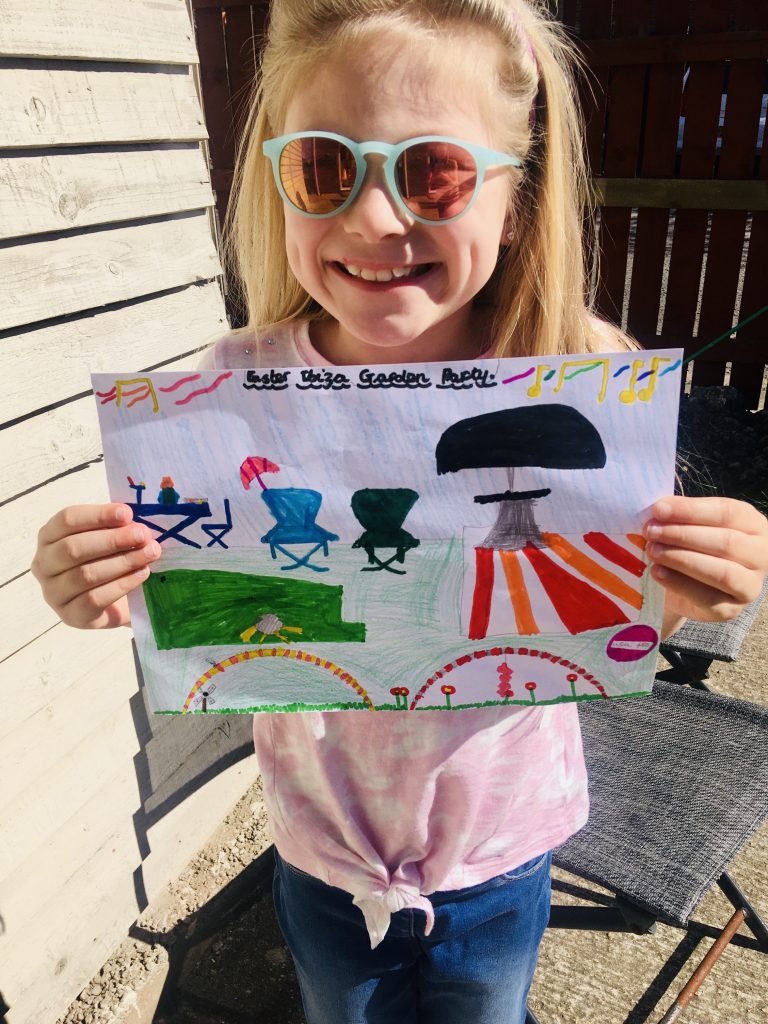
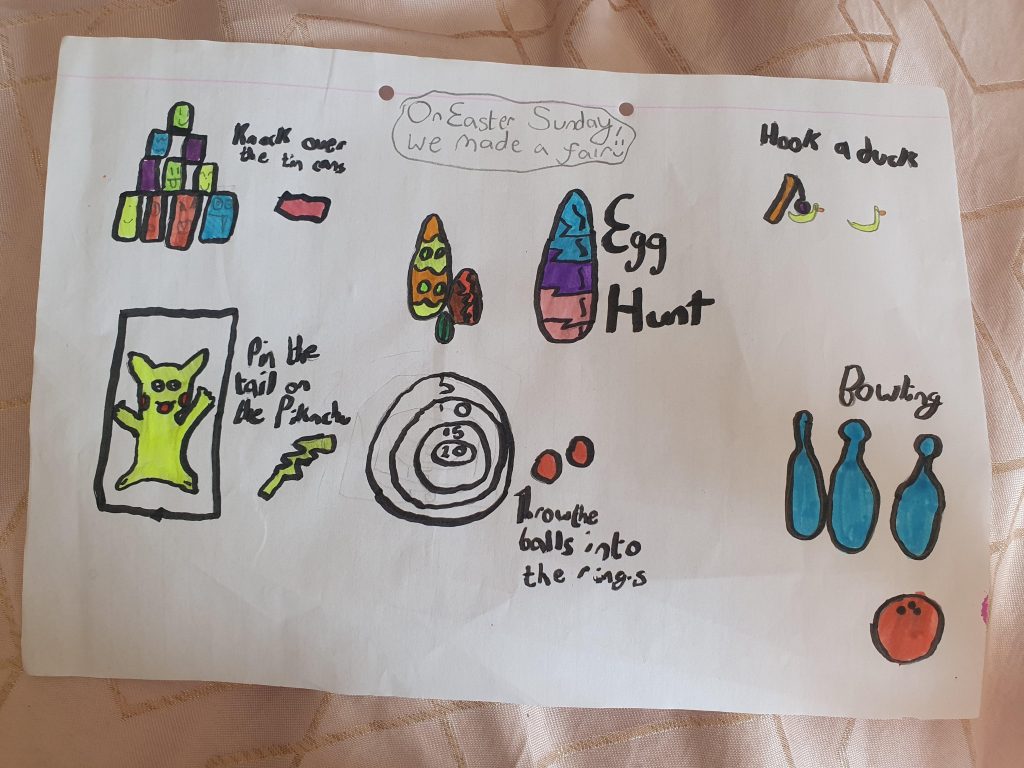
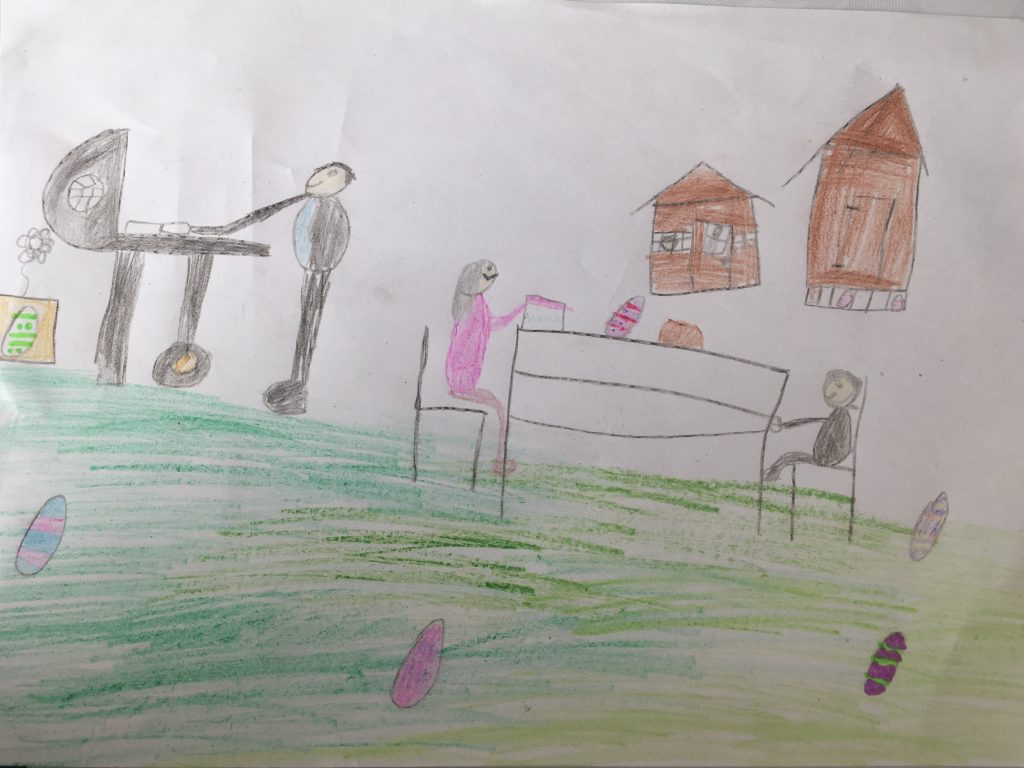
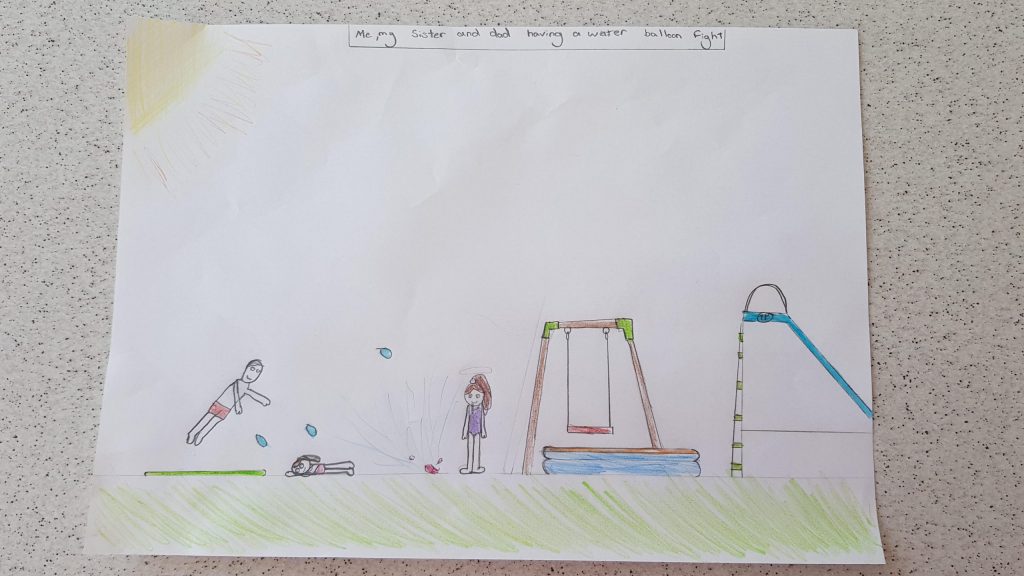
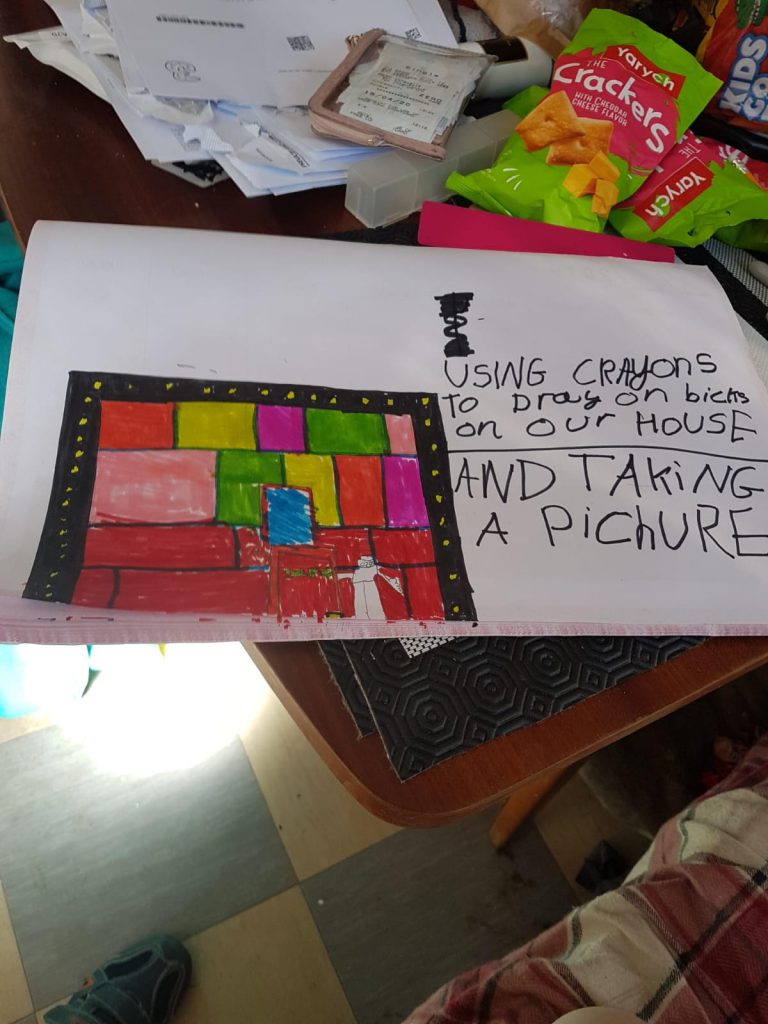
We loved seeing everyone’s pictures of their favourite Easter weekend memory.
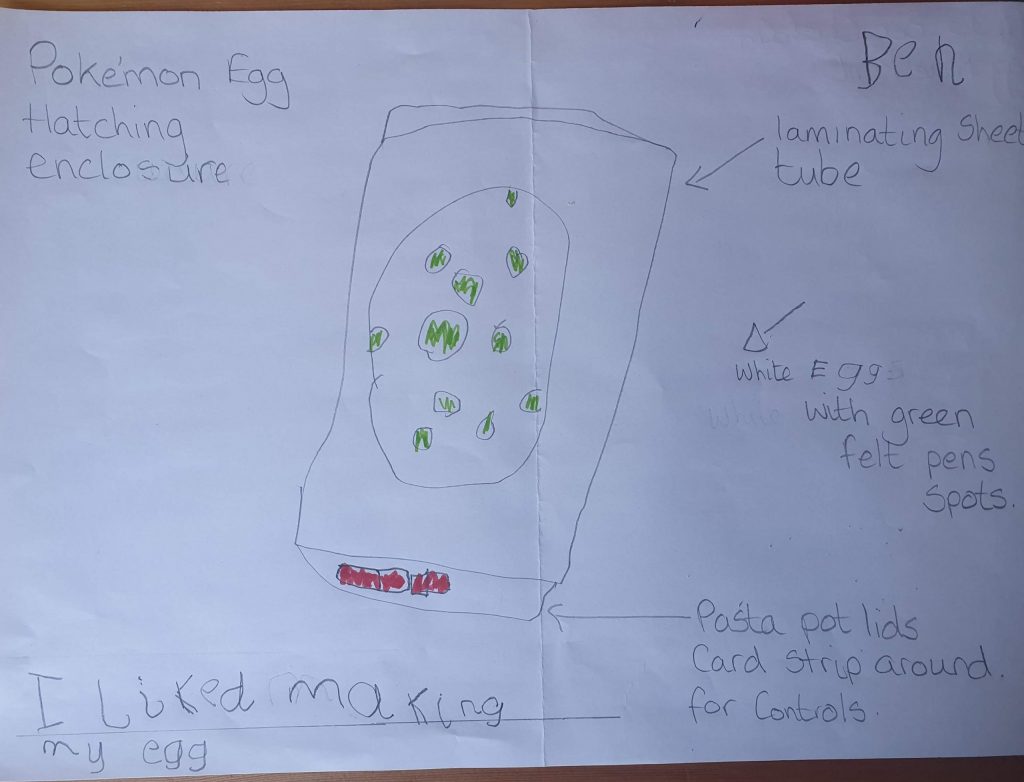
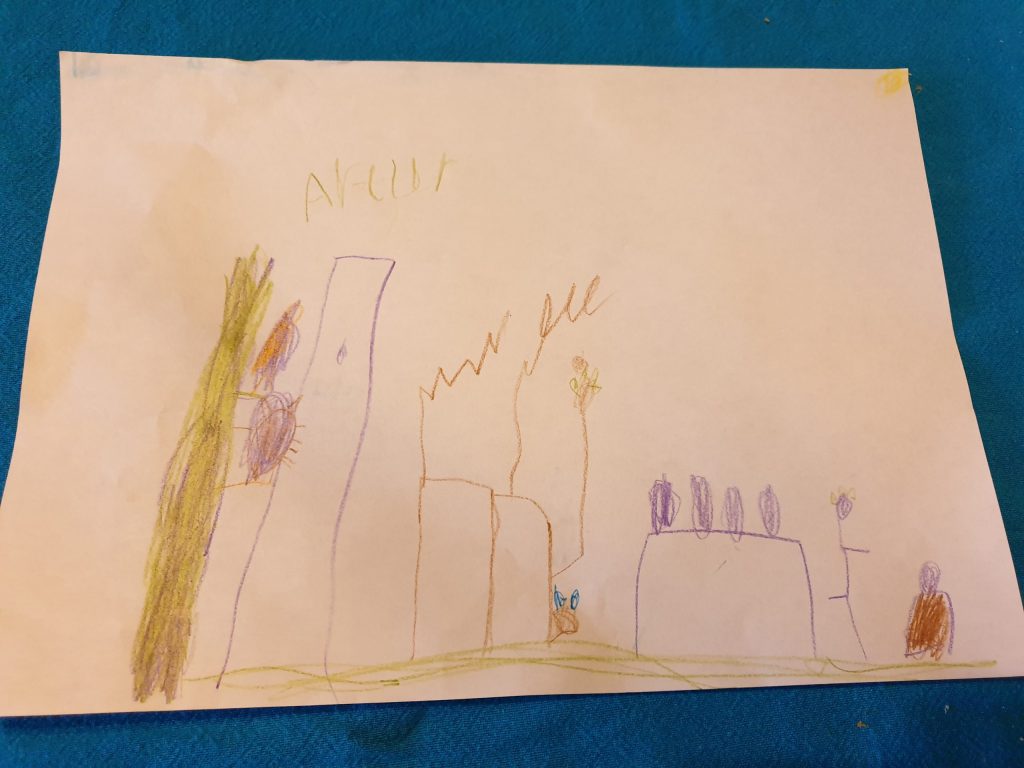
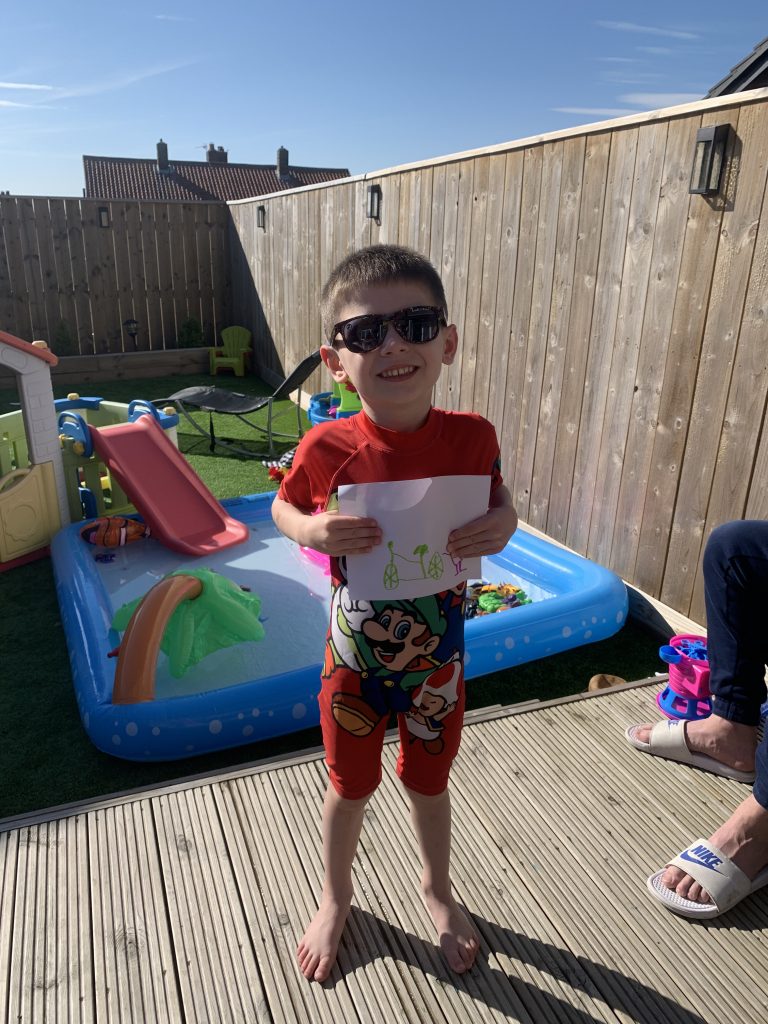
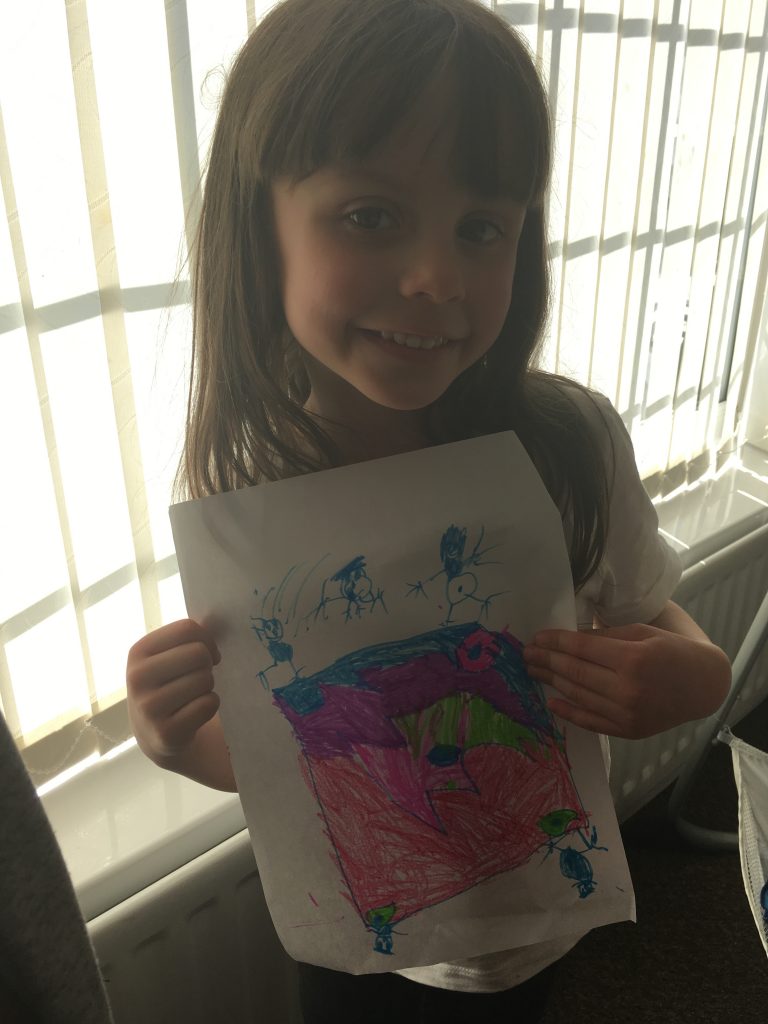
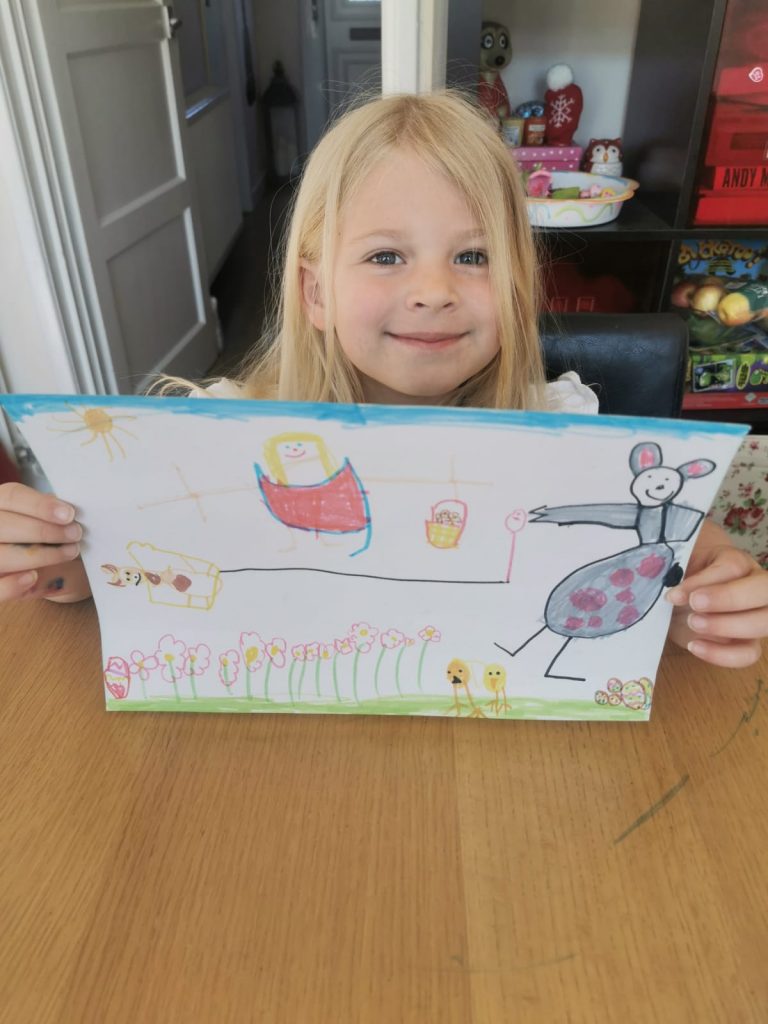
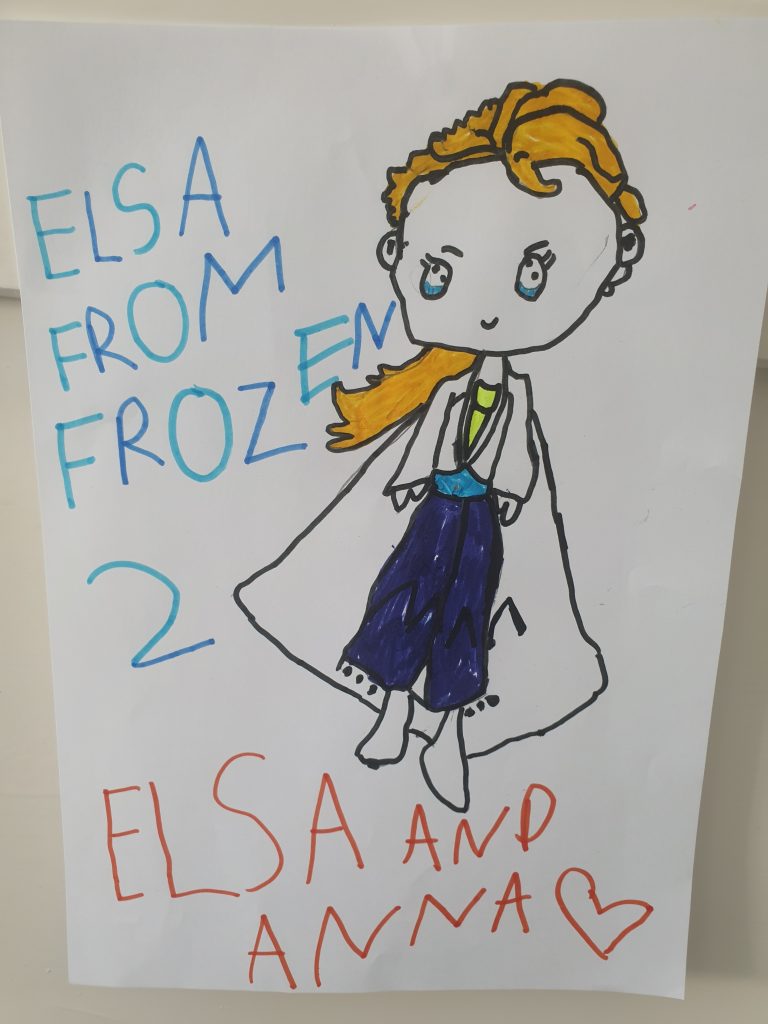
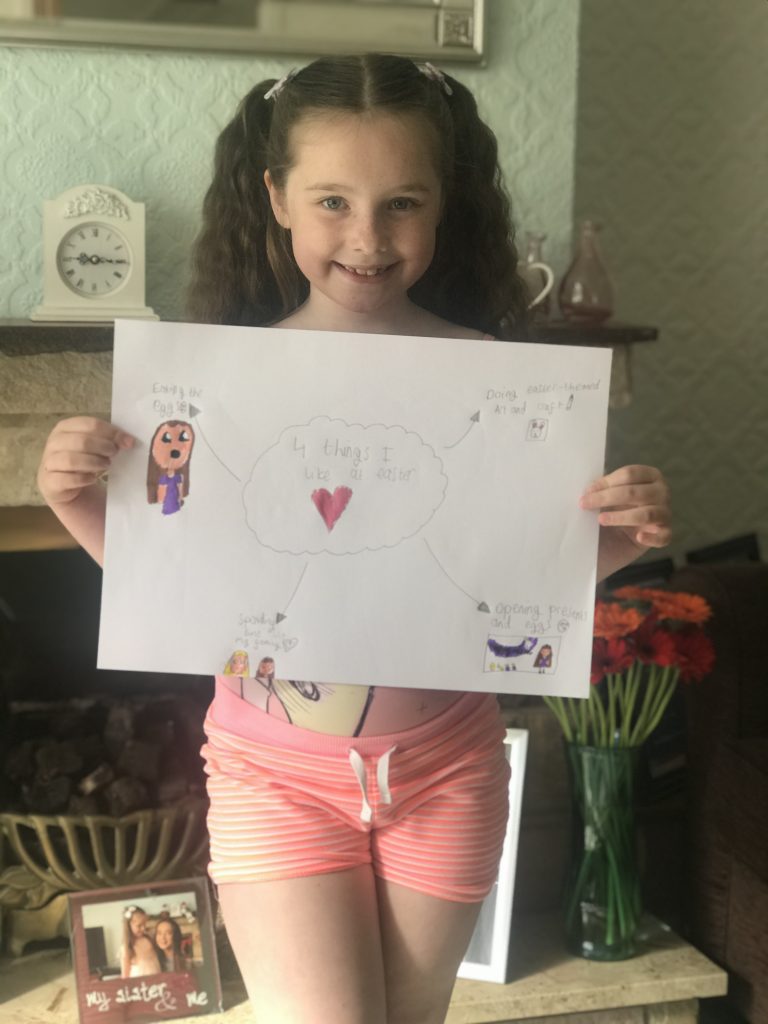
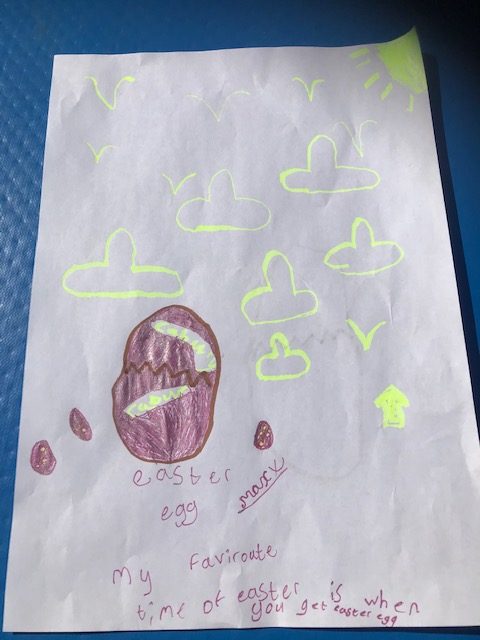
The children tried hard to complete the teapot challenge yesterday and I think they were better than the teachers that gave it a go too.
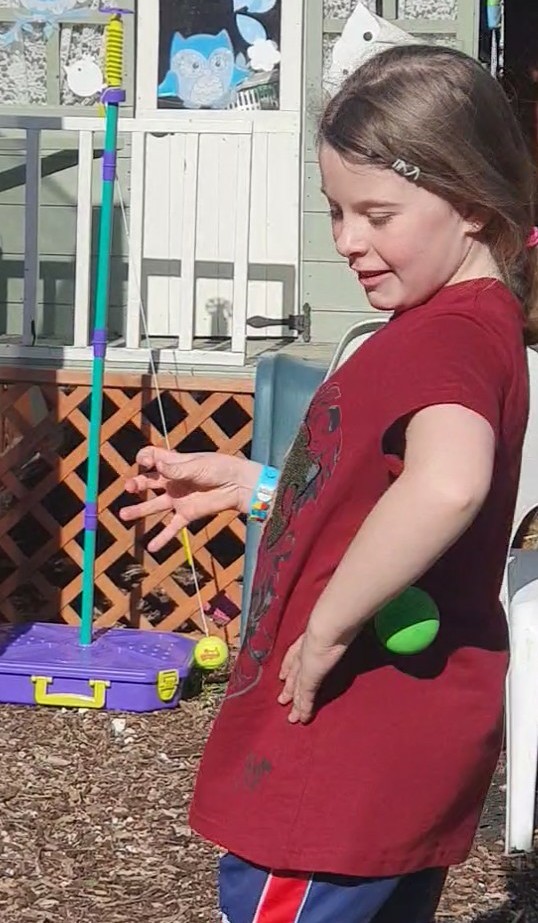
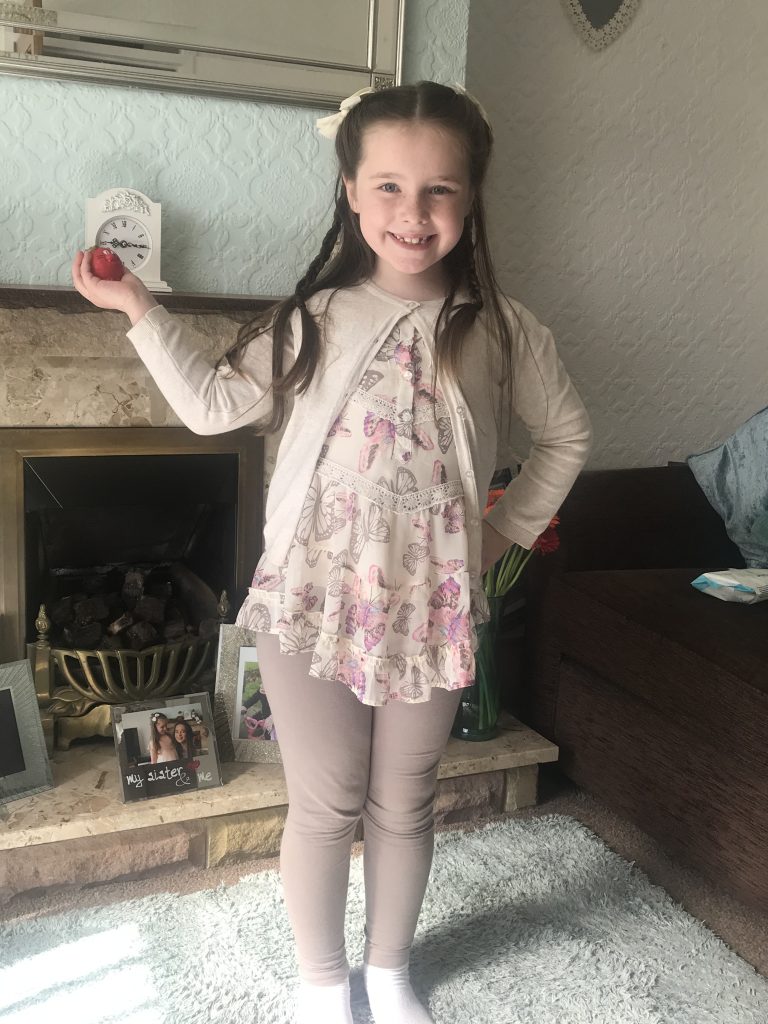
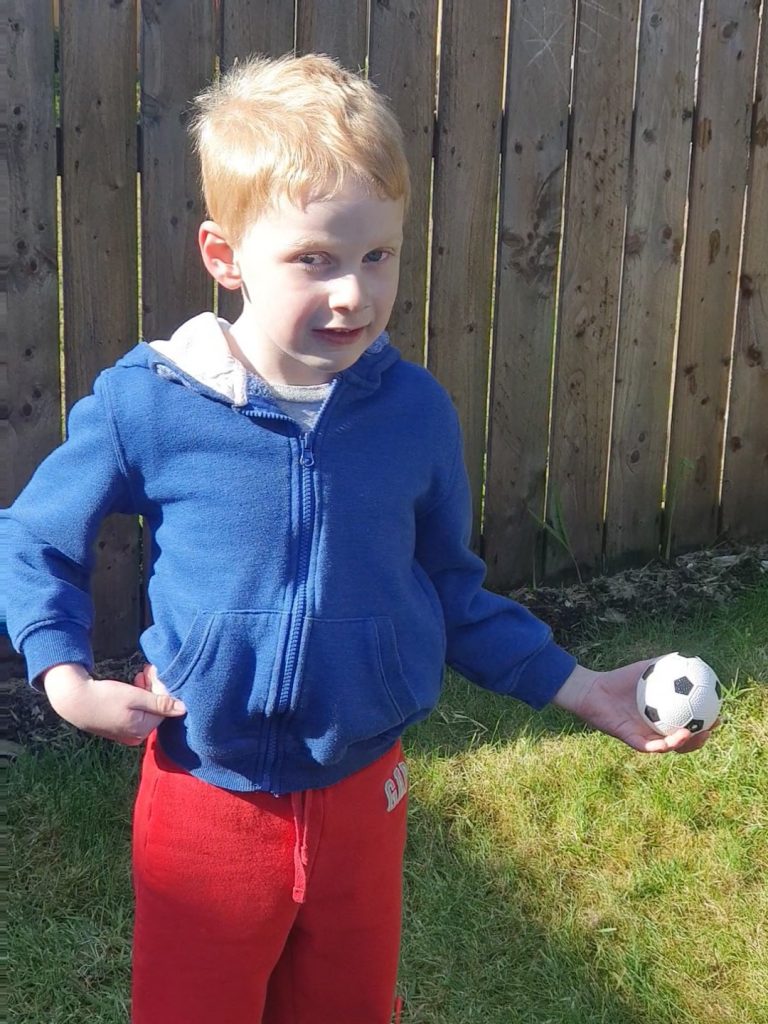
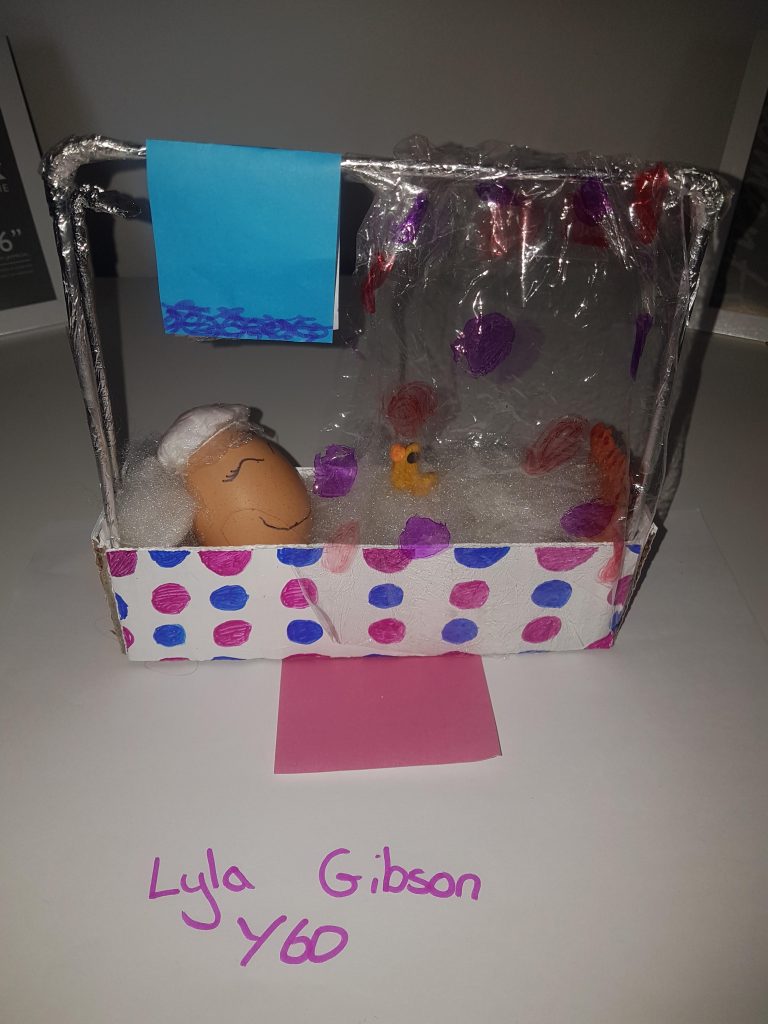
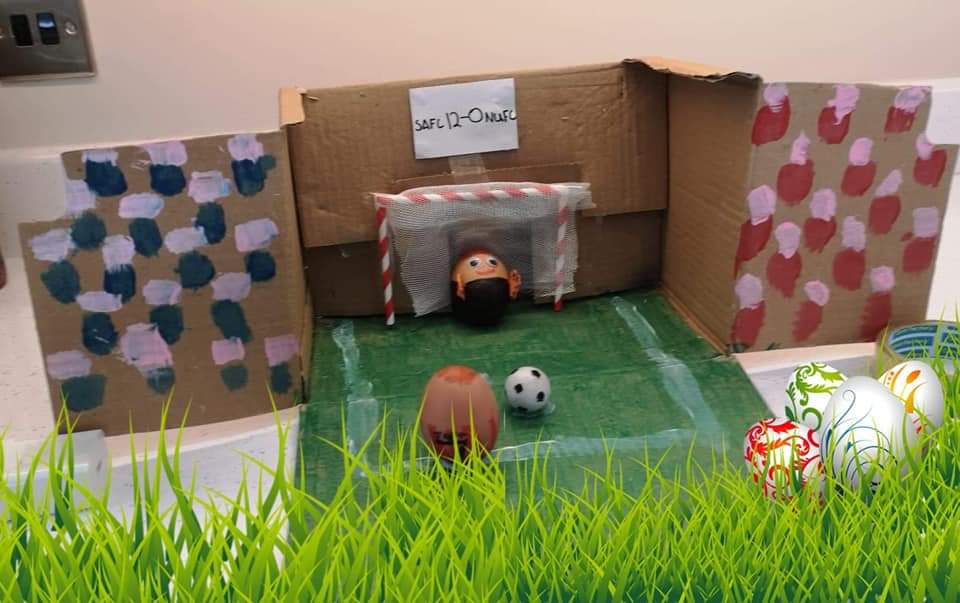
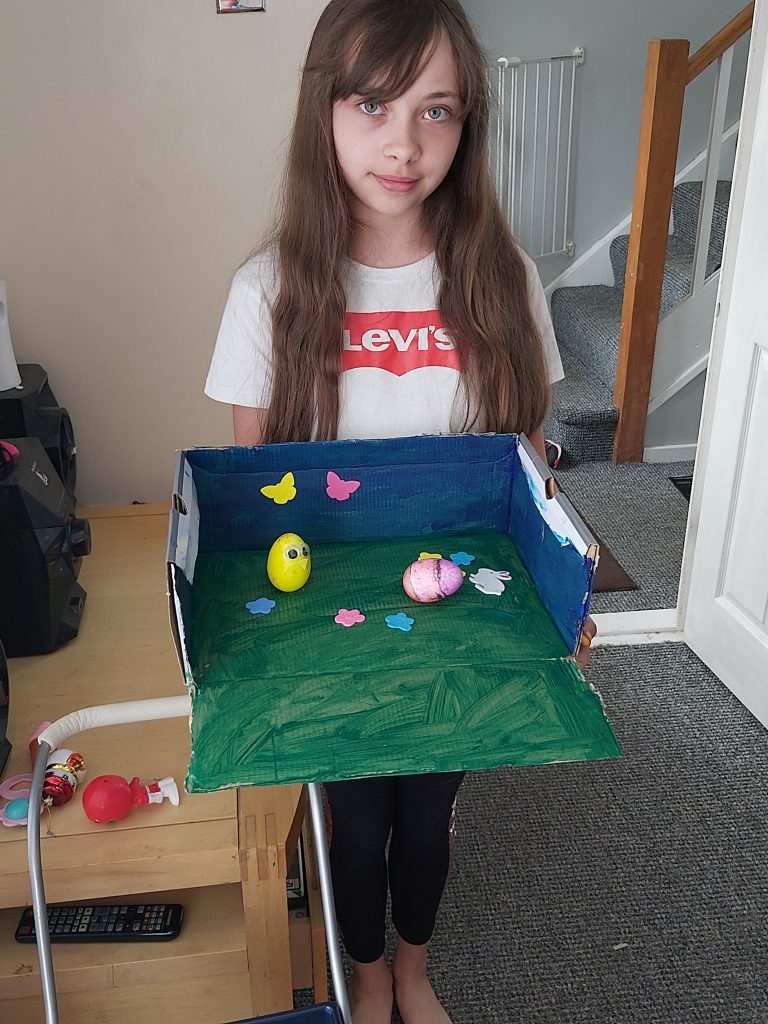
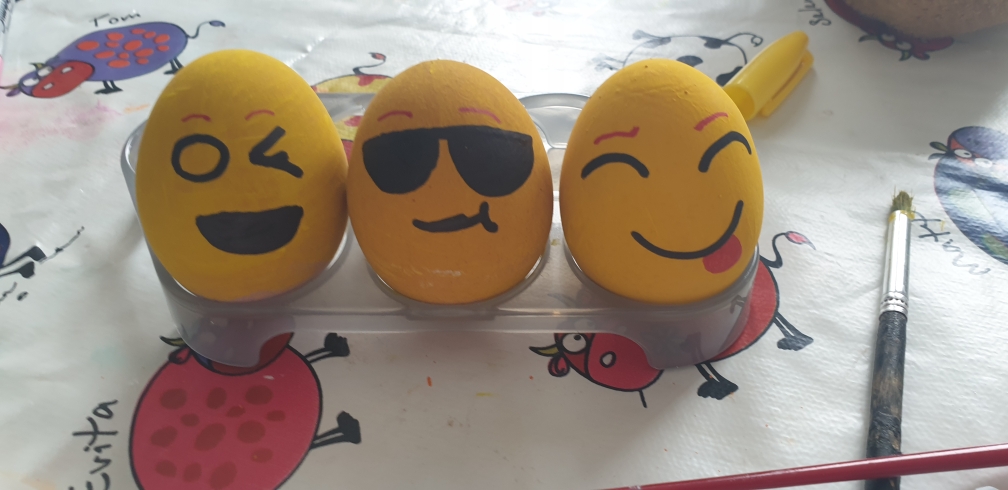
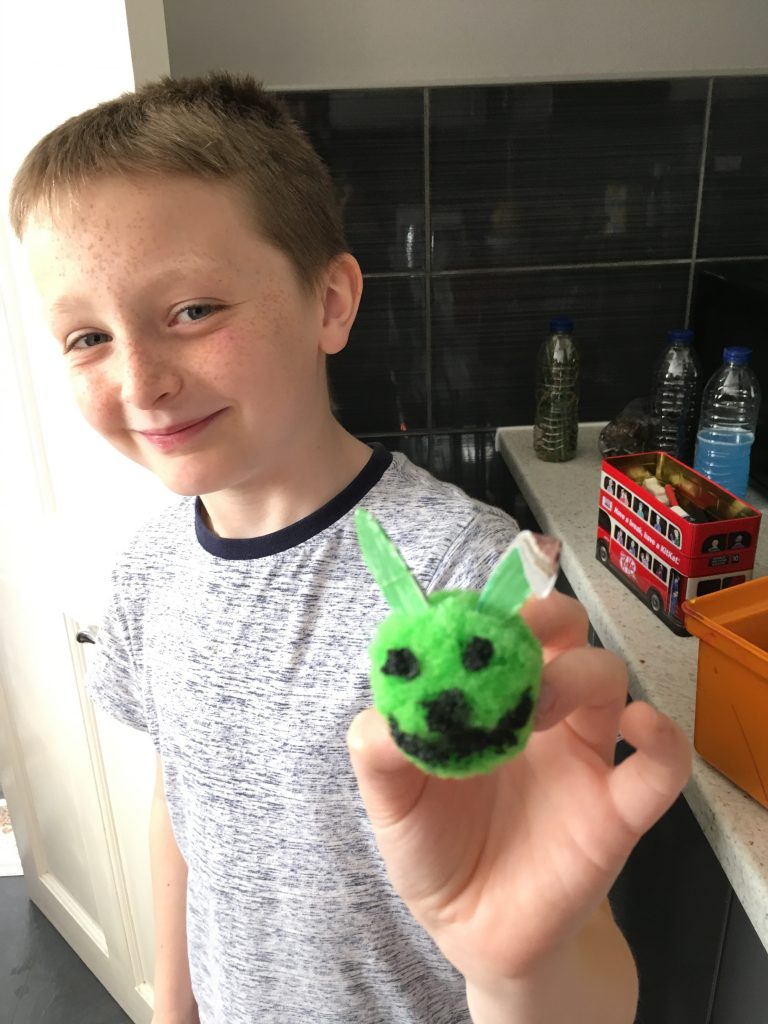
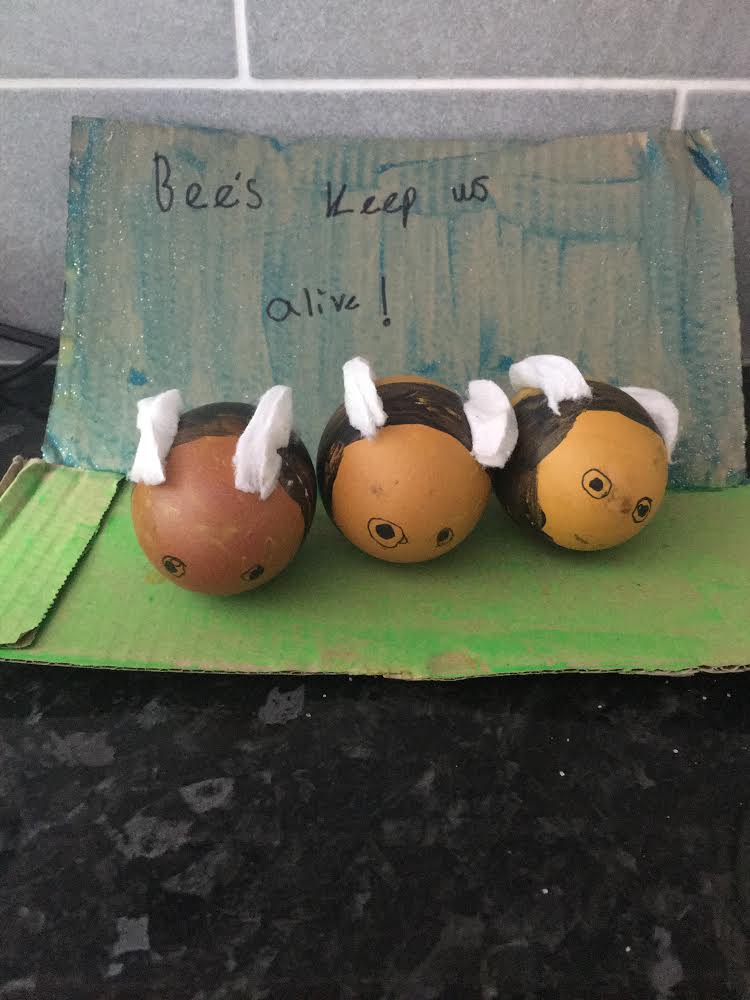
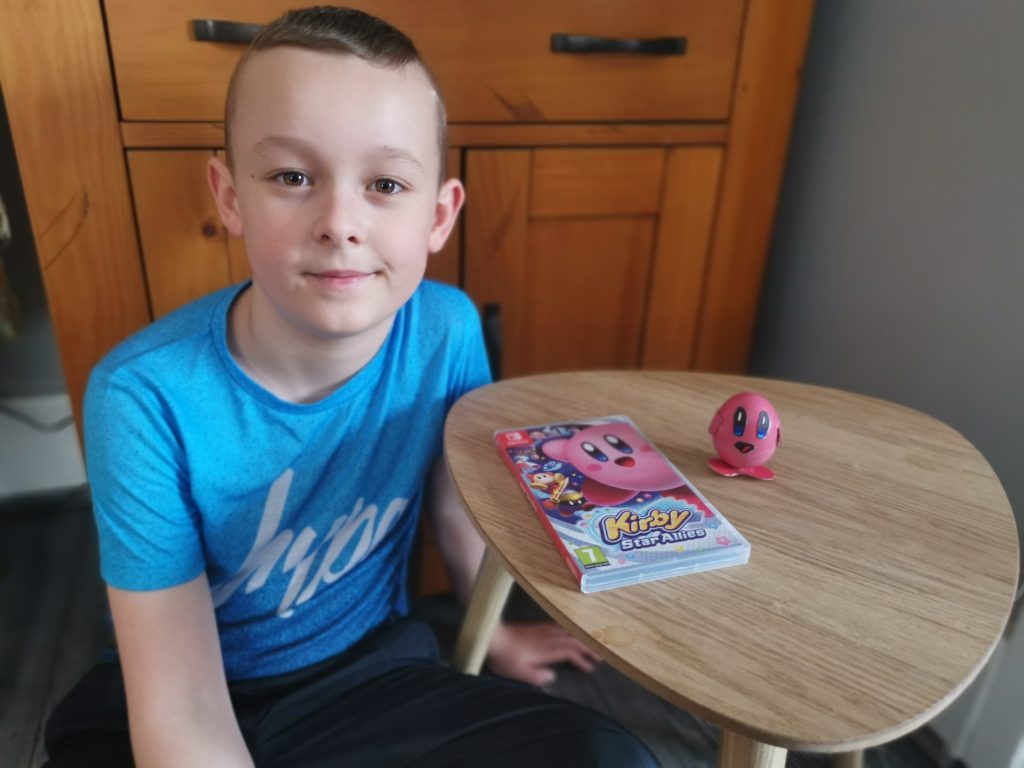
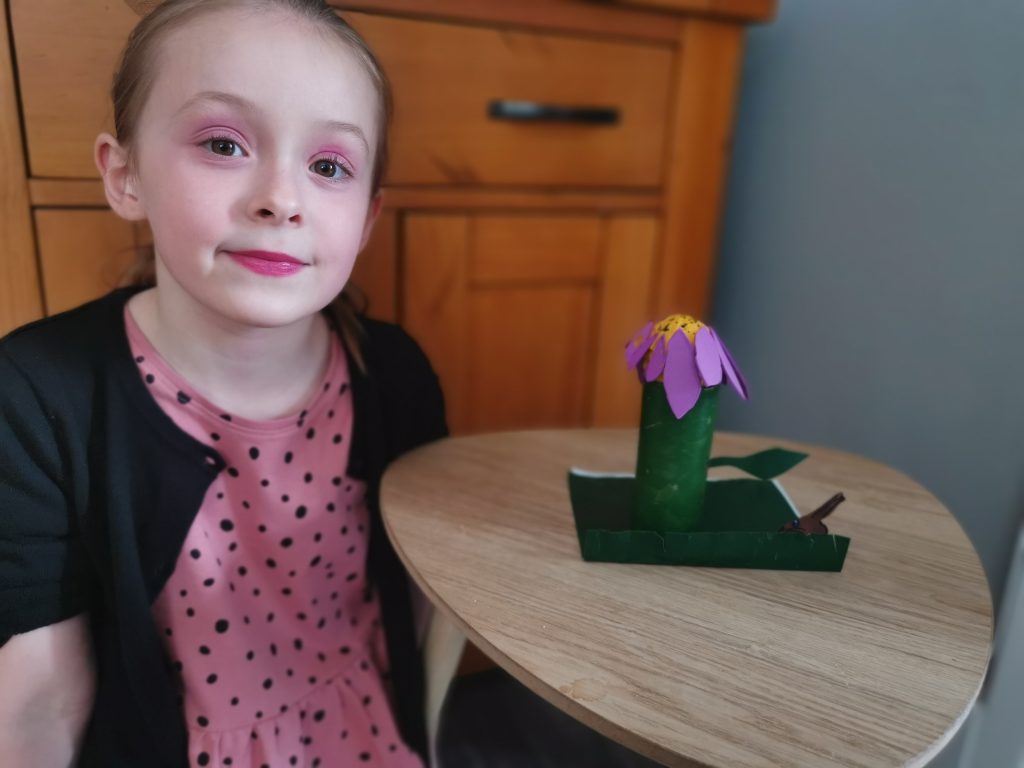
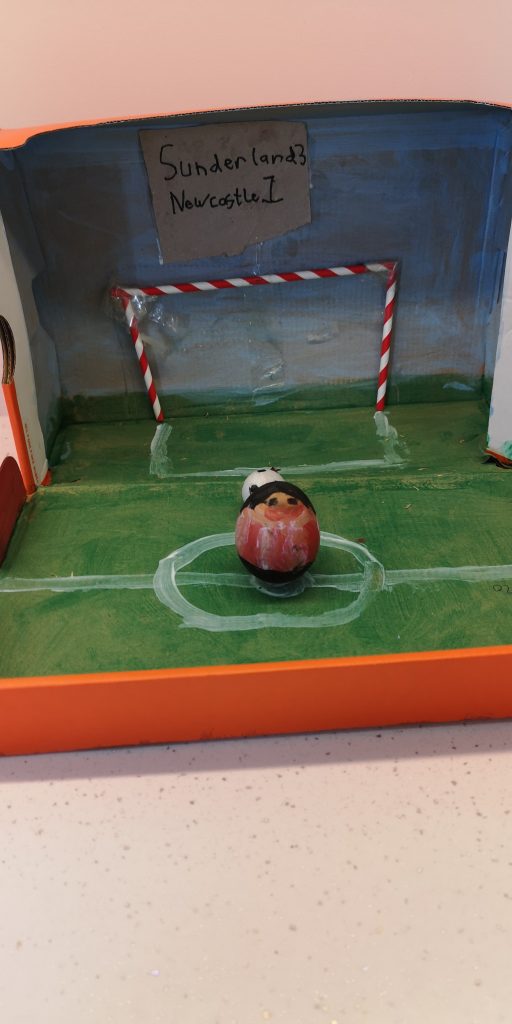
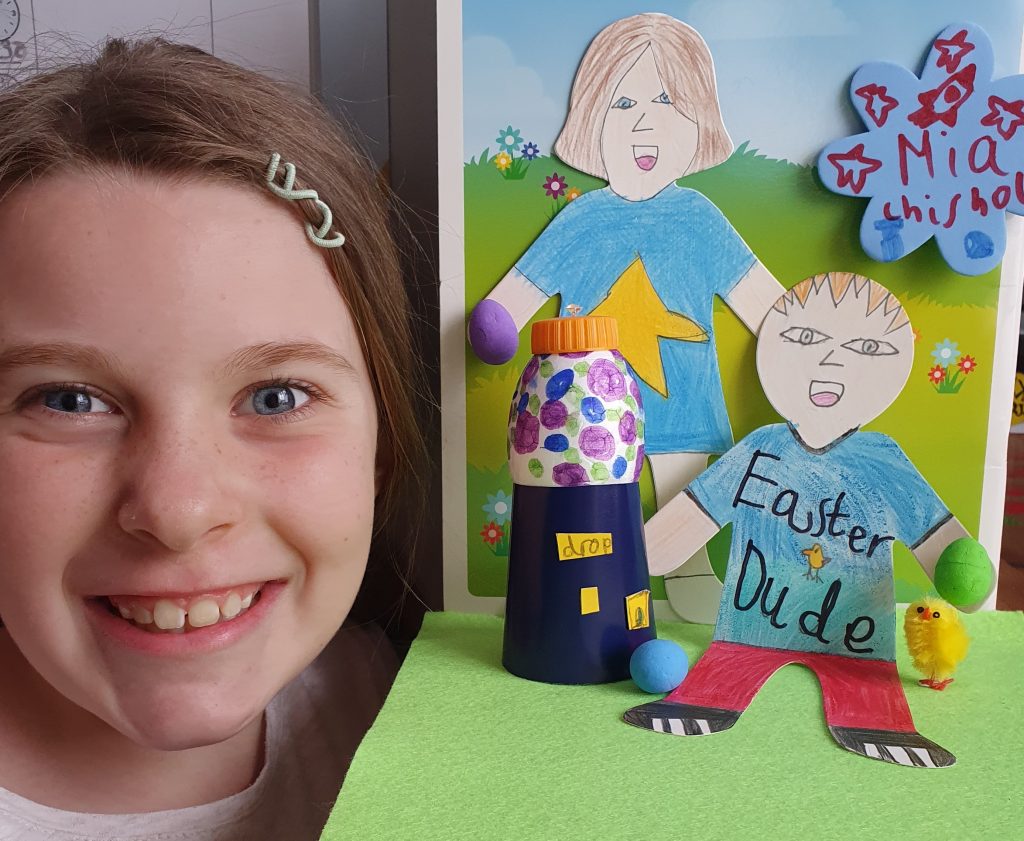
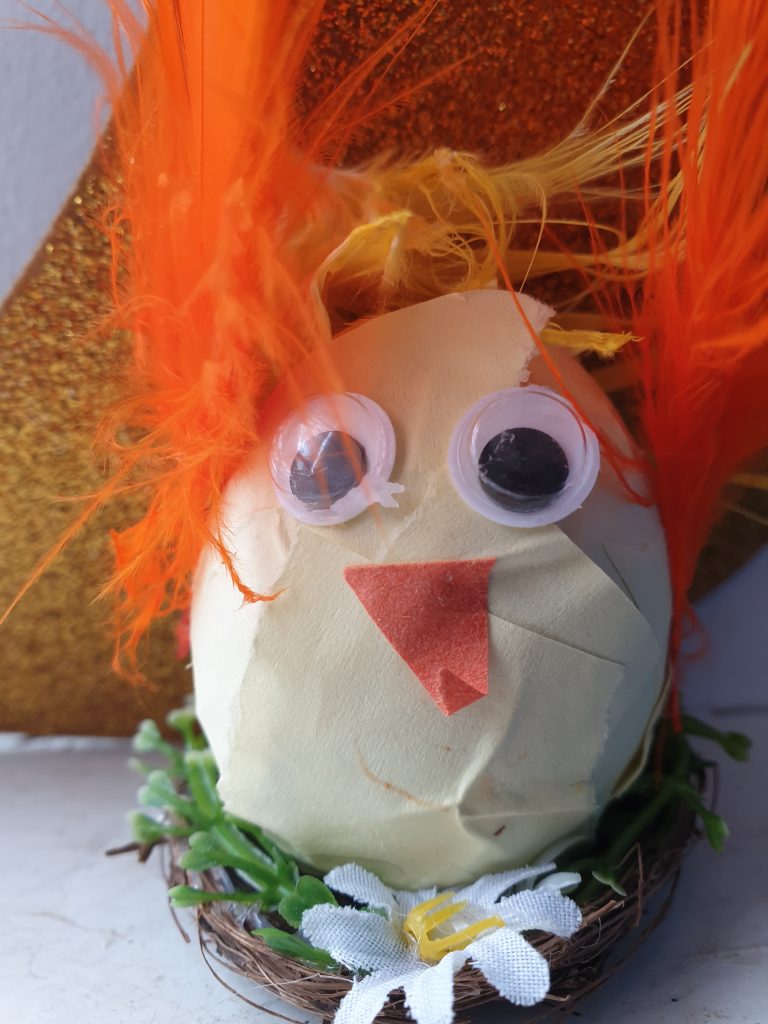
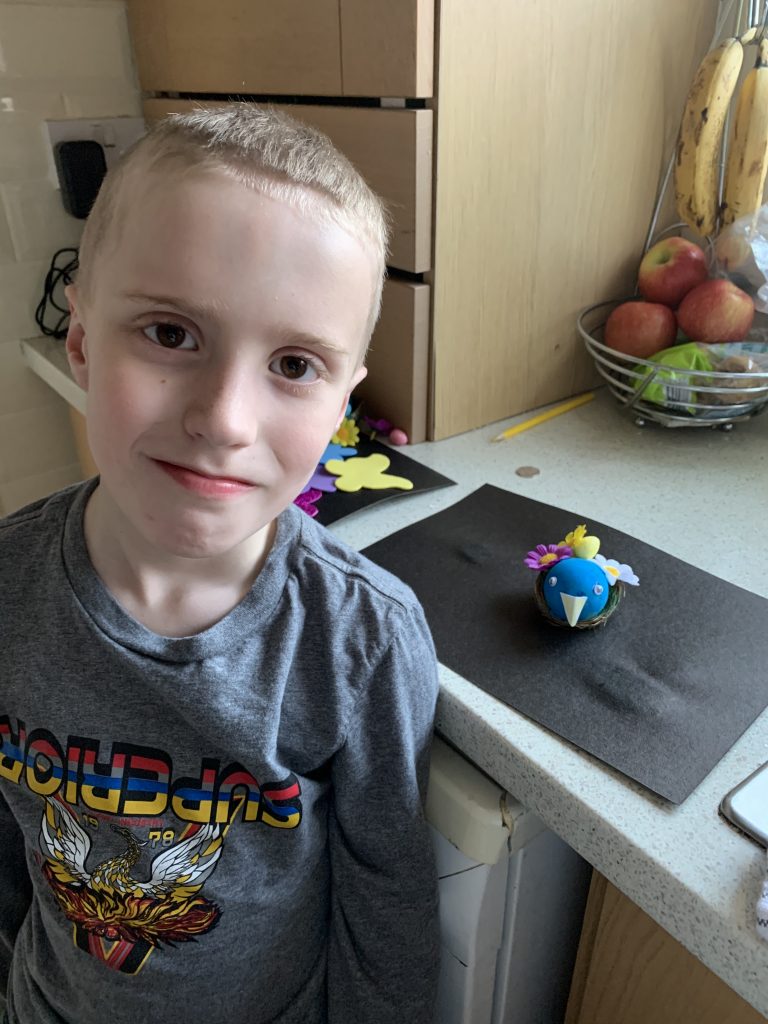
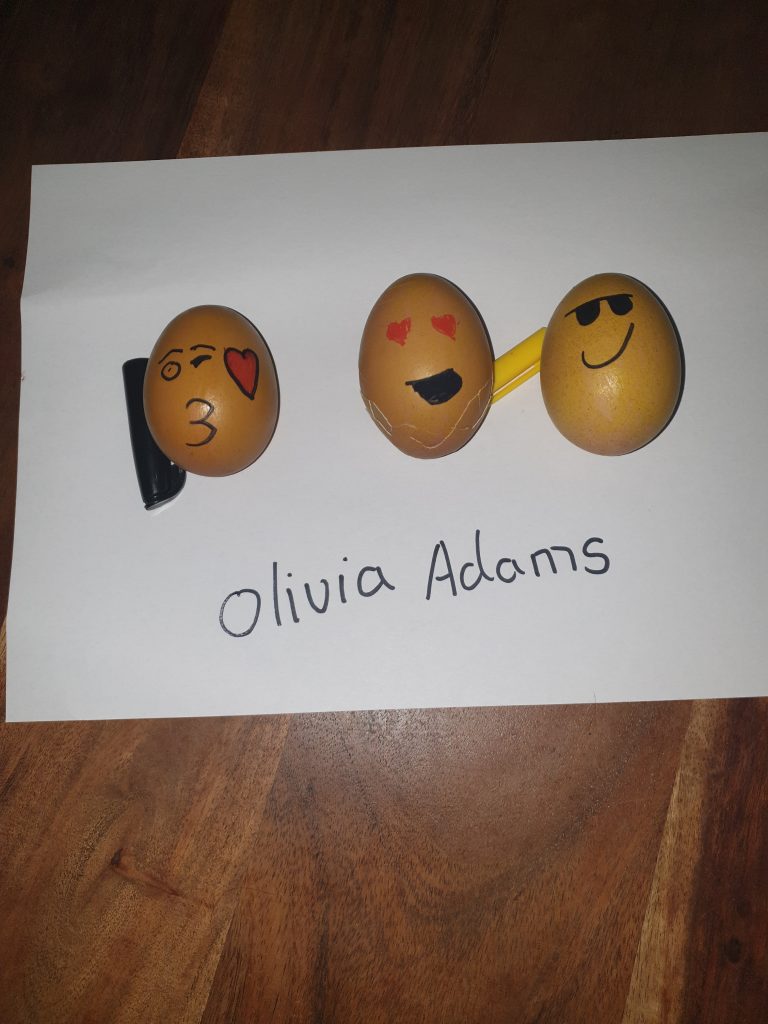
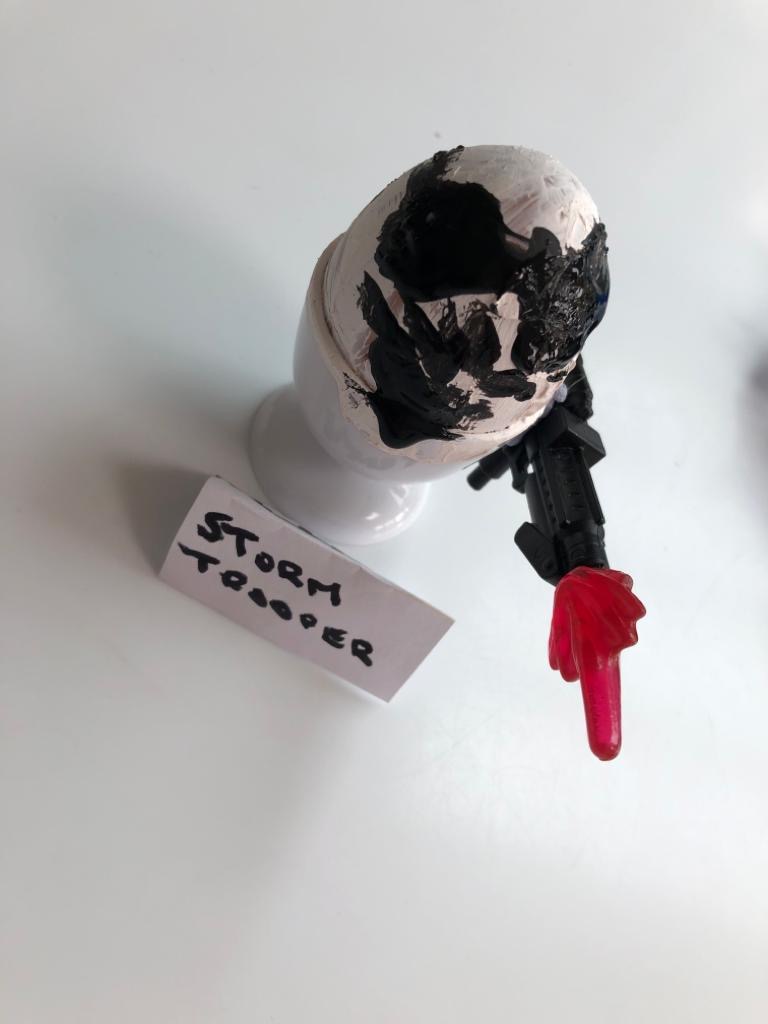
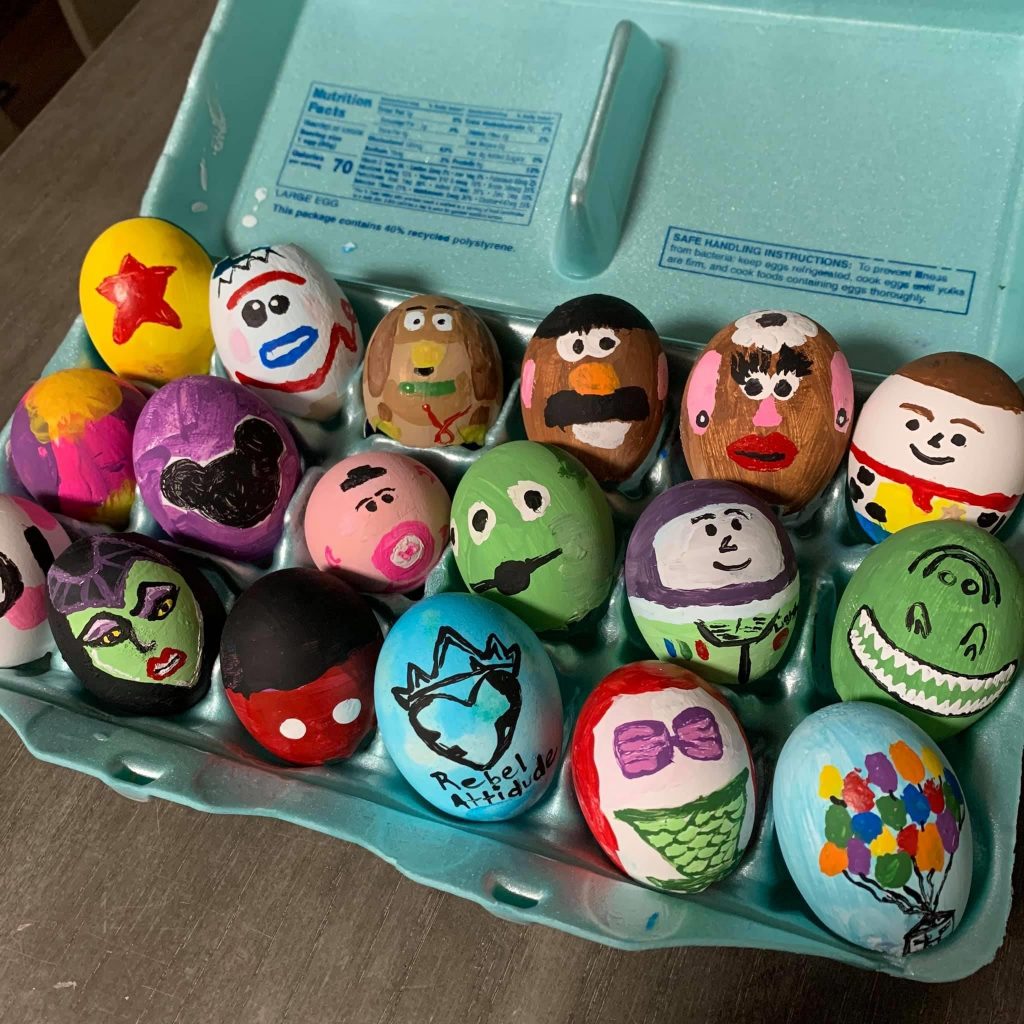
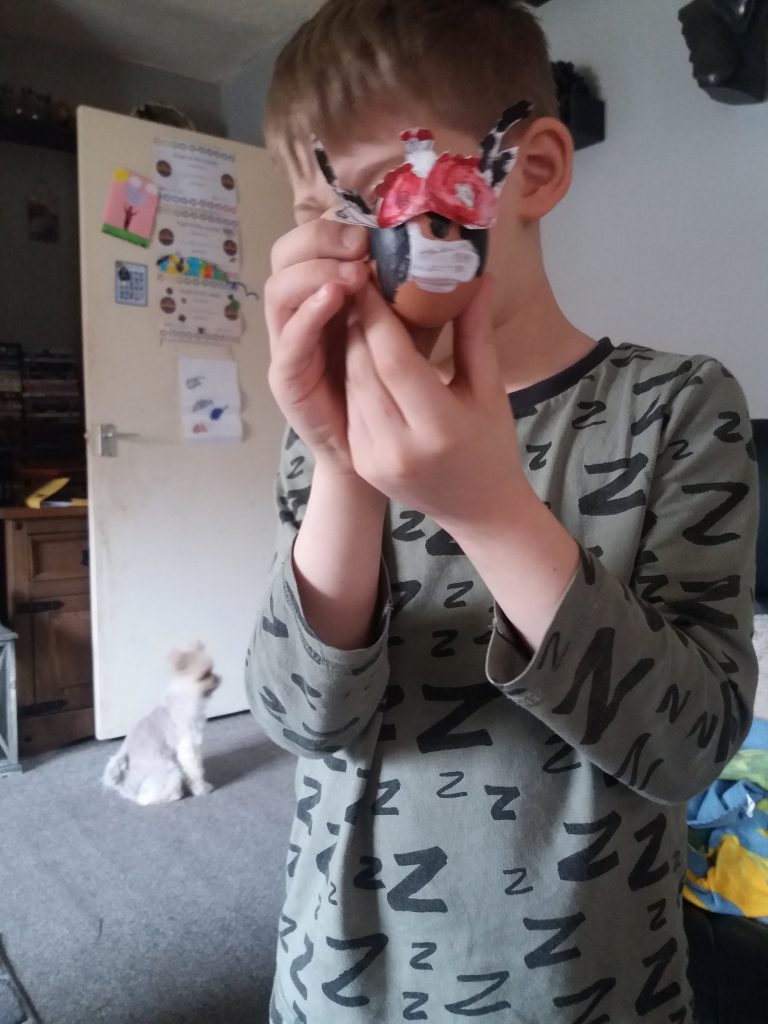
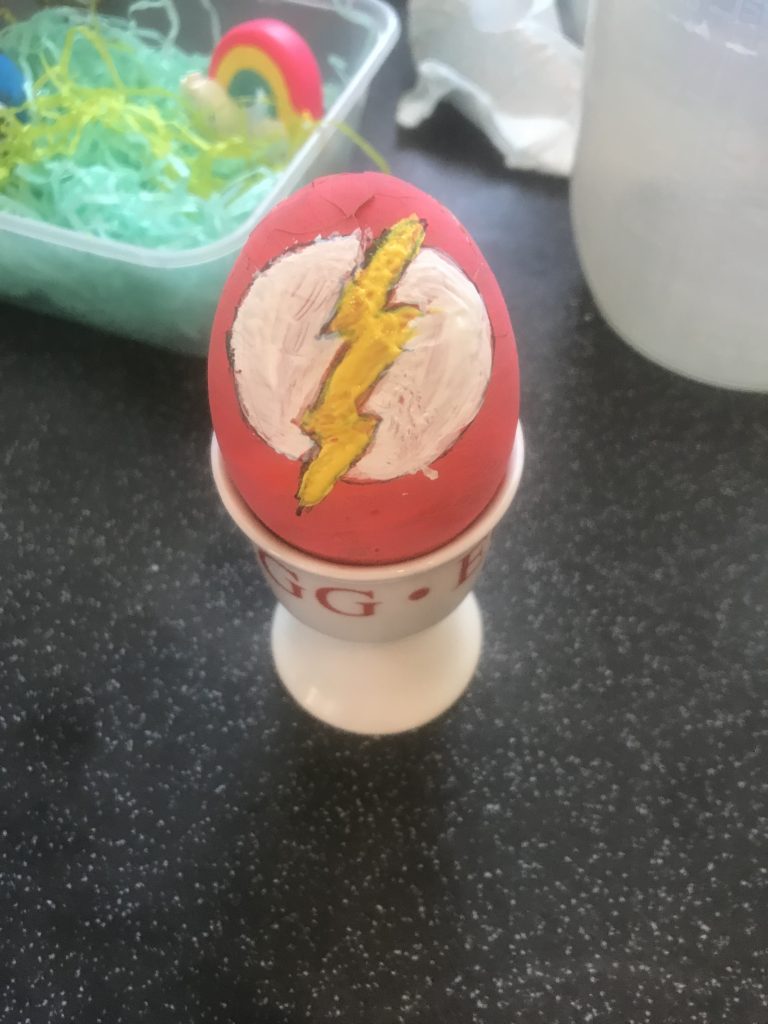
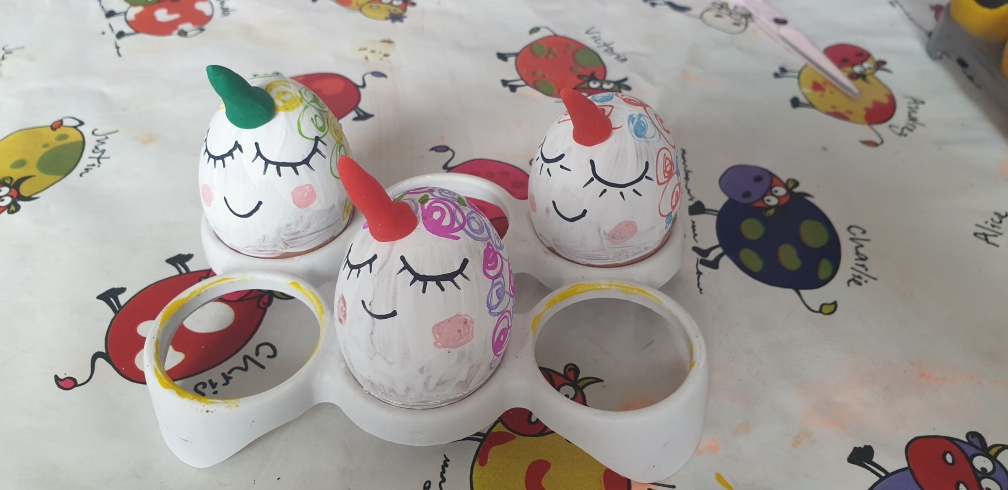
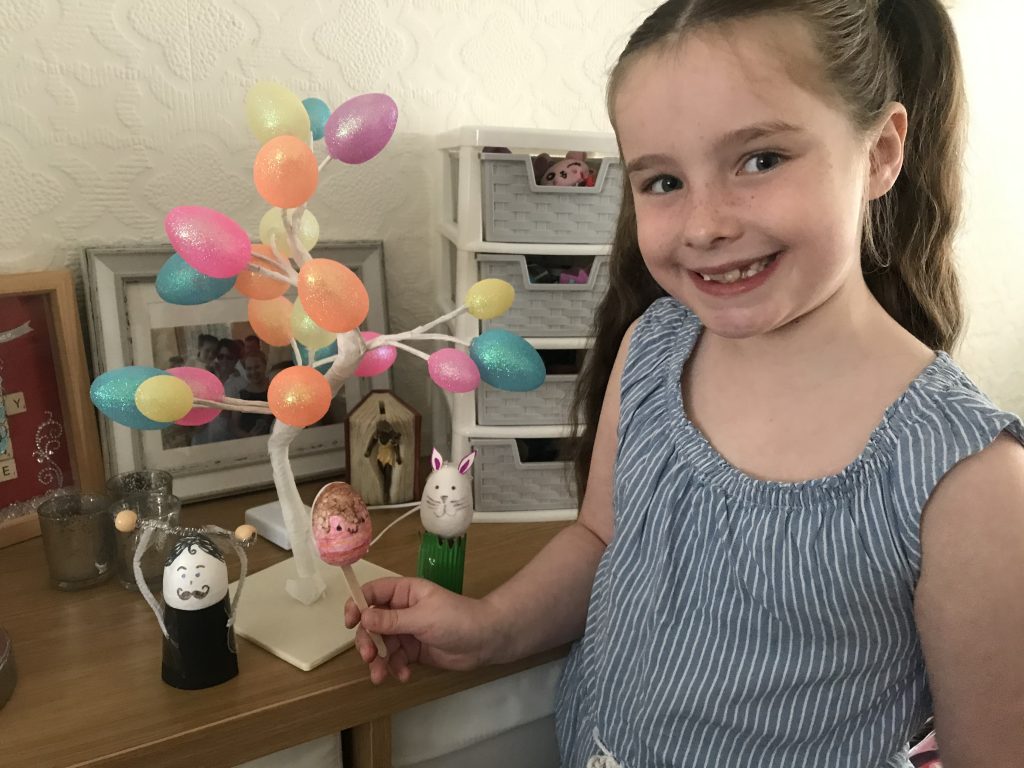
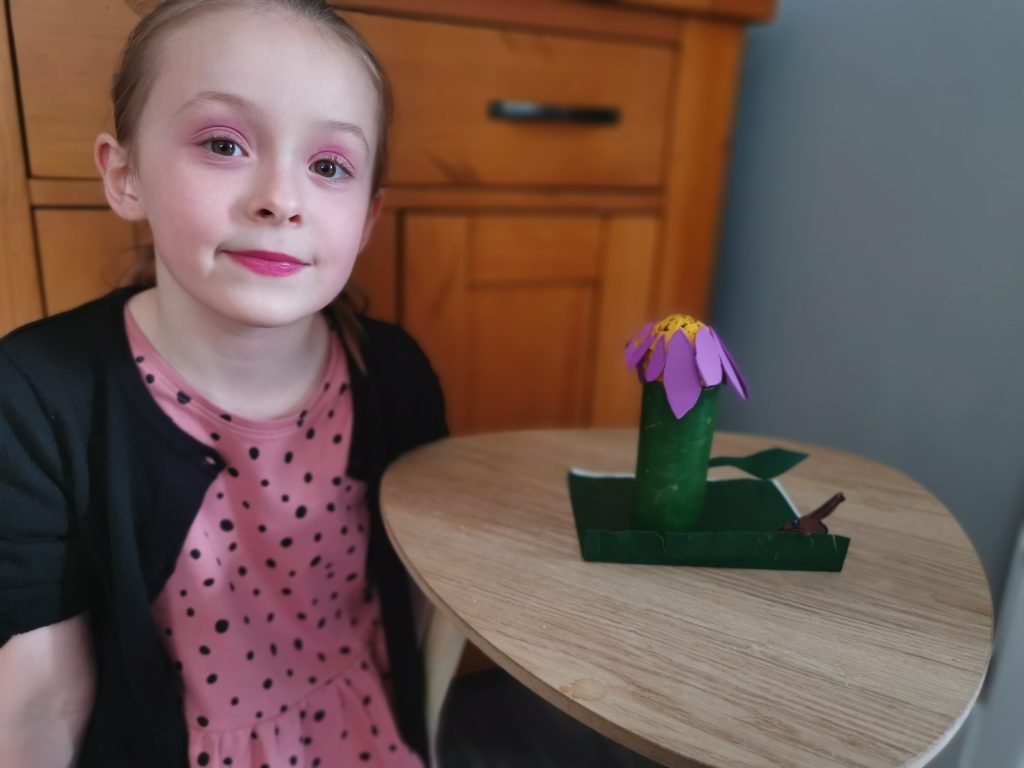
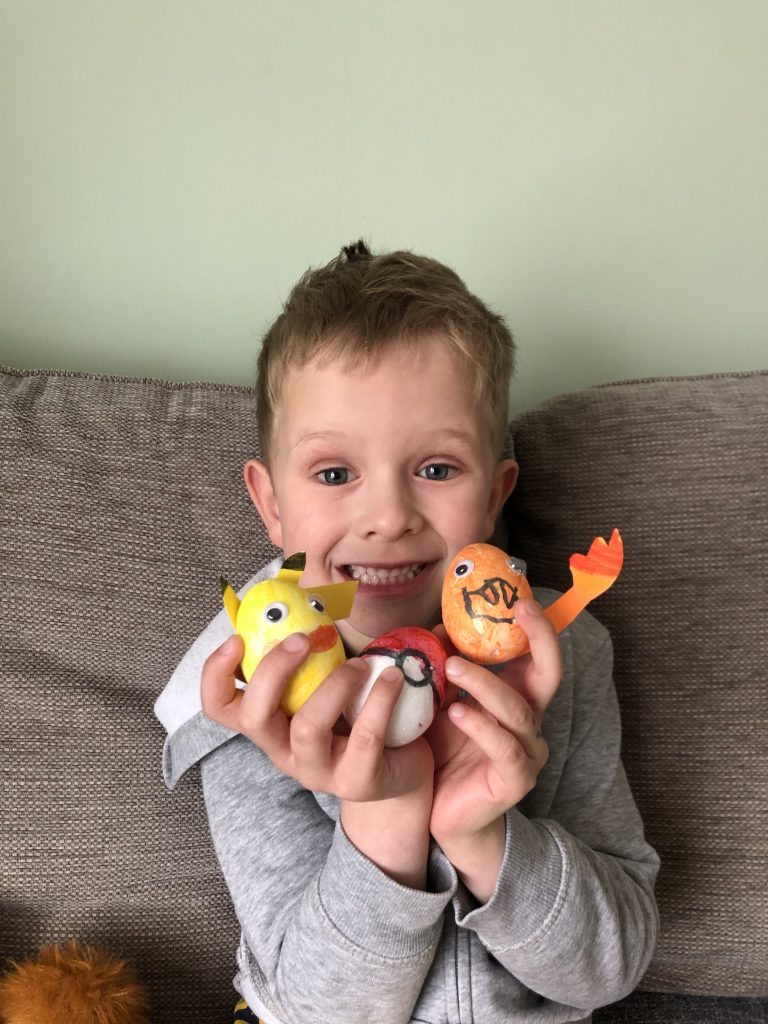
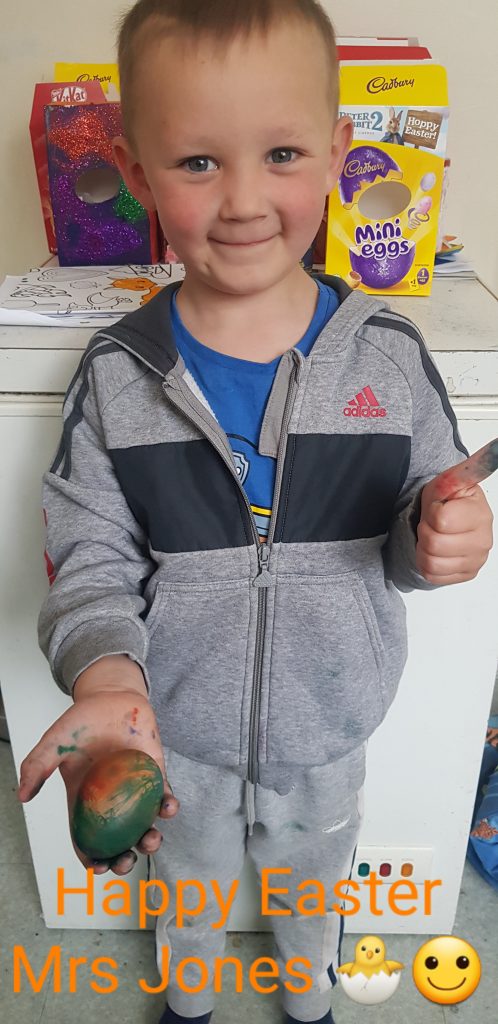
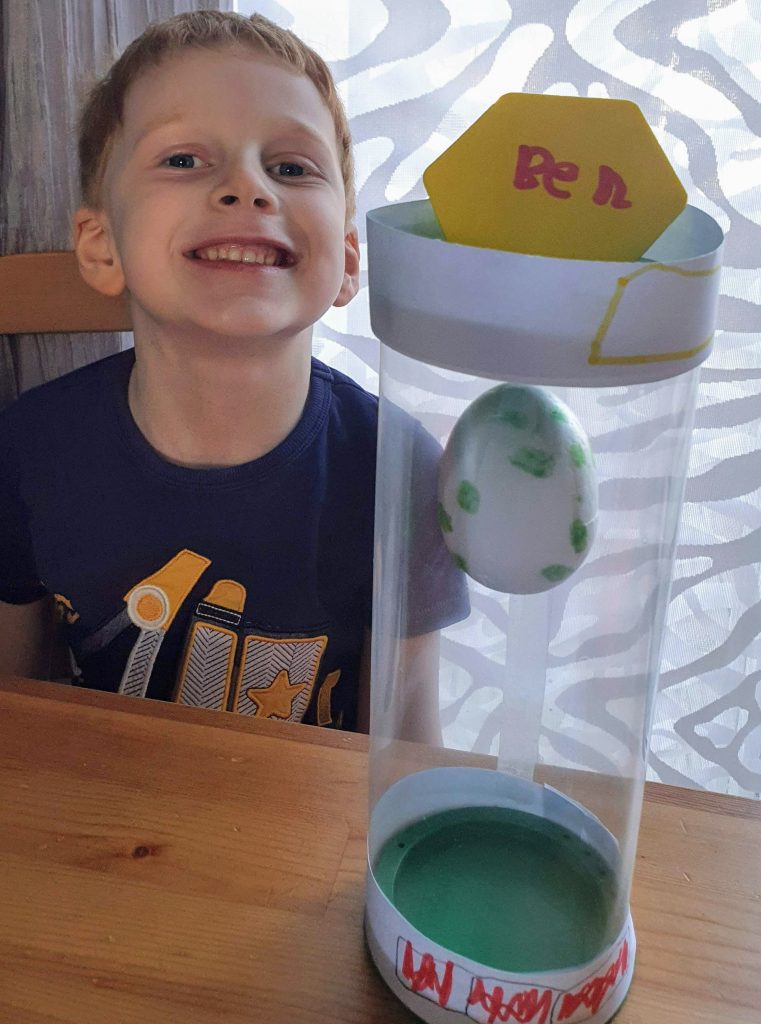
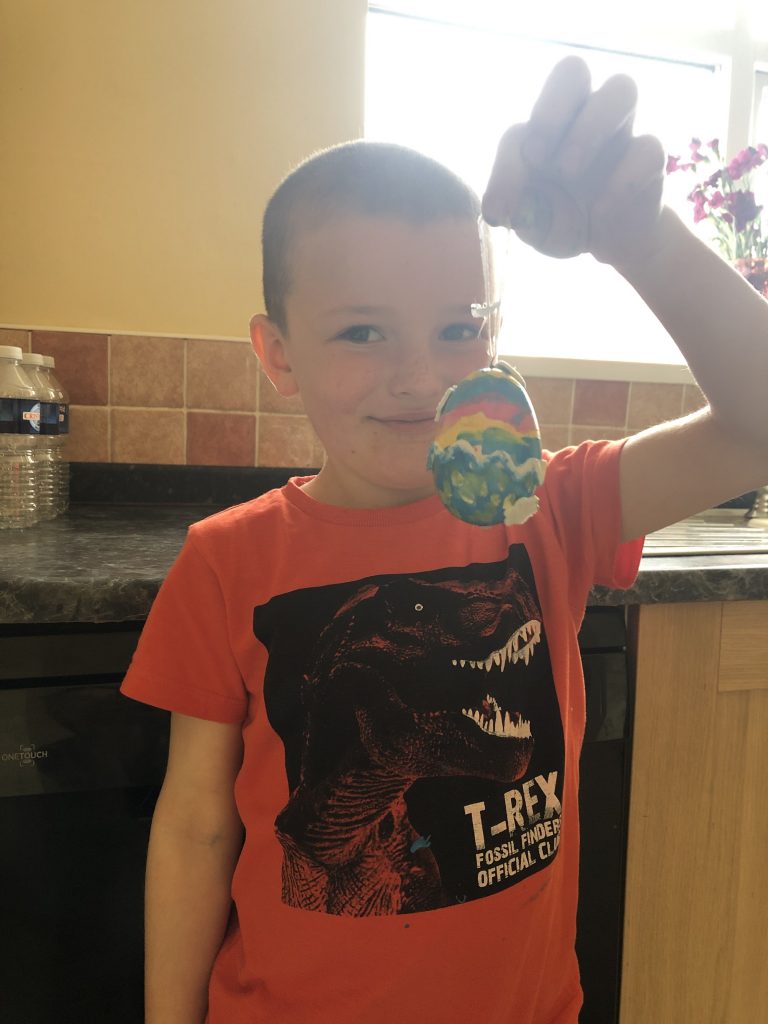
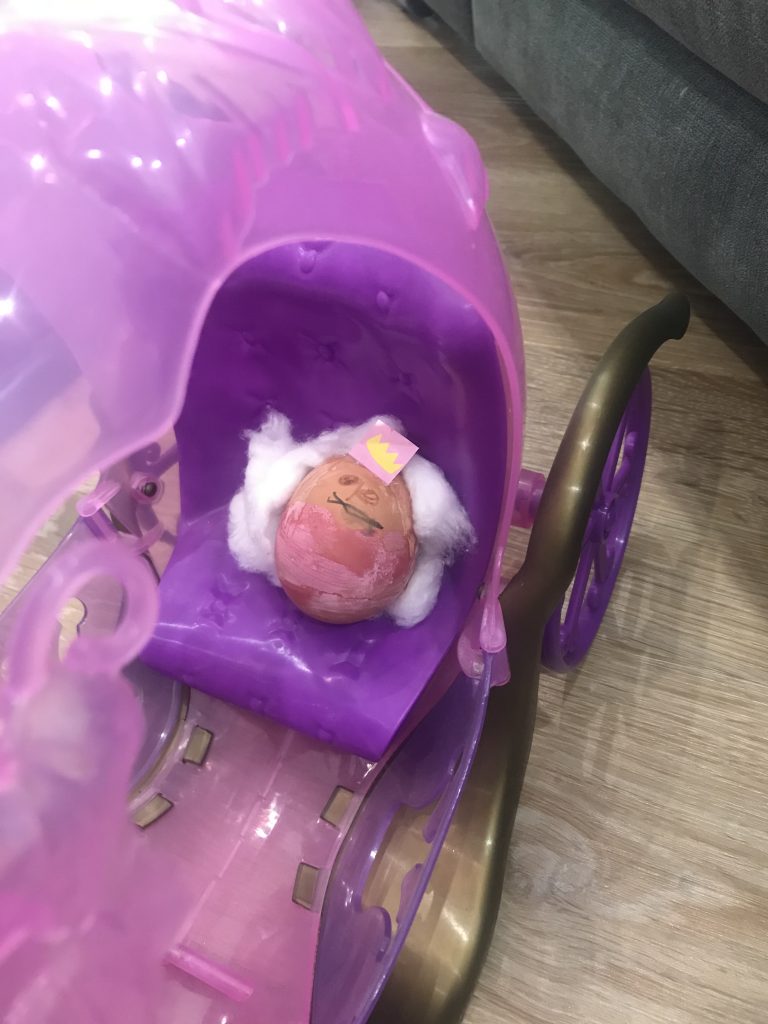
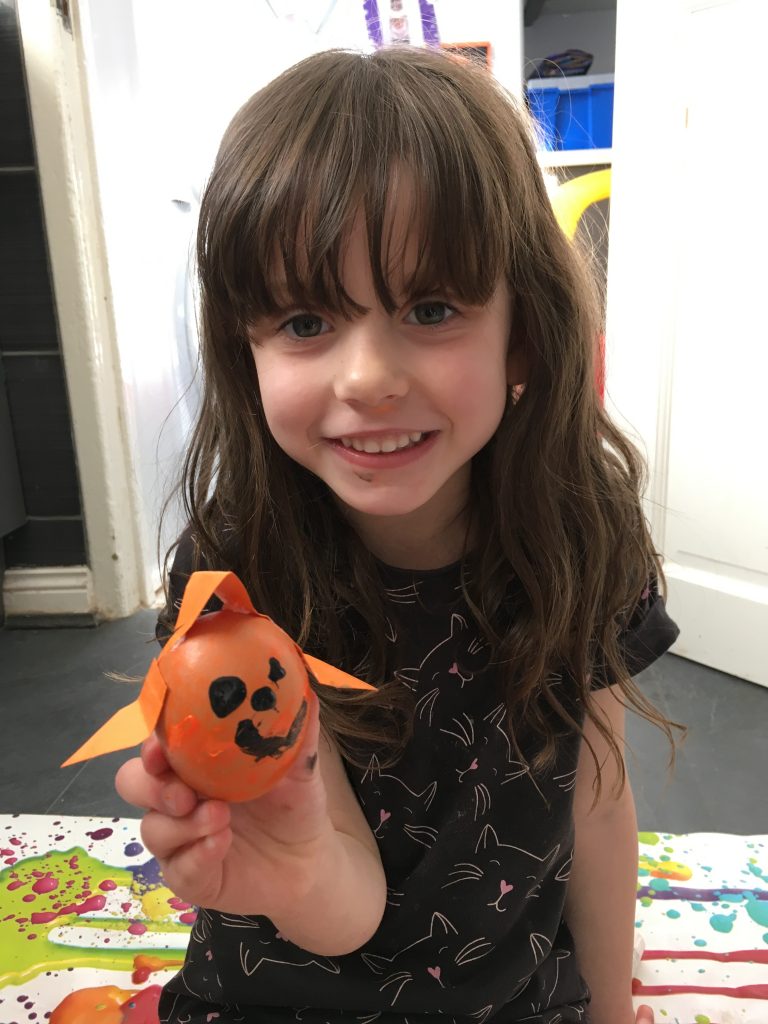
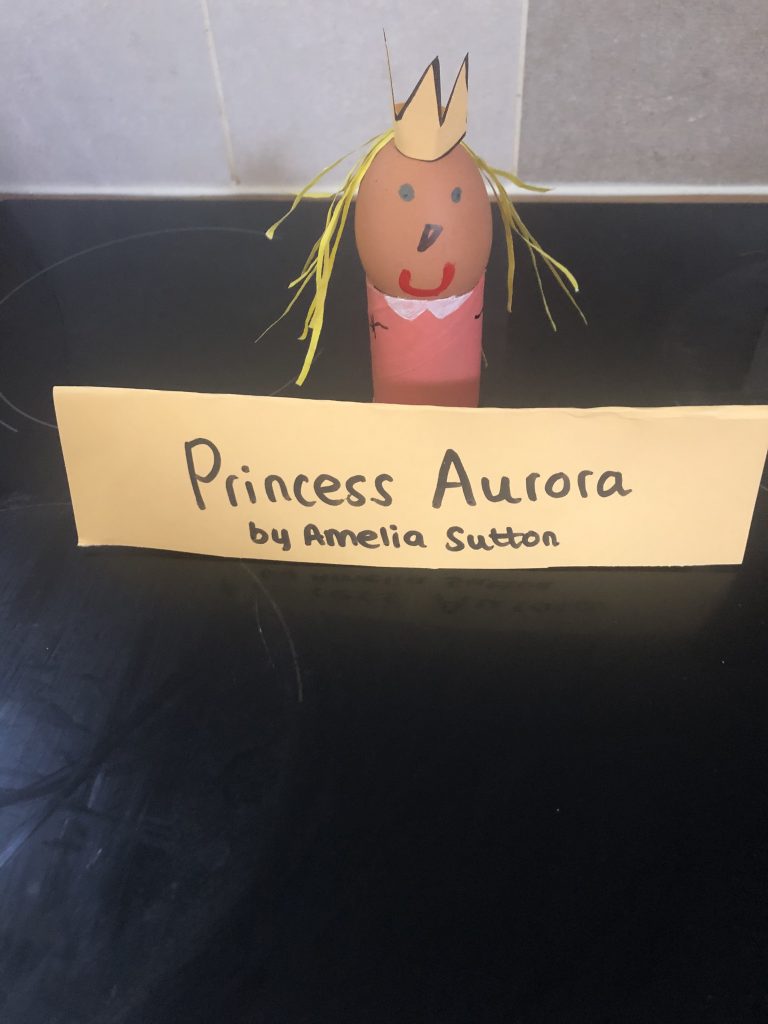
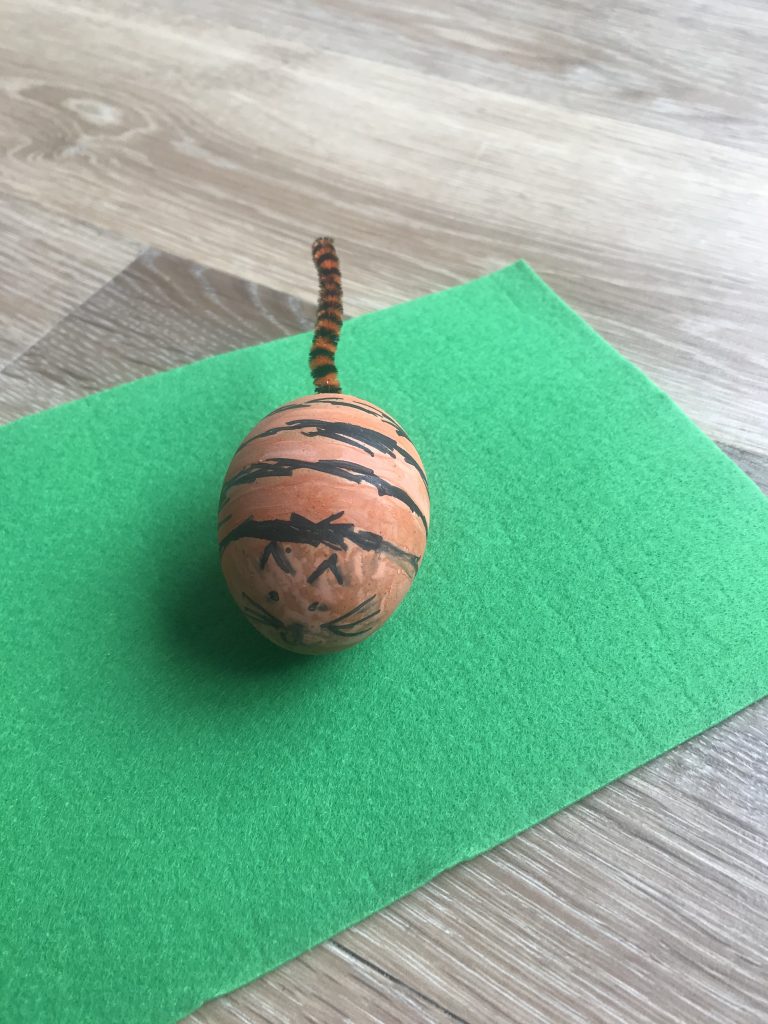
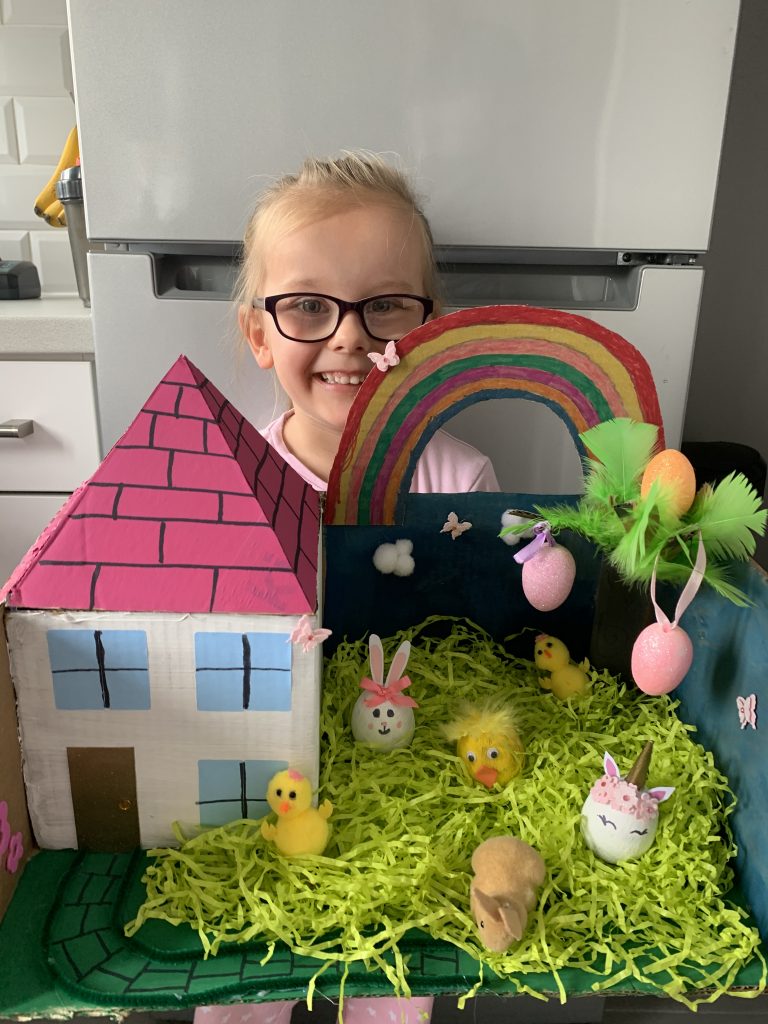
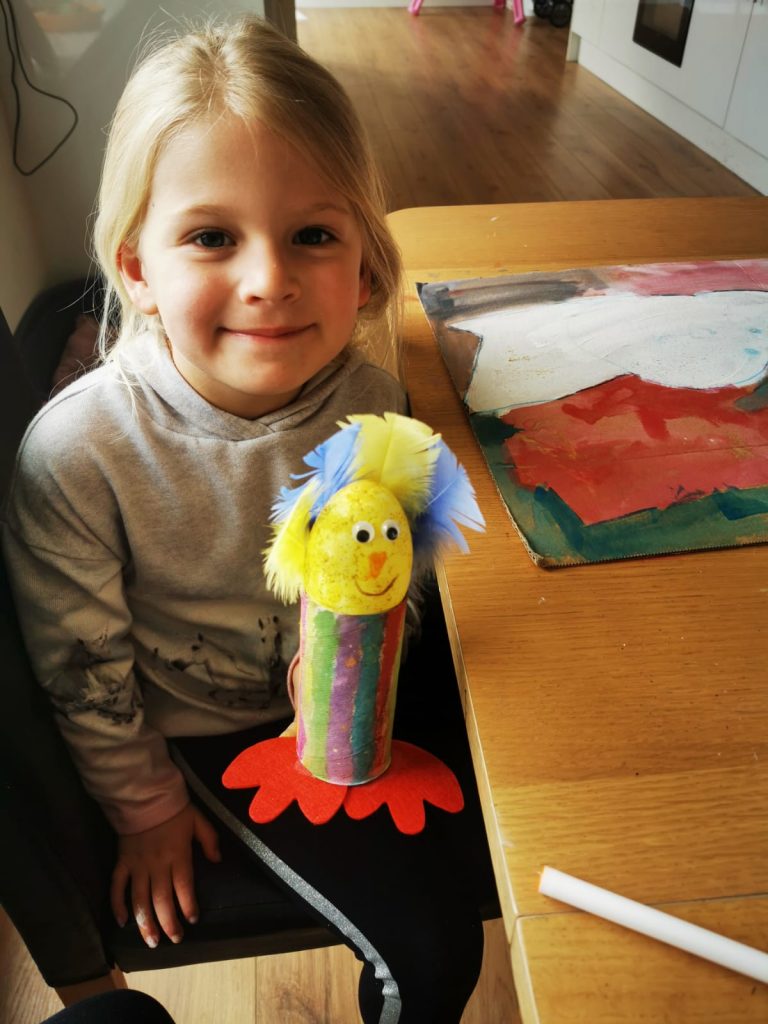
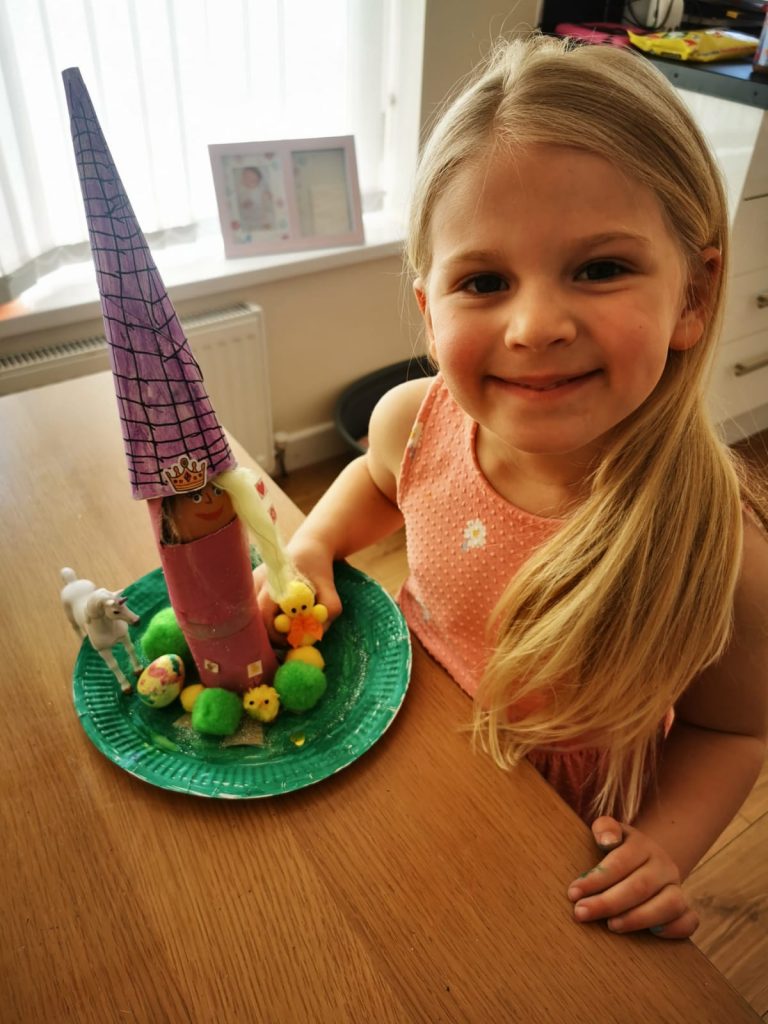
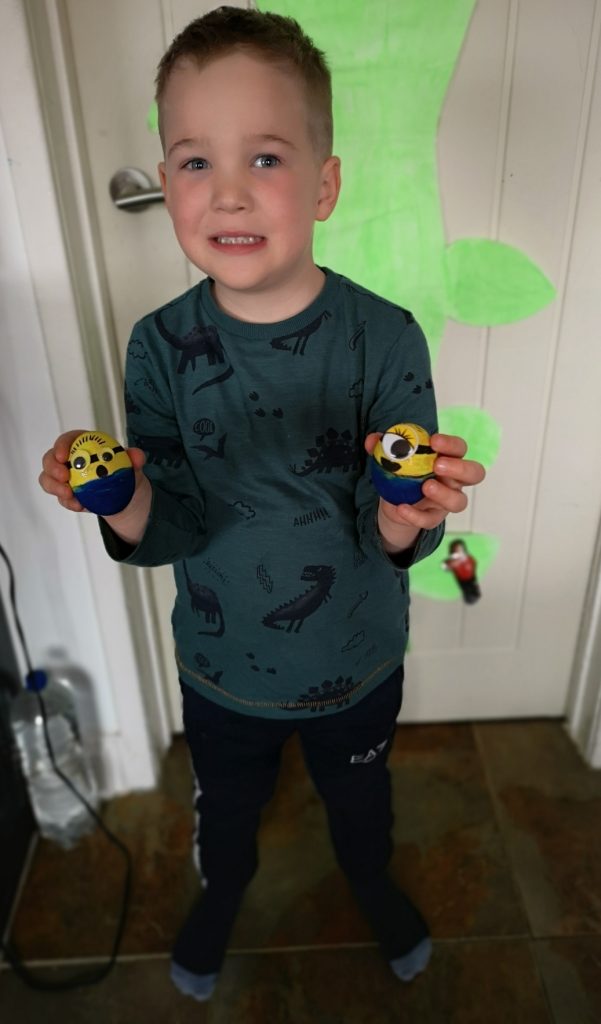
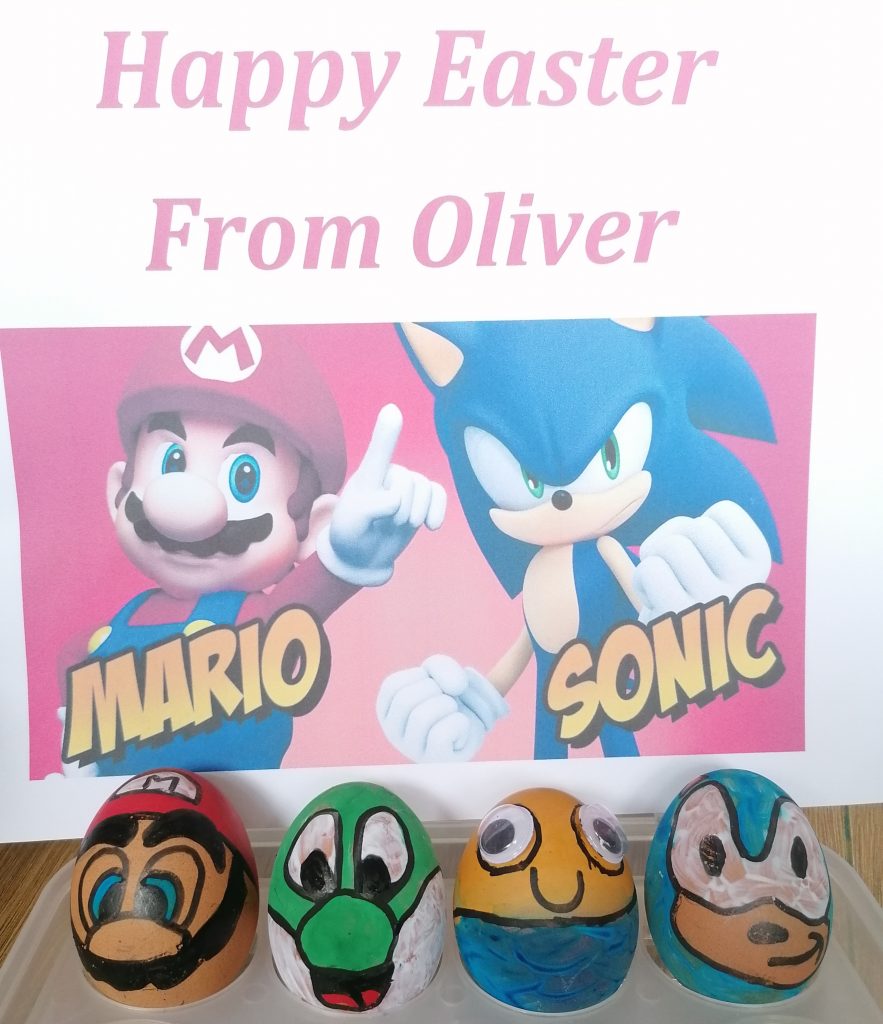
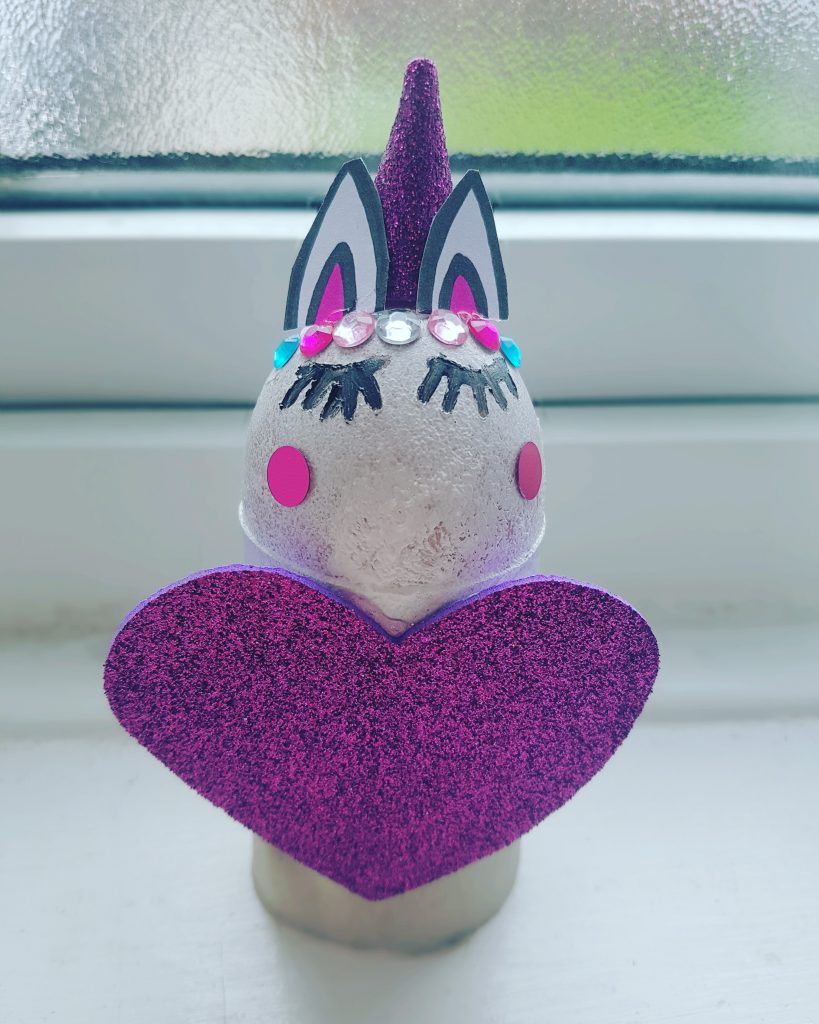
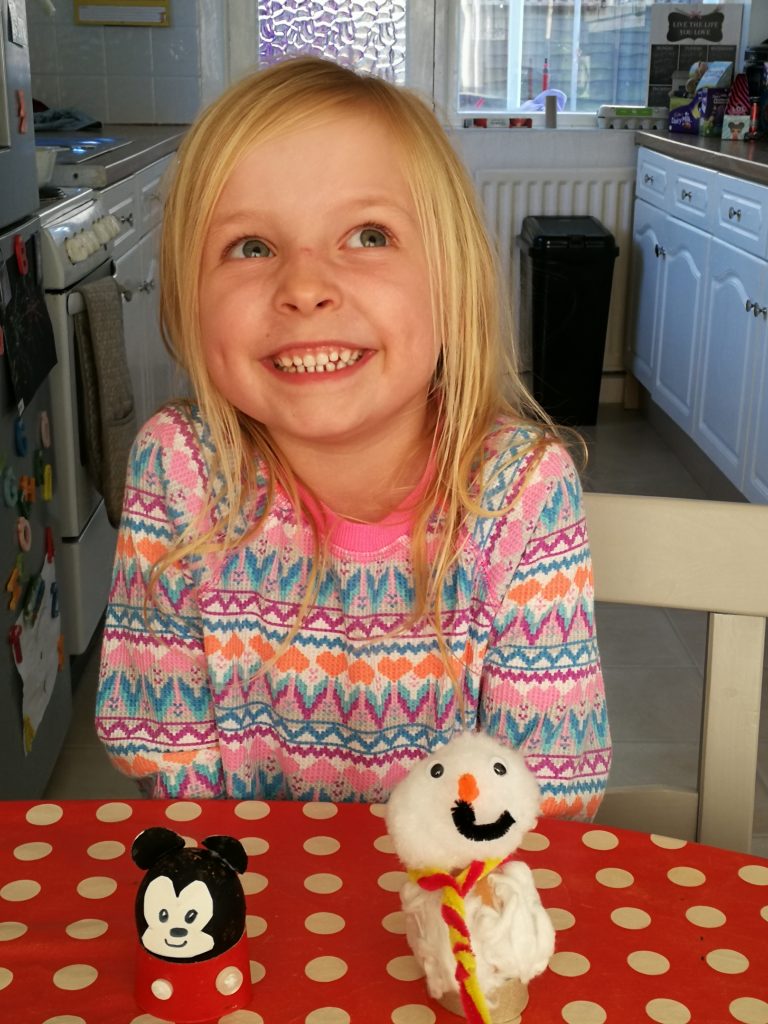
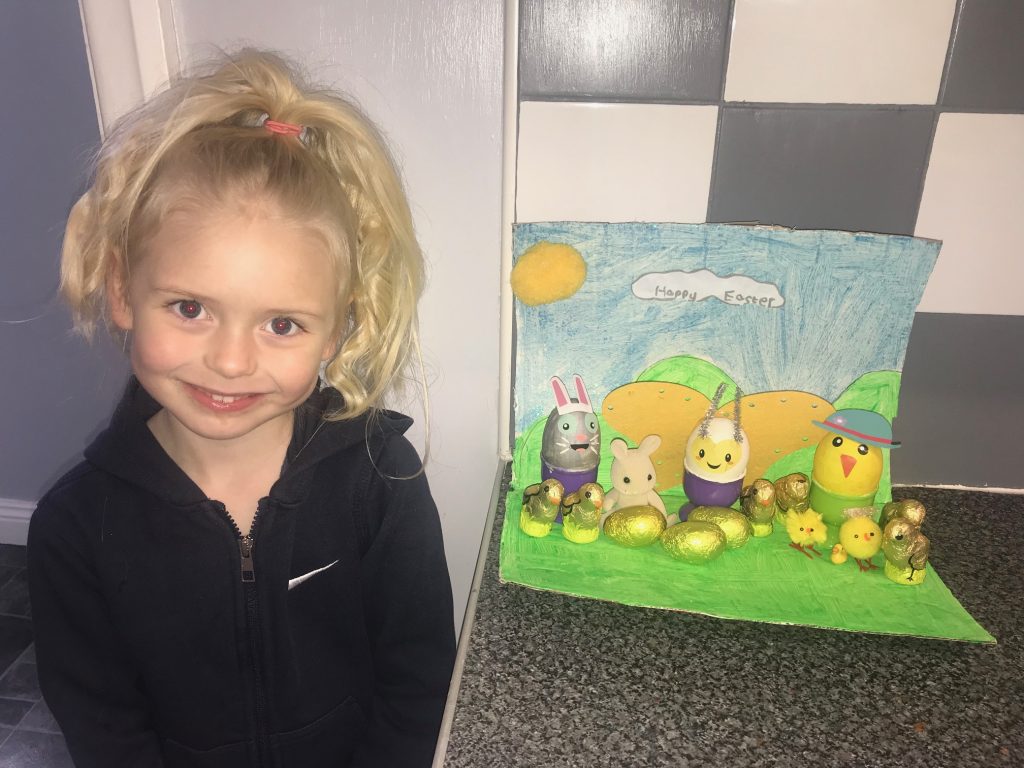
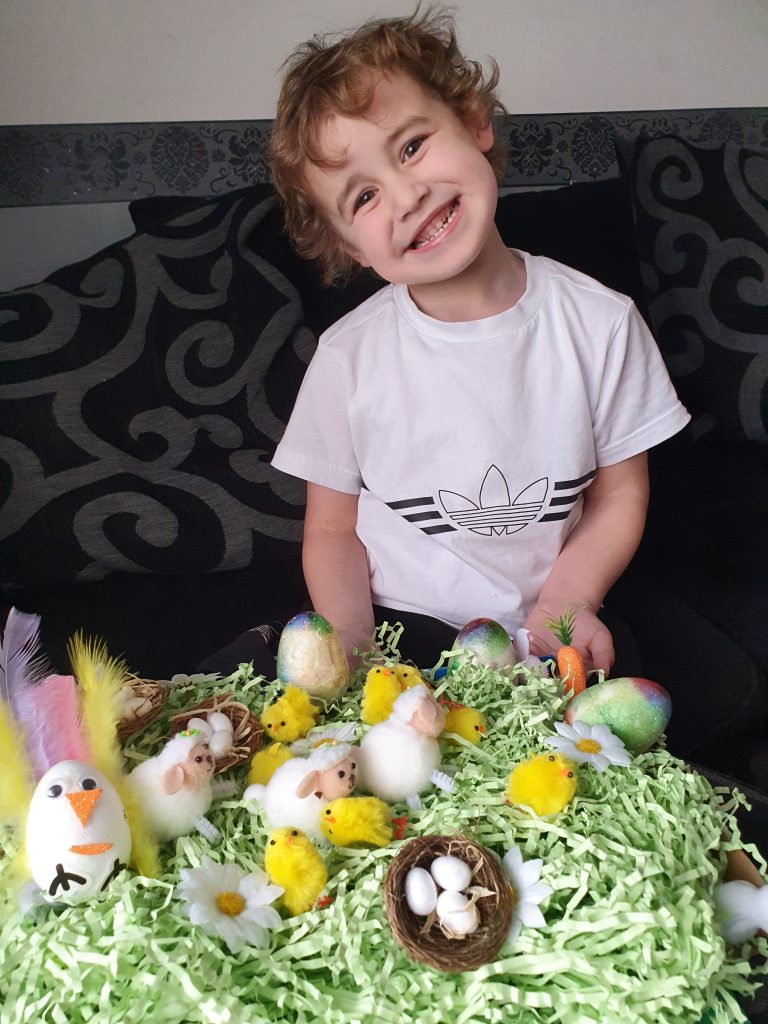
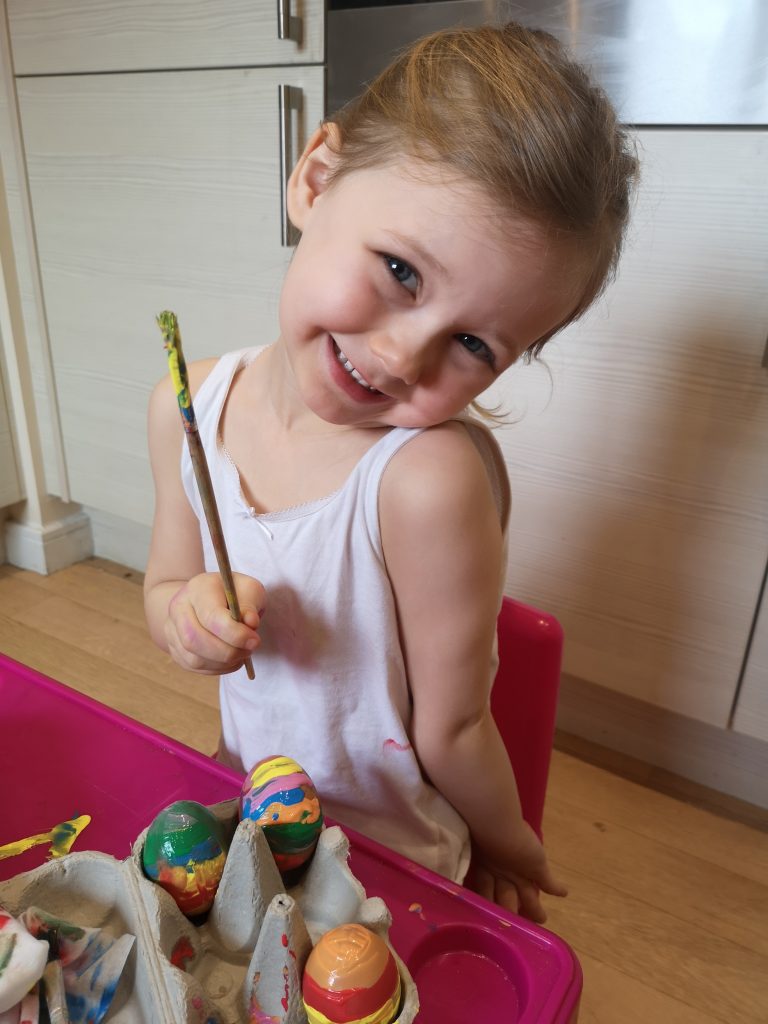
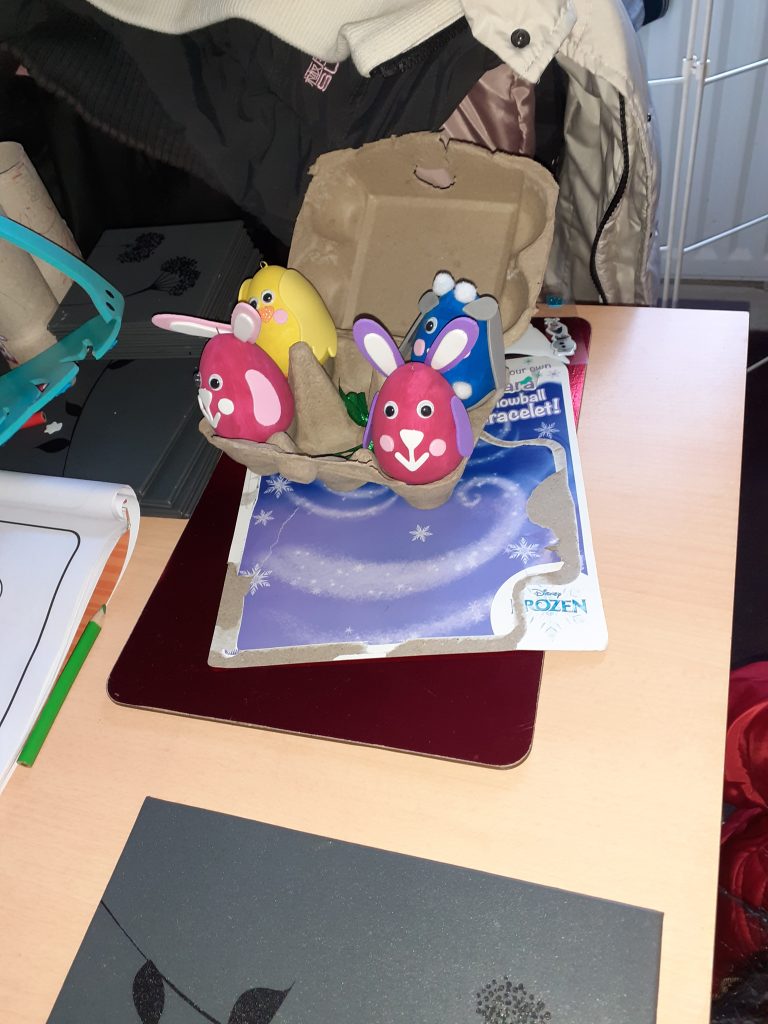
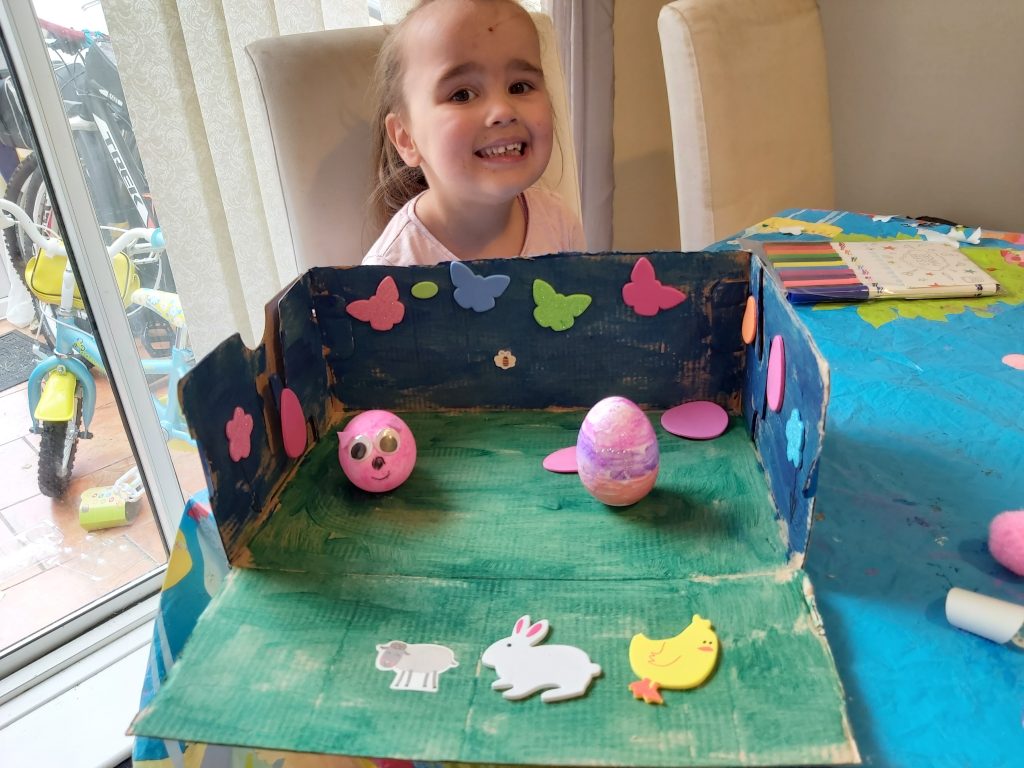
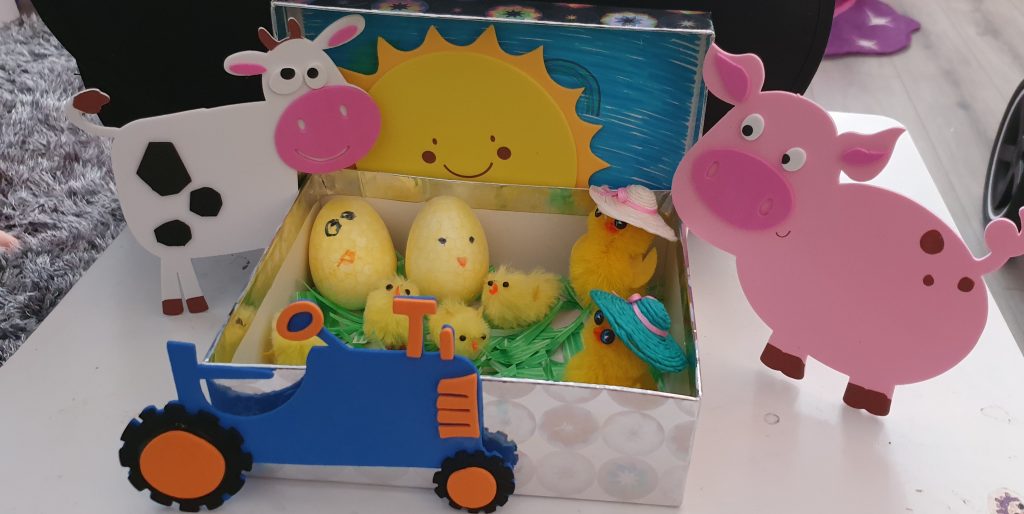
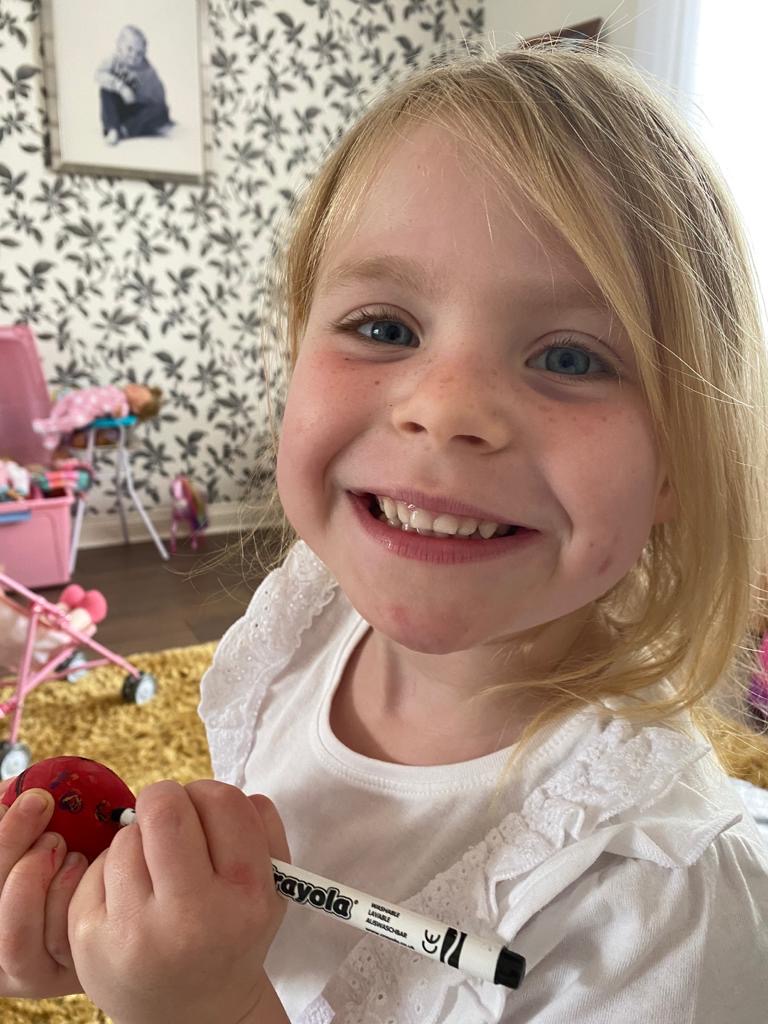
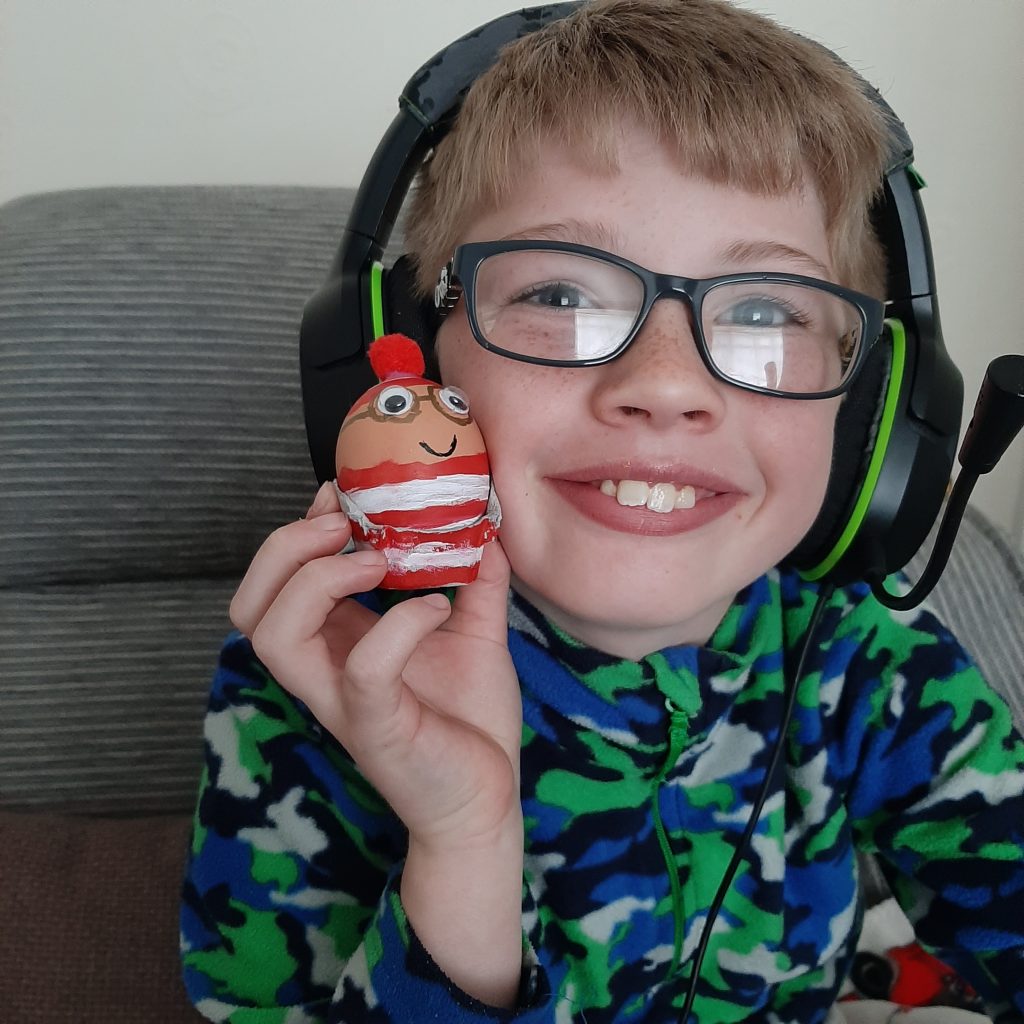
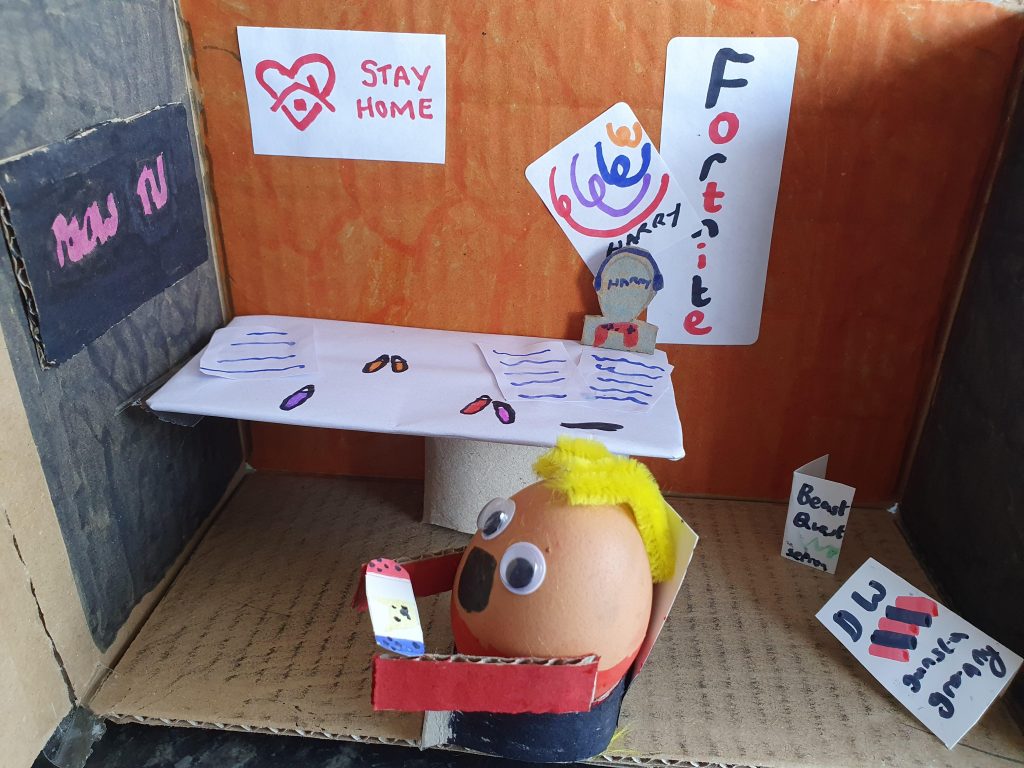
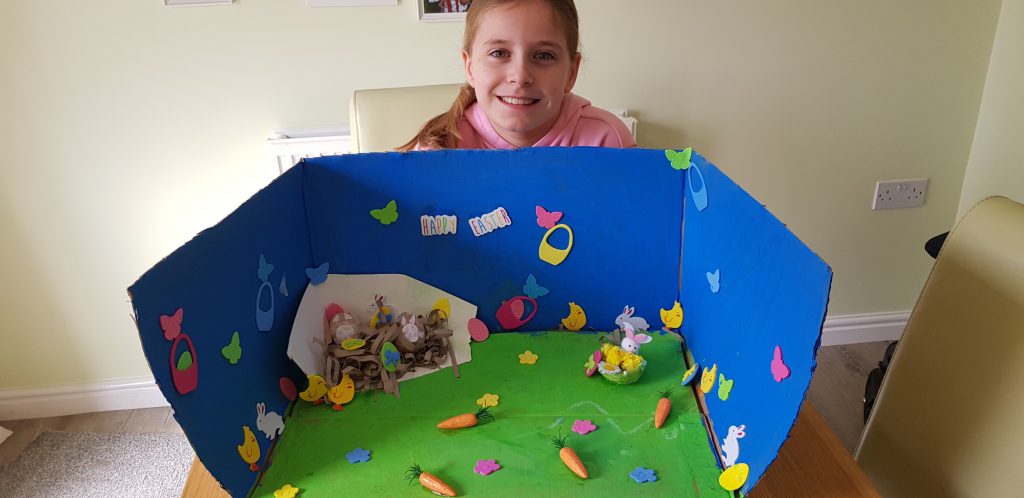
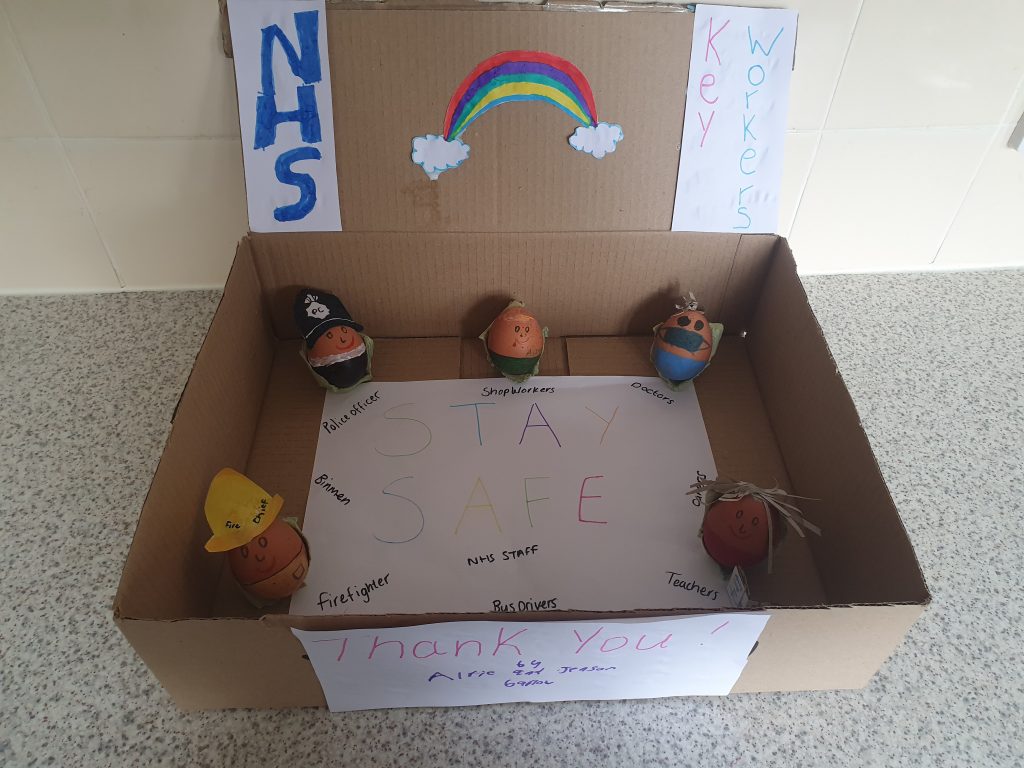
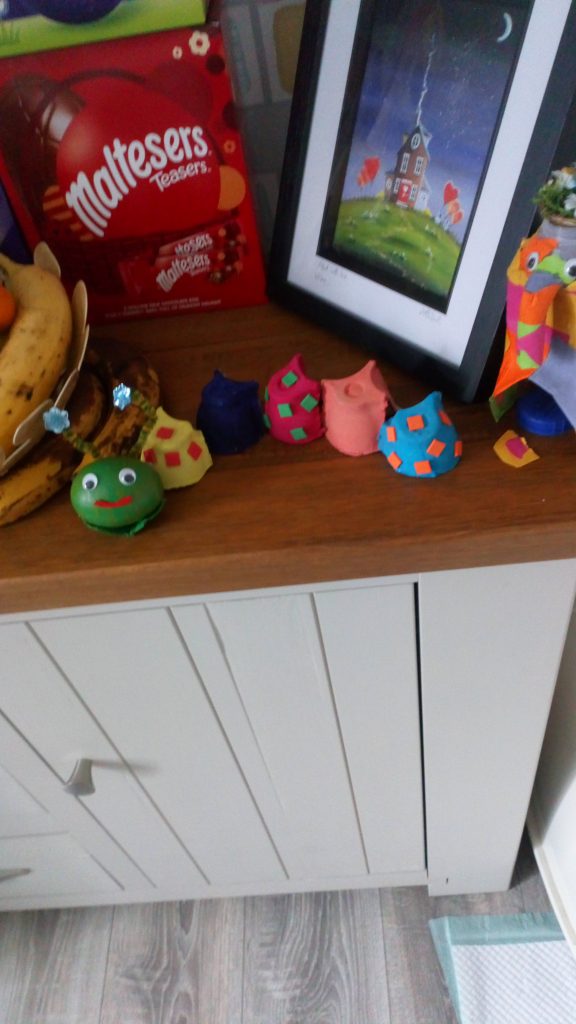
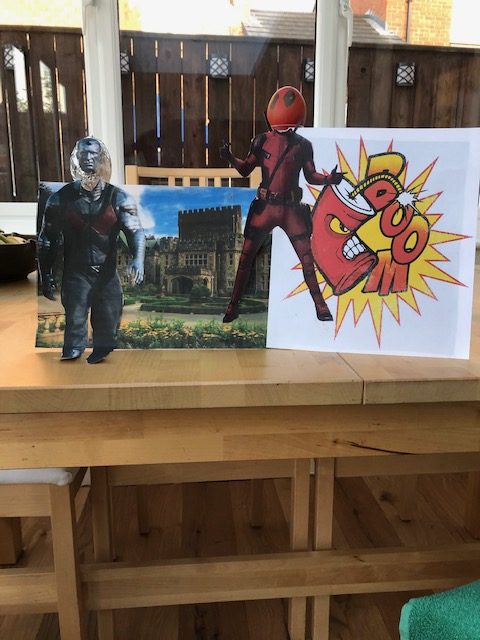
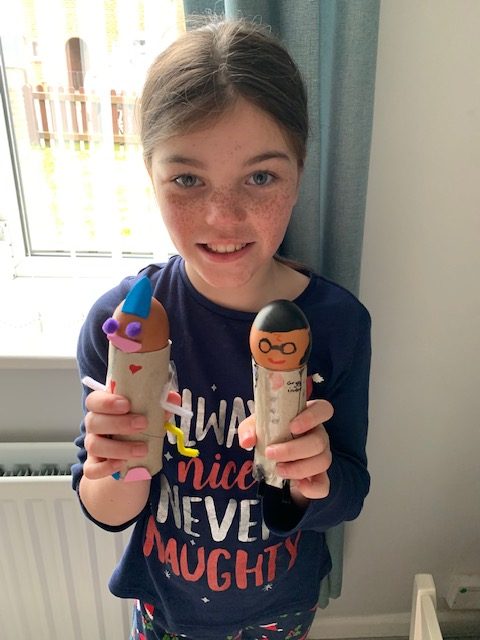
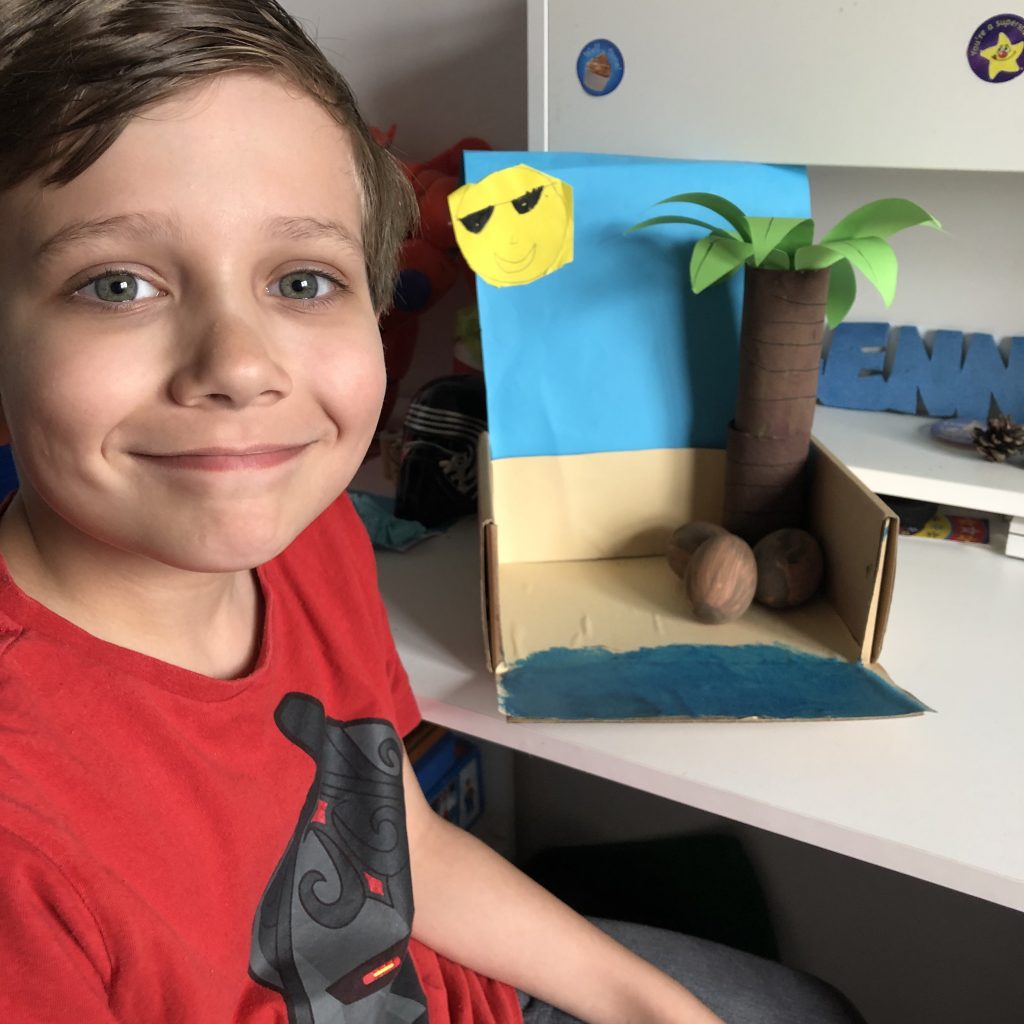
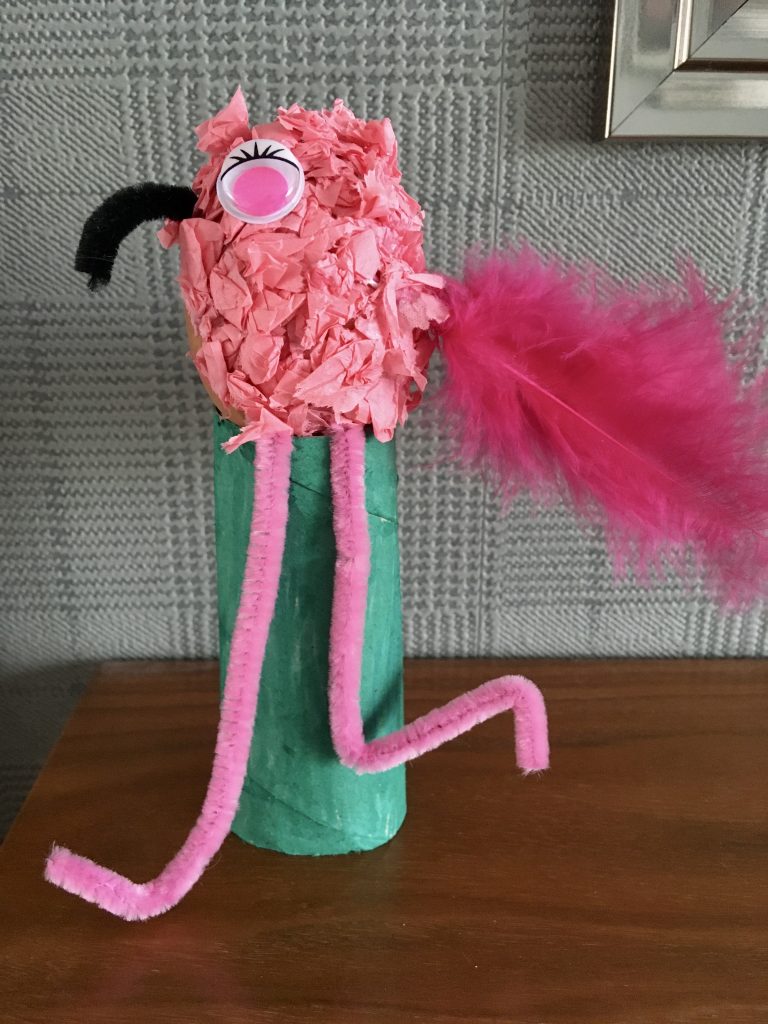
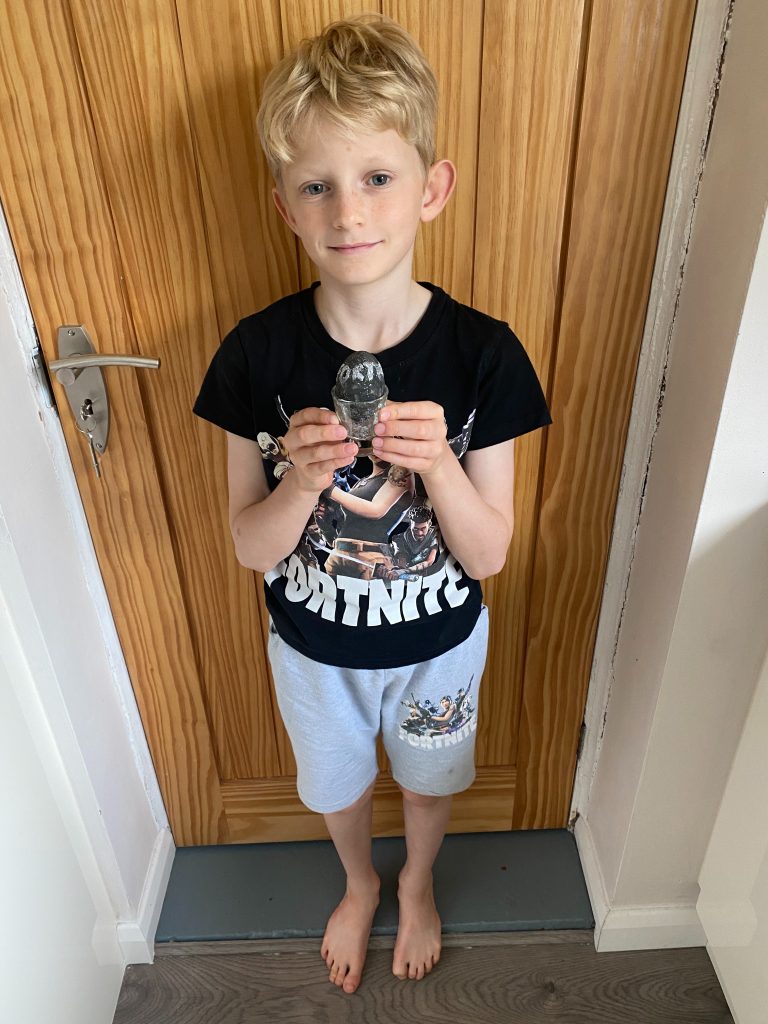
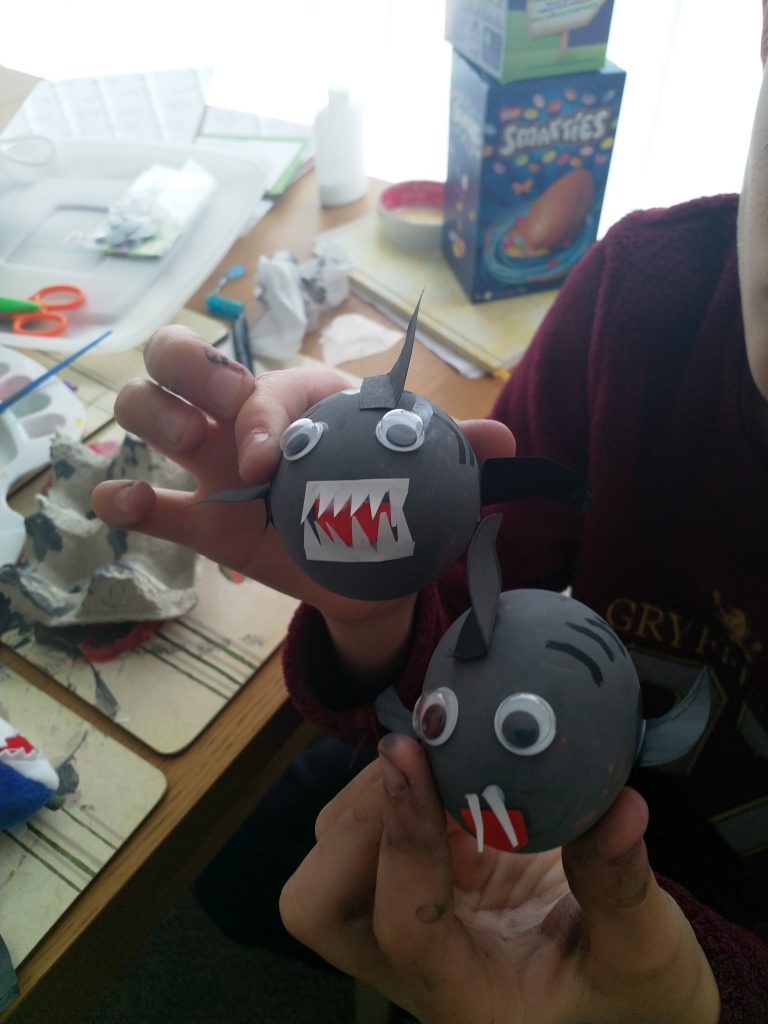
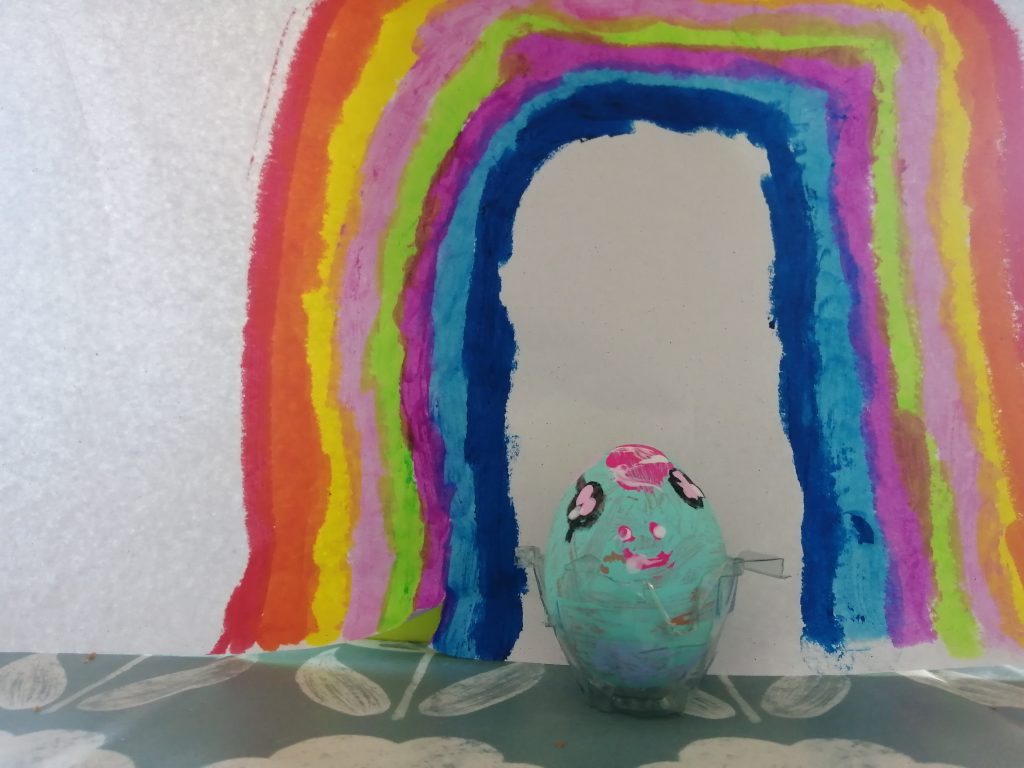
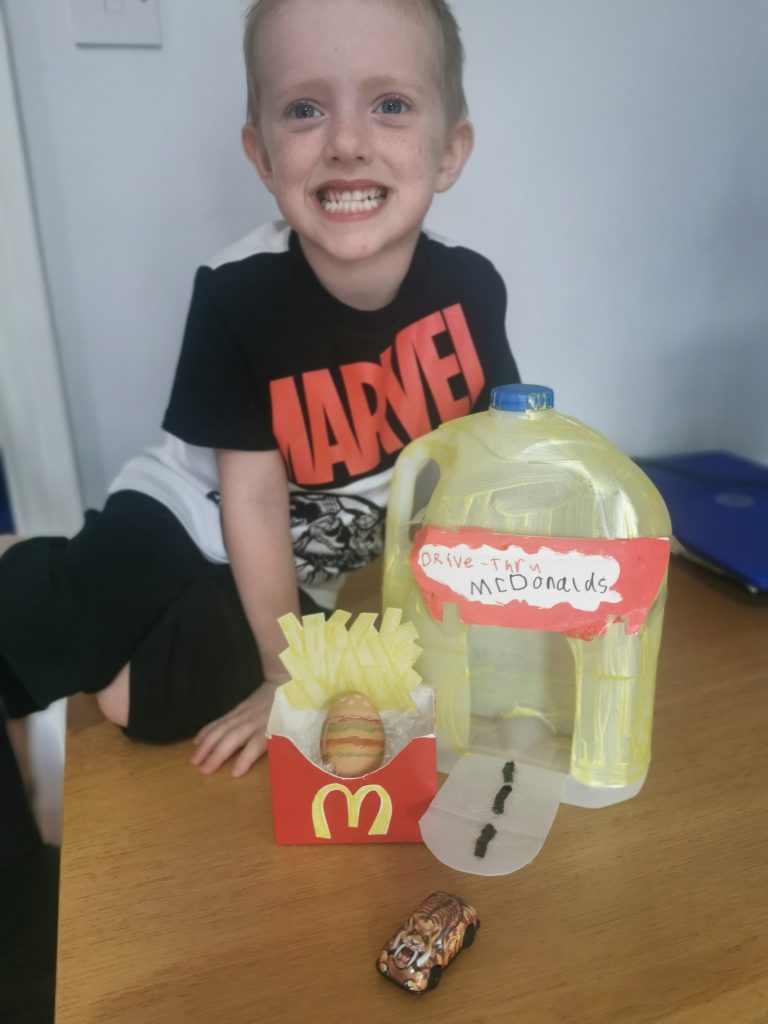
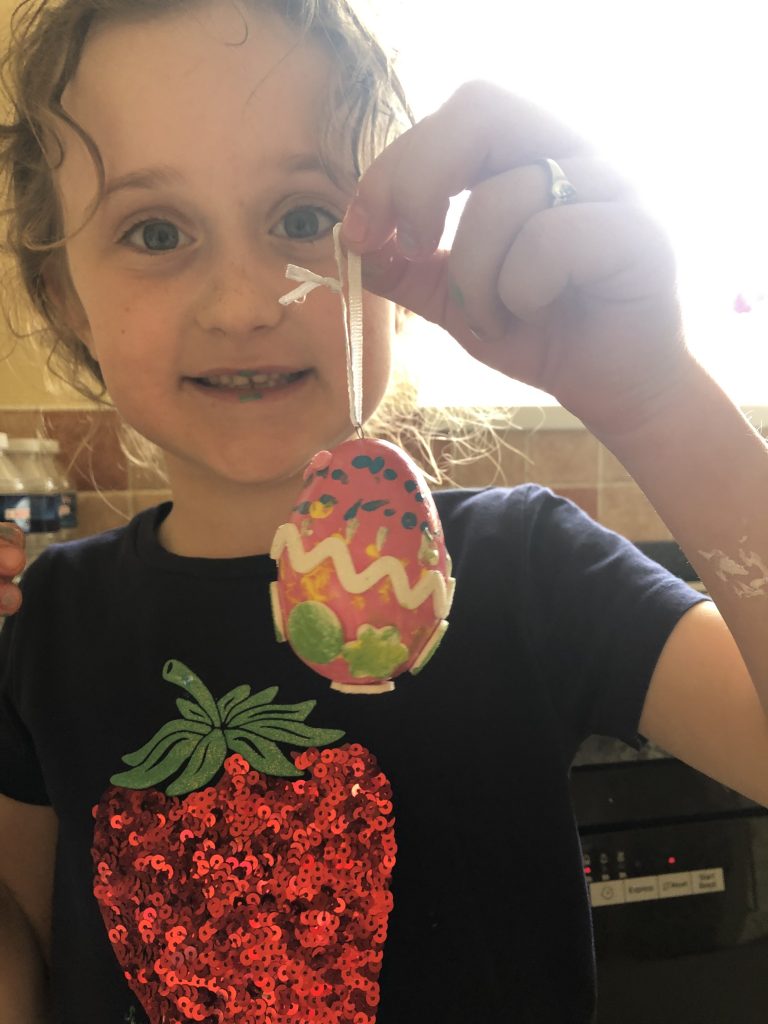
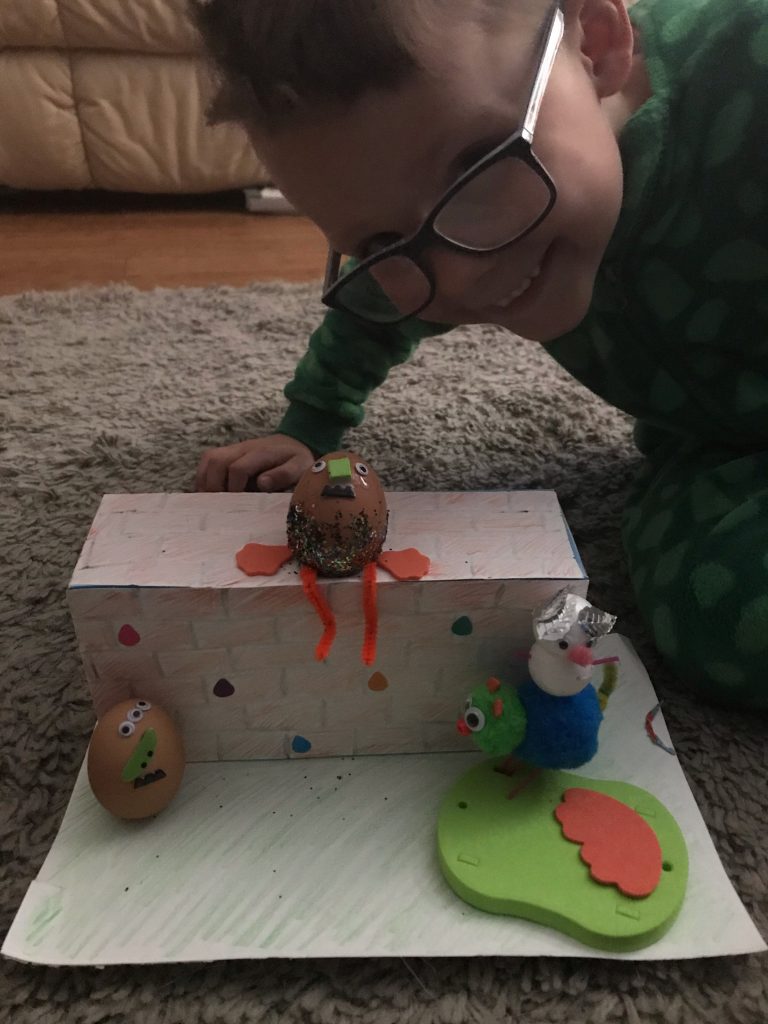
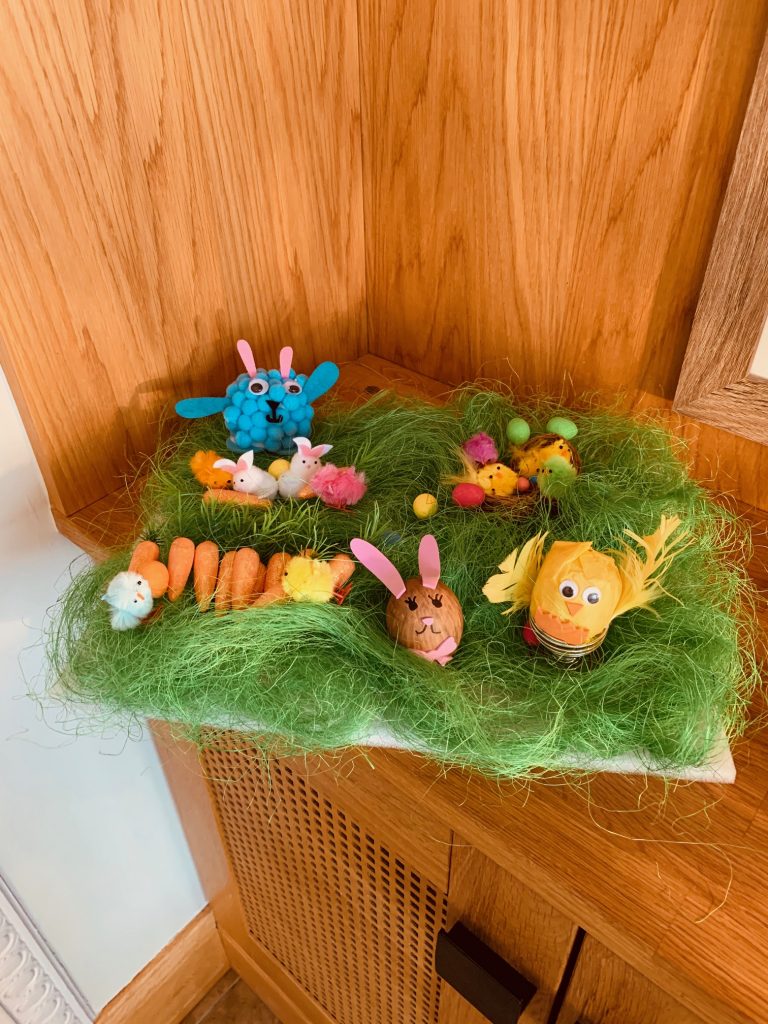
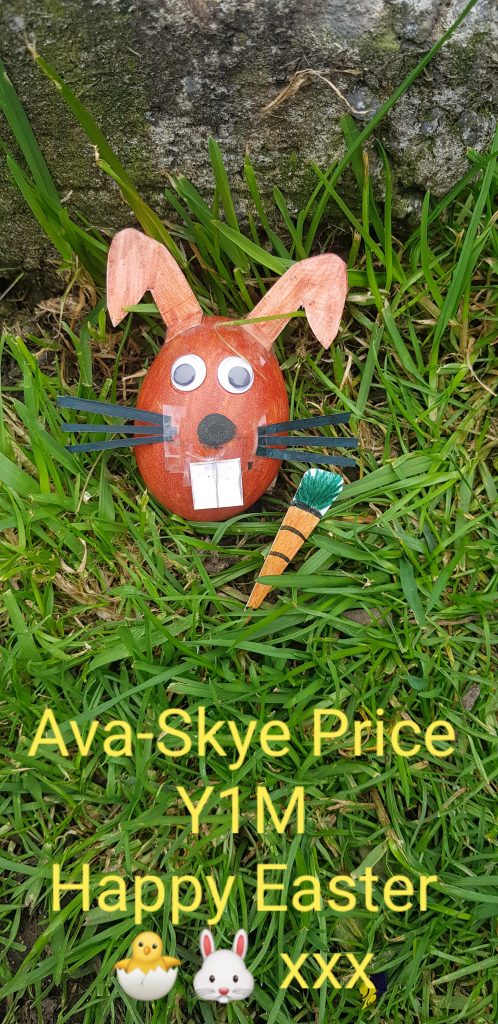
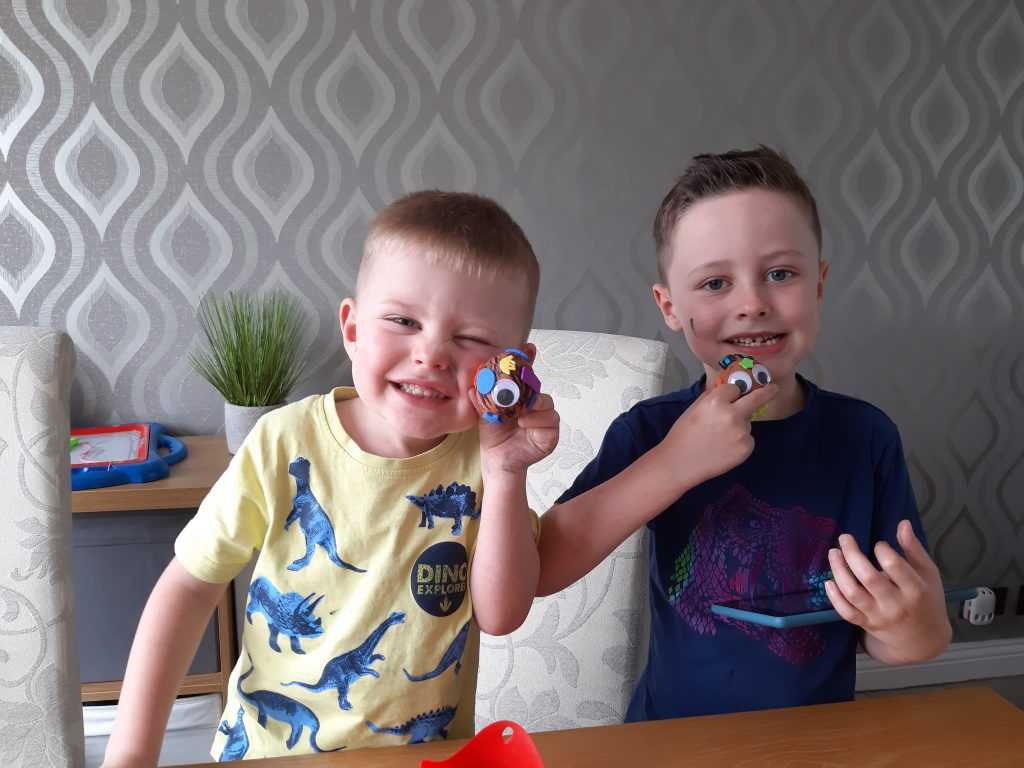
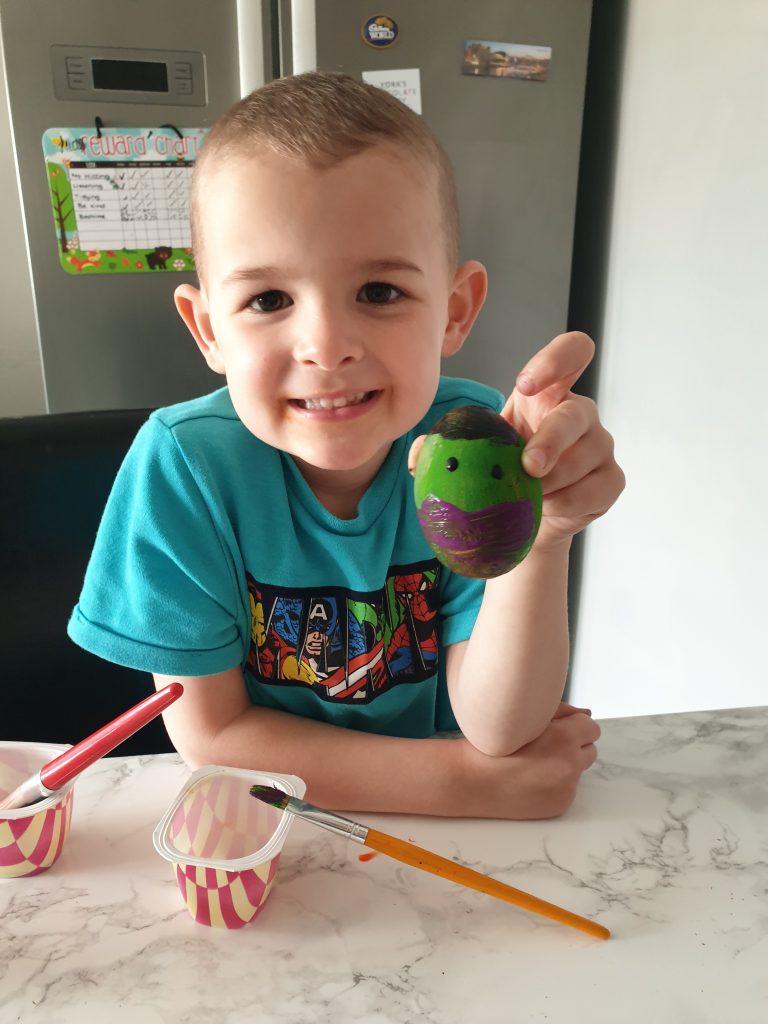
We had some amazing Easter Egg creations. Well done to everyone who joined in.
Here are our winning eggs :
Nursery – Hallie
Reception – Arthur
Year 1 – Alex
Year 2 – Imogen
Year 3 – Rosie
Year 4 – Lily-Mae
Year 5 – Jack
Year 6 – Ruby
Overall Champion – Martha – Year 3
Well done to all of our winners. Look out for a prize on your doorstep soon!
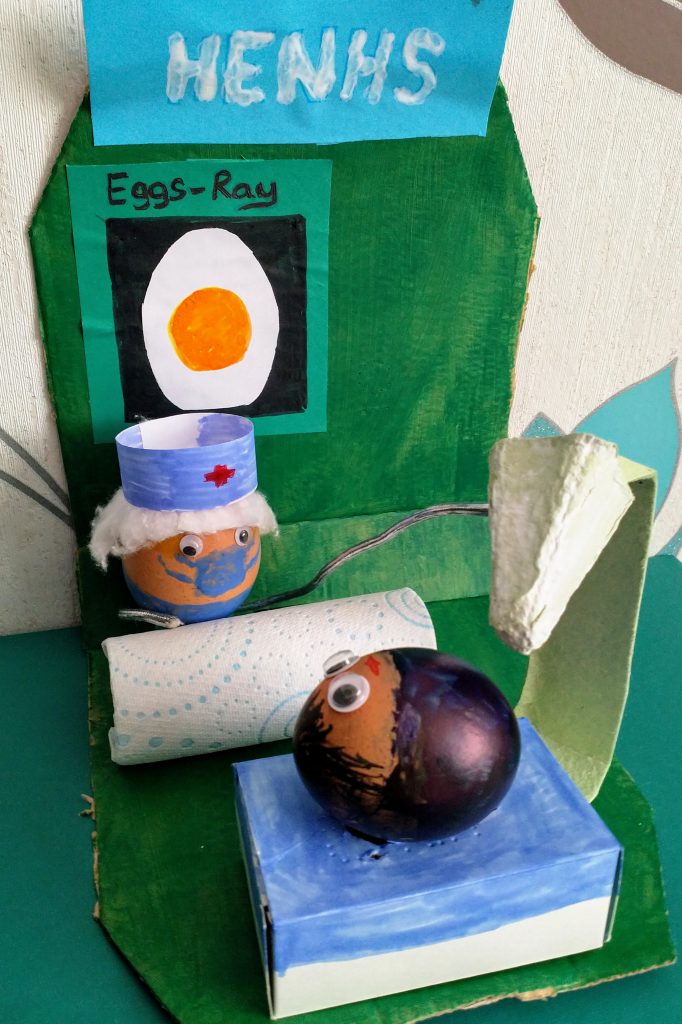
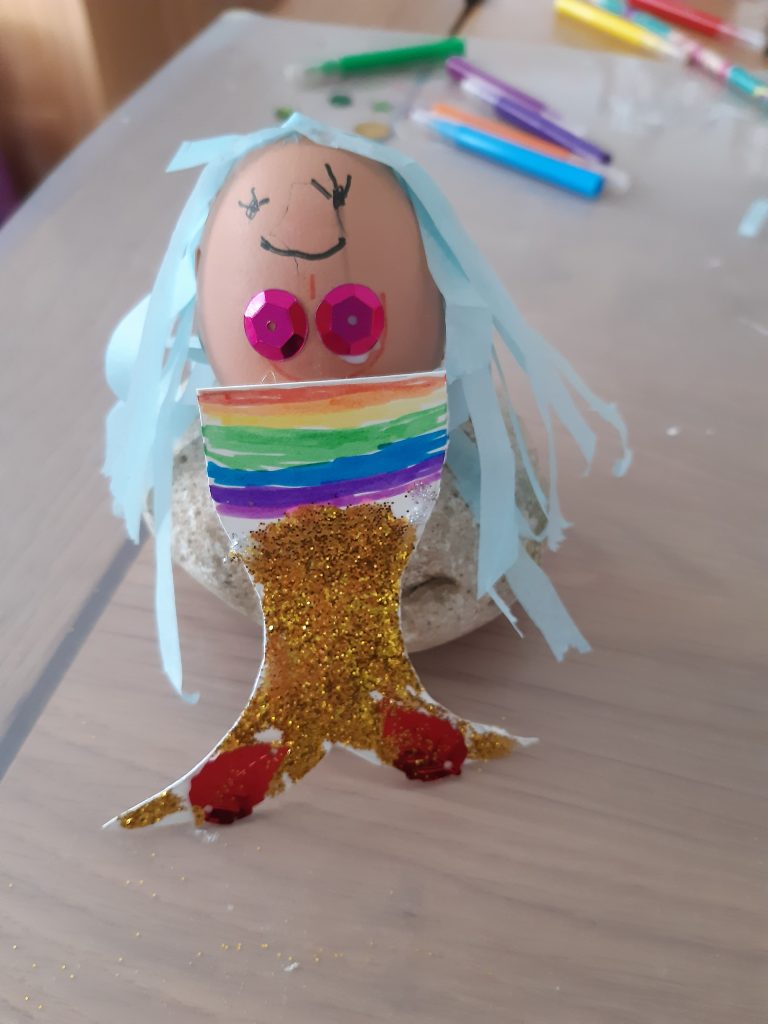
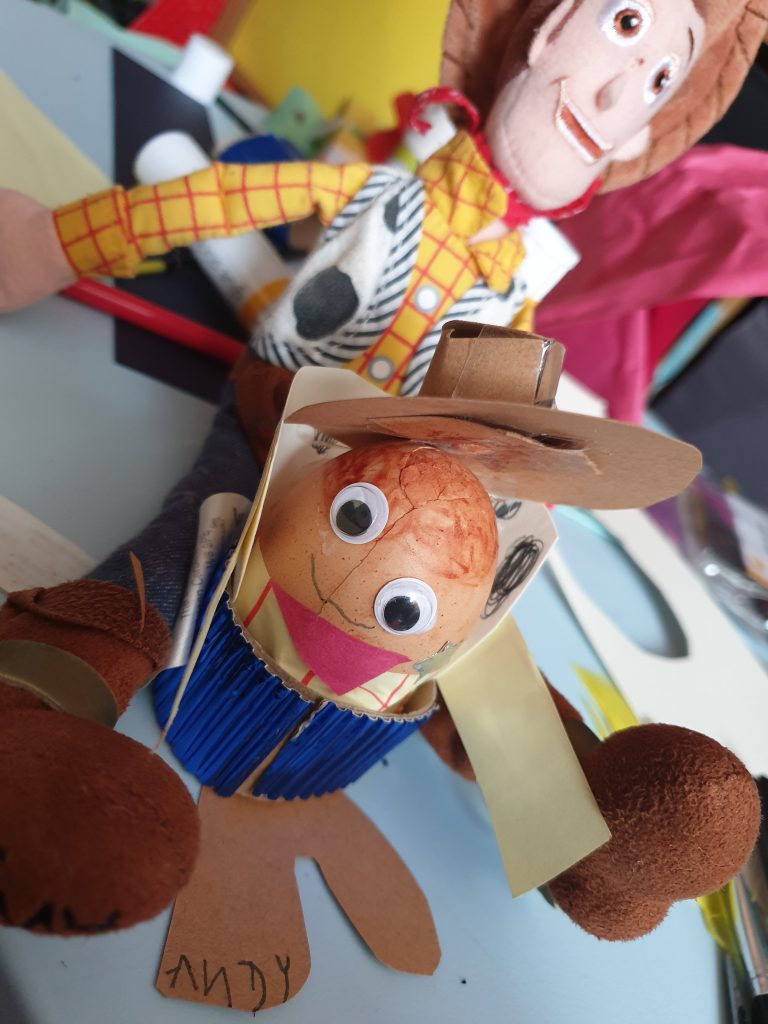
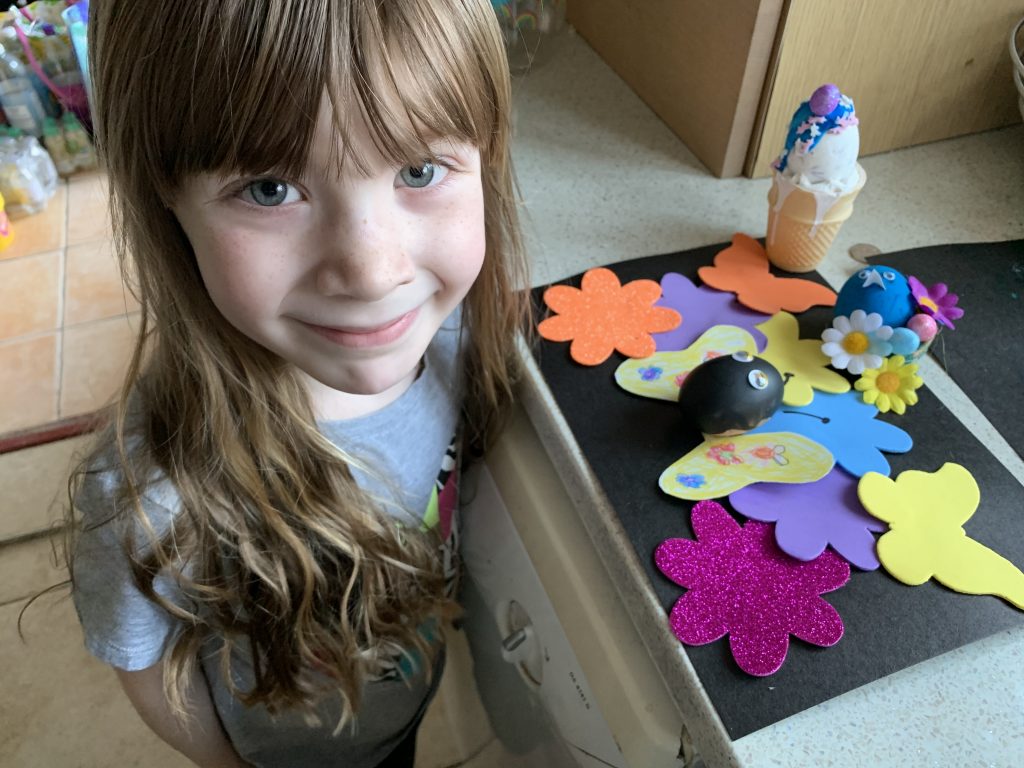
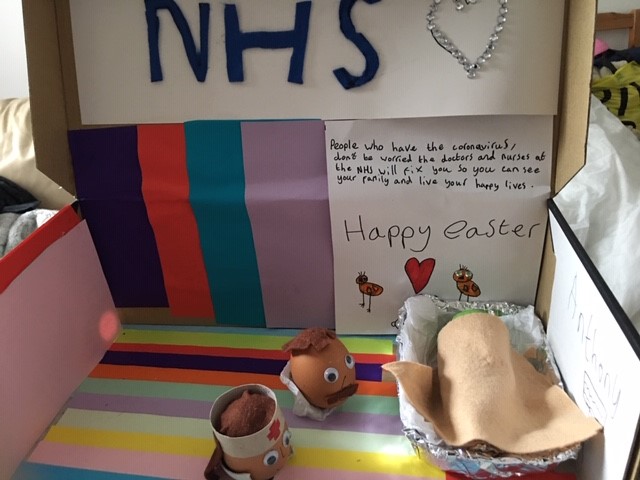
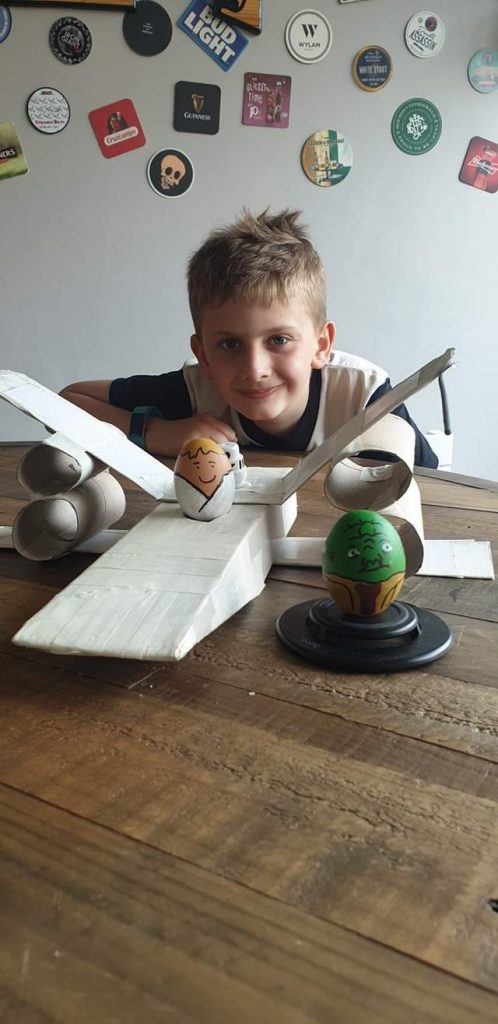
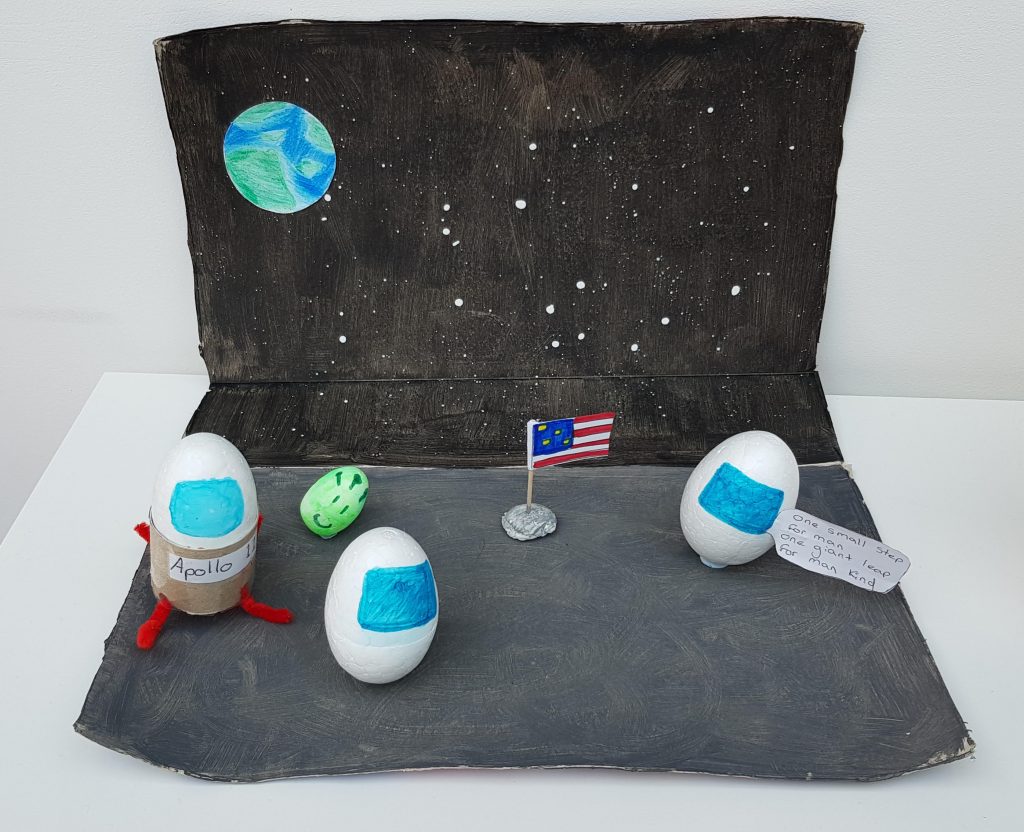
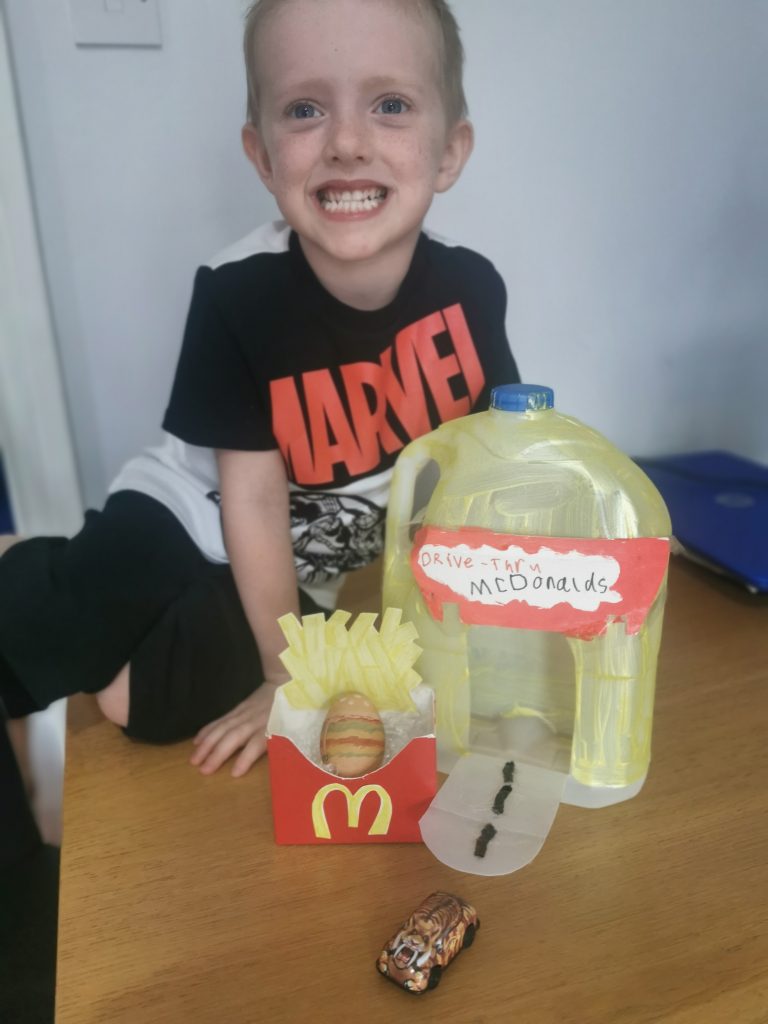
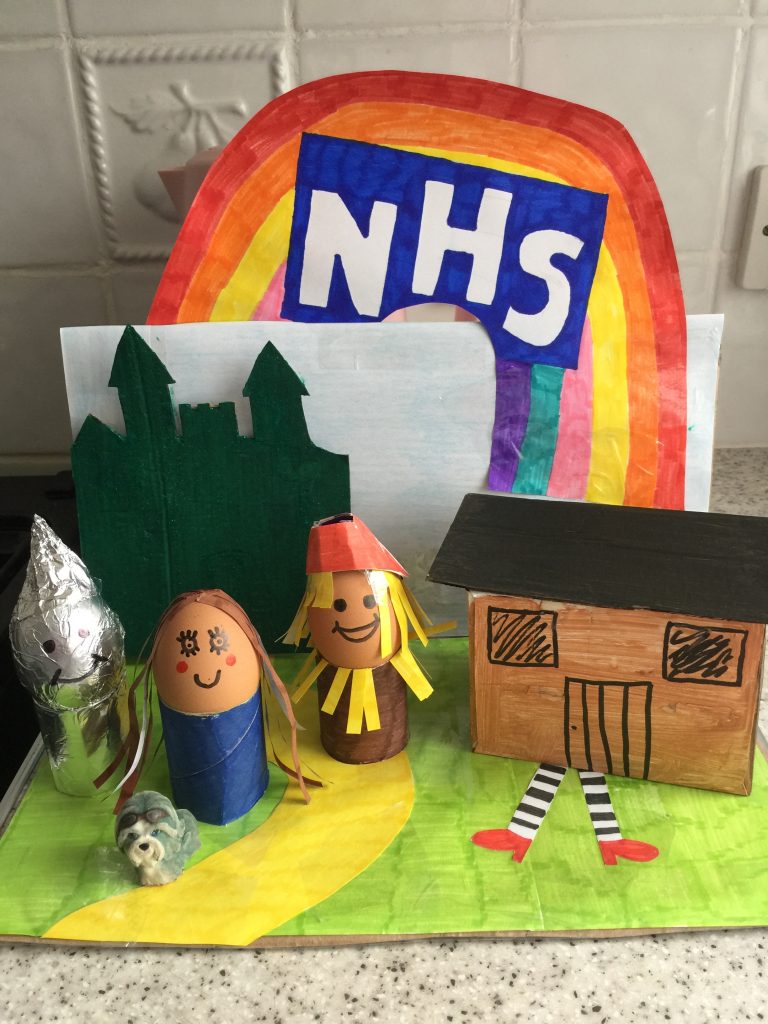
We all loved seeing everyone’s Easter egg creations this weekend. Well done to all who joined in. We hope you all had fun!
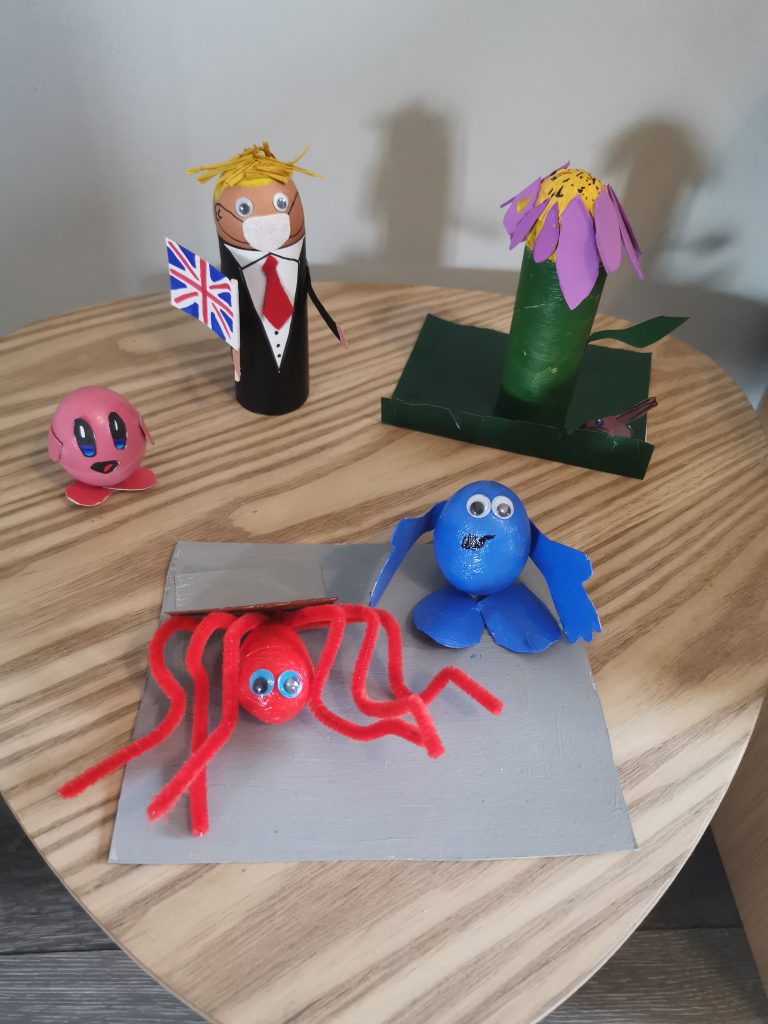
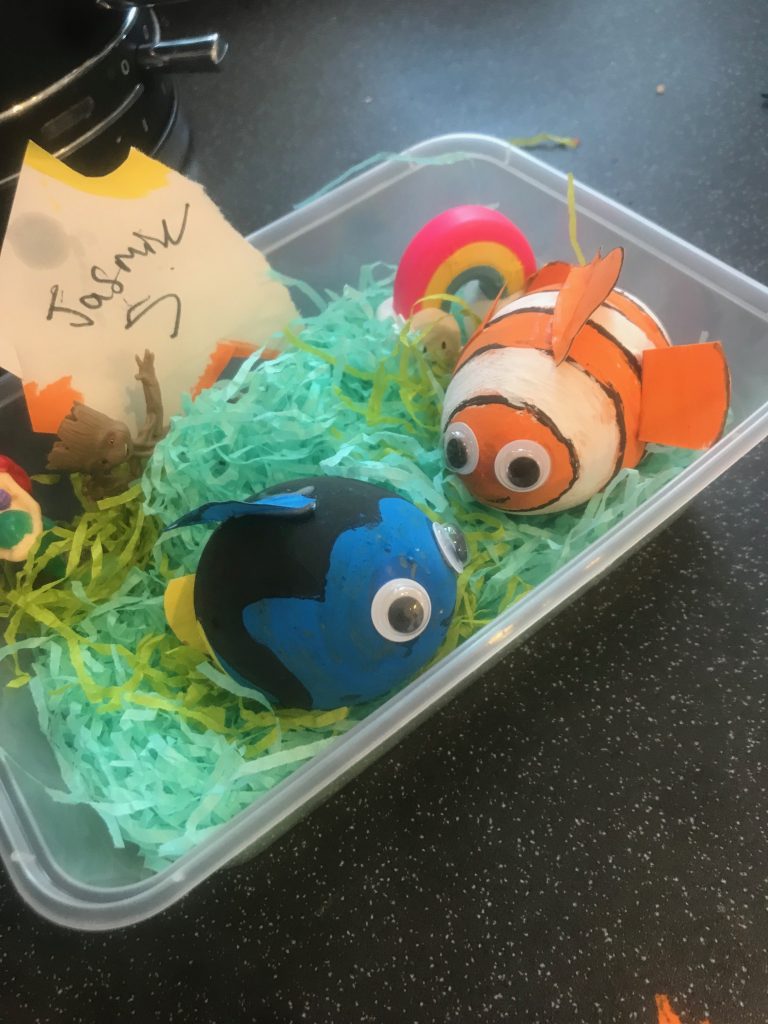
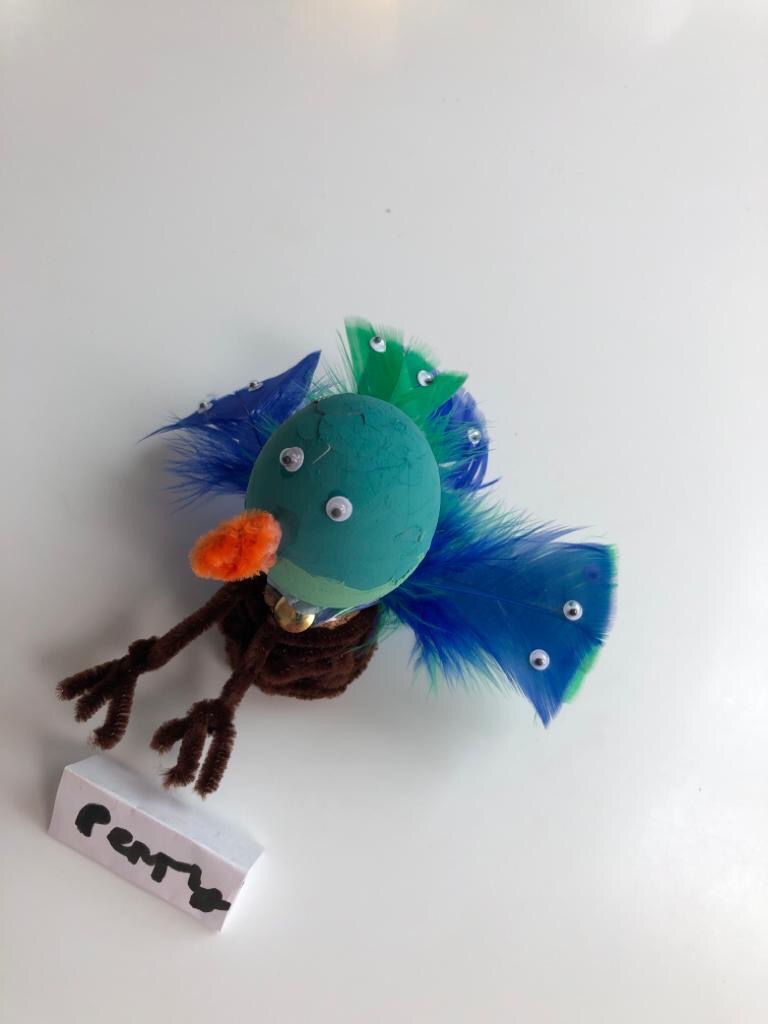
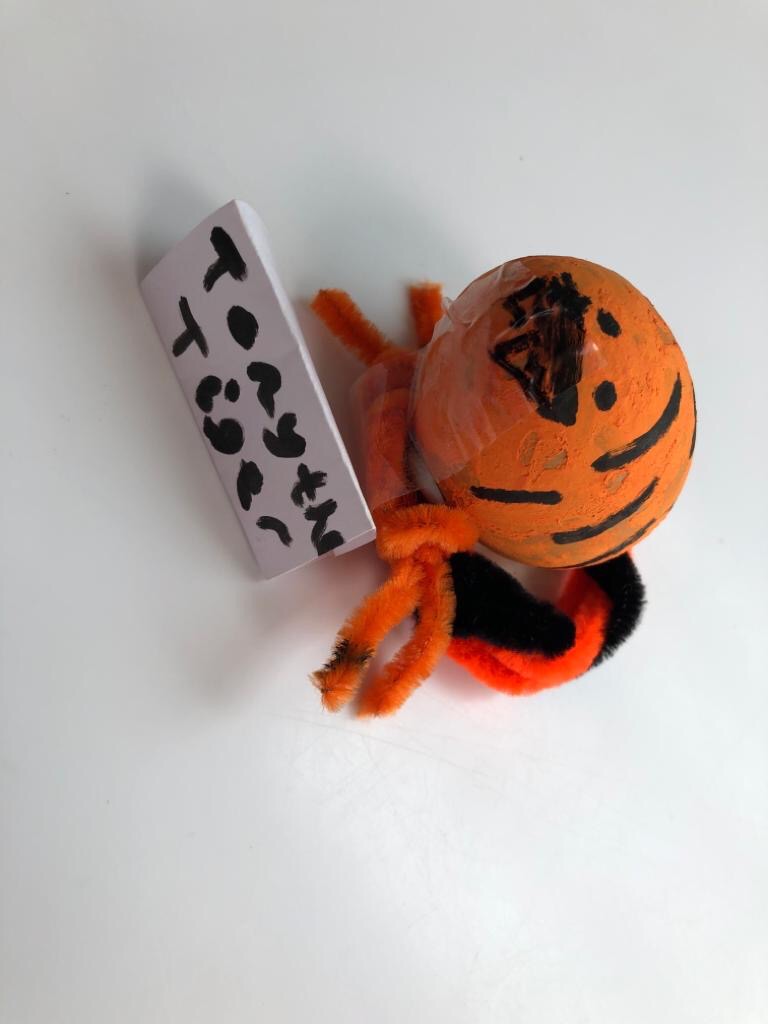

dav
dav
There are a wealth of resources available online to continue to support all of our children with computing during school closures. Please use the following links to play online or download apps to your tablet/phones.

Simple step by step coding for children to create their own games – and suited for all ages. Free download from Apple Store or Google Play Store.

Tons of different coding opportunities that are designed to help children progress up to and over an hour of coding and debugging codes. Complete with a certificate at the end to show their achievement.
Follow the link: https://hourofcode.com/uk/learn and tailor to activity to the age/ability of your child.

For Key Stage 2 (Year 3-6), use Scratch to create games using different levels of instructions and codes – from movements to sounds. Play different games made by users and see the codes that made them run.
Simply follow the link: https://scratch.mit.edu/ and create a free account by clicking Join Scratch in the top right.

Digital Escape Room
Using the ICTinSchool website to solve different puzzles and use critical thinking to help escape different types of rooms – from space stations to haunted houses.
Click on the link: http://www.ictinschools.org/escape-room/ (Best played on computer/laptop or large screen tablet)
